Butterfly Wallpapers
Delicate wings, dreamy light, original butterfly art for your screens.
6 free designs below, each in phone and desktop size
Updated August 2026
Curated by  Nova Vale
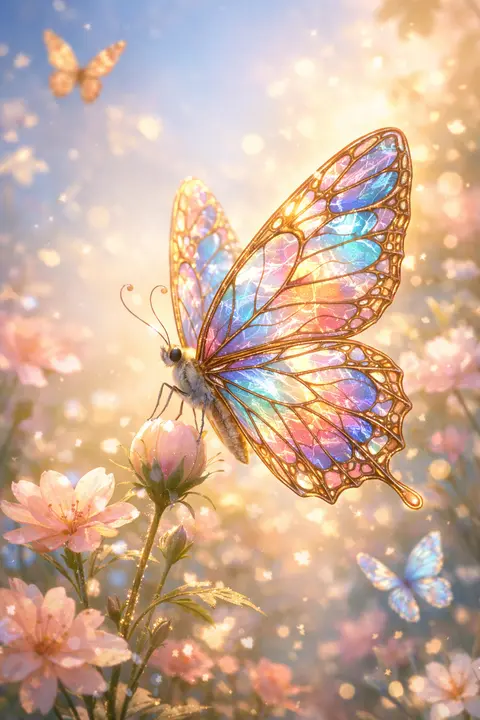
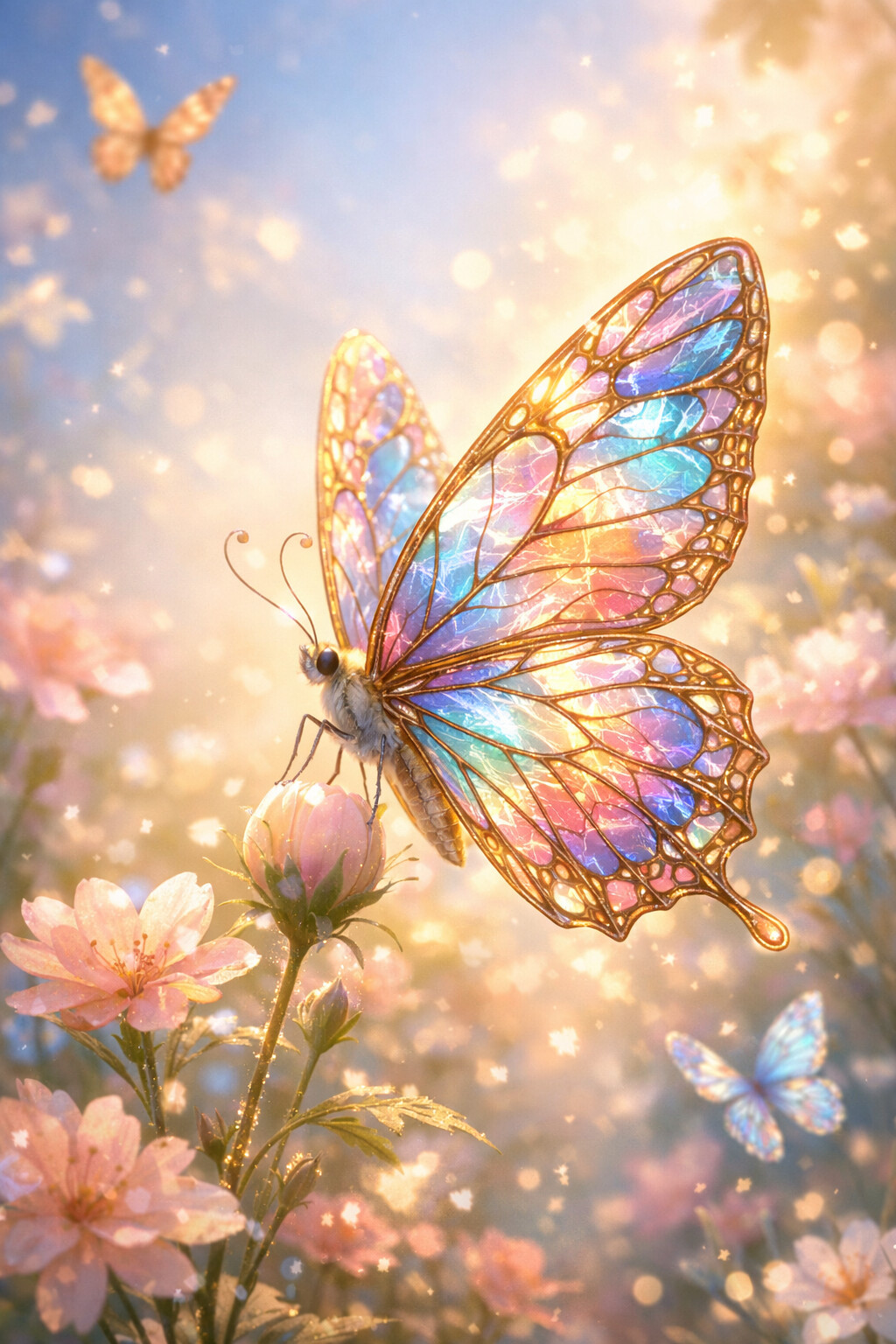
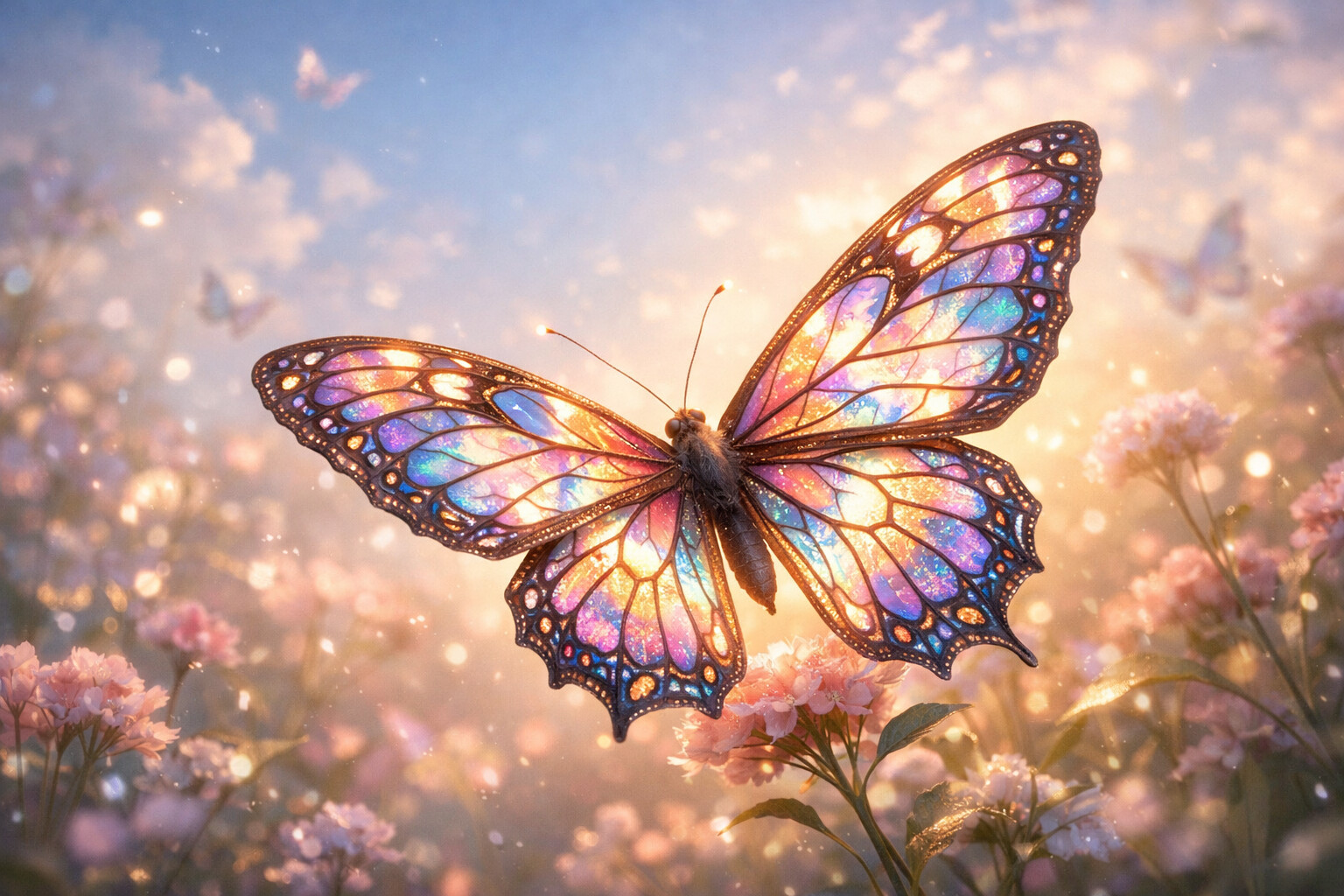
Glass Wings
Wings like stained glass with the morning behind them. Detail worth zooming into.
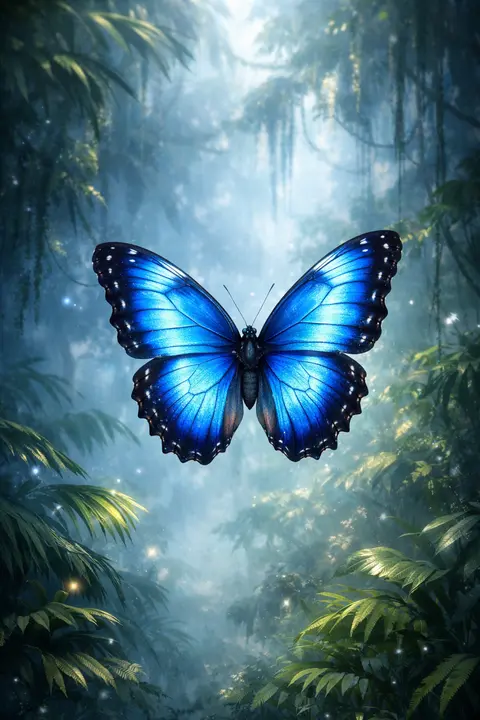
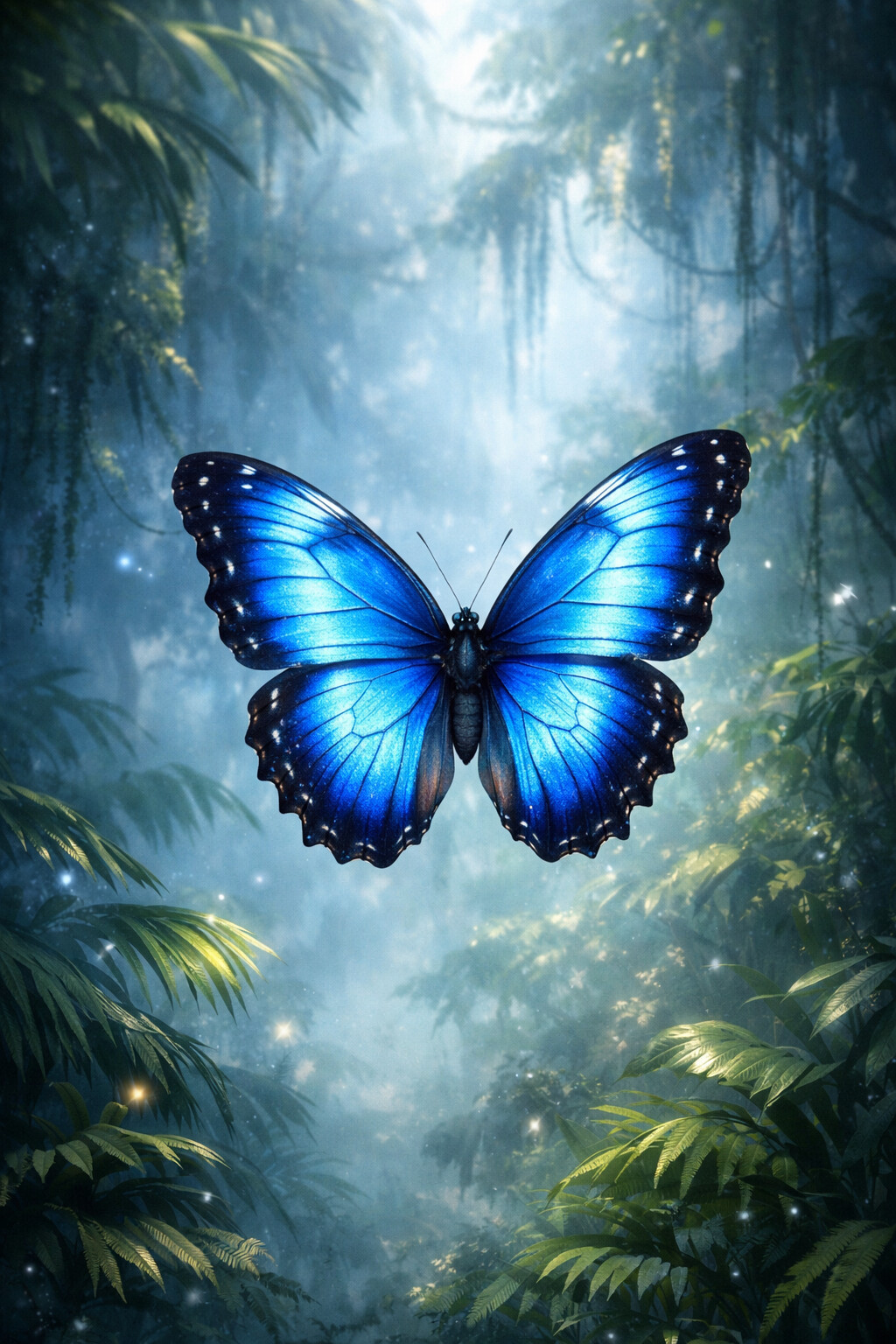
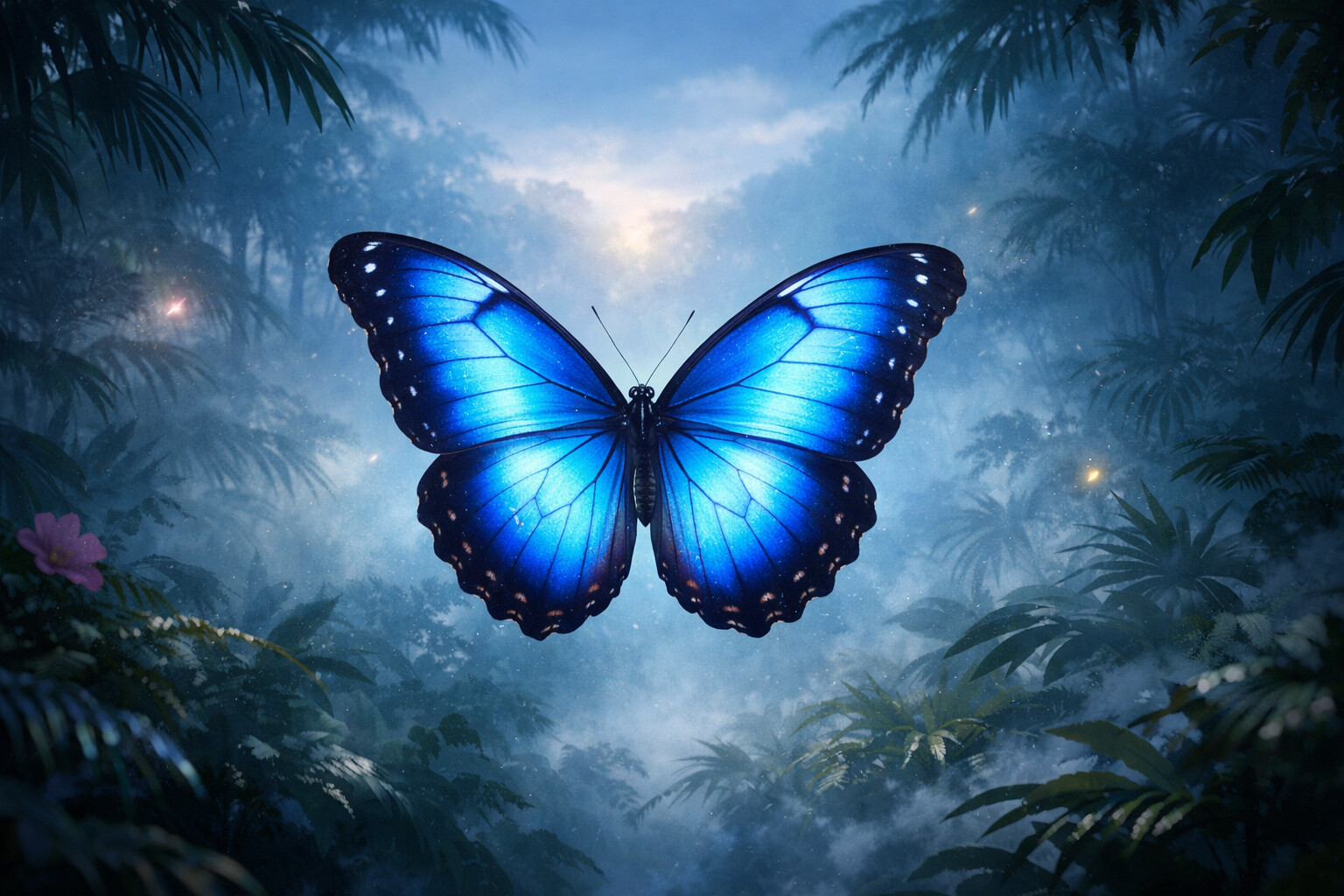
Blue Morpho
That impossible blue, floating over jungle mist. The most electric wallpaper in this gallery.
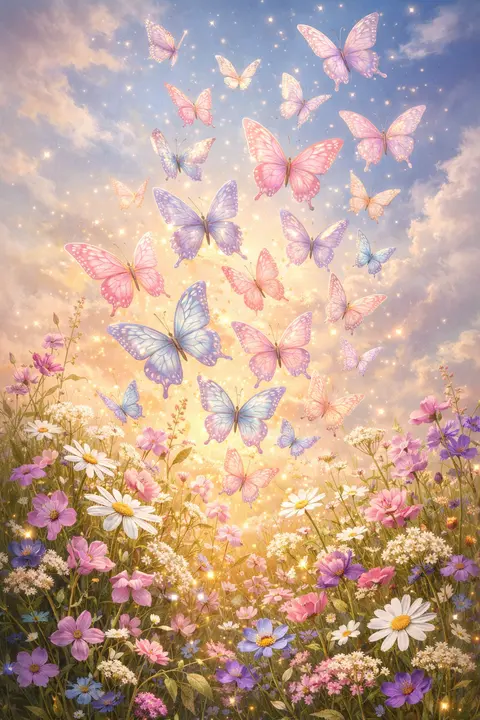
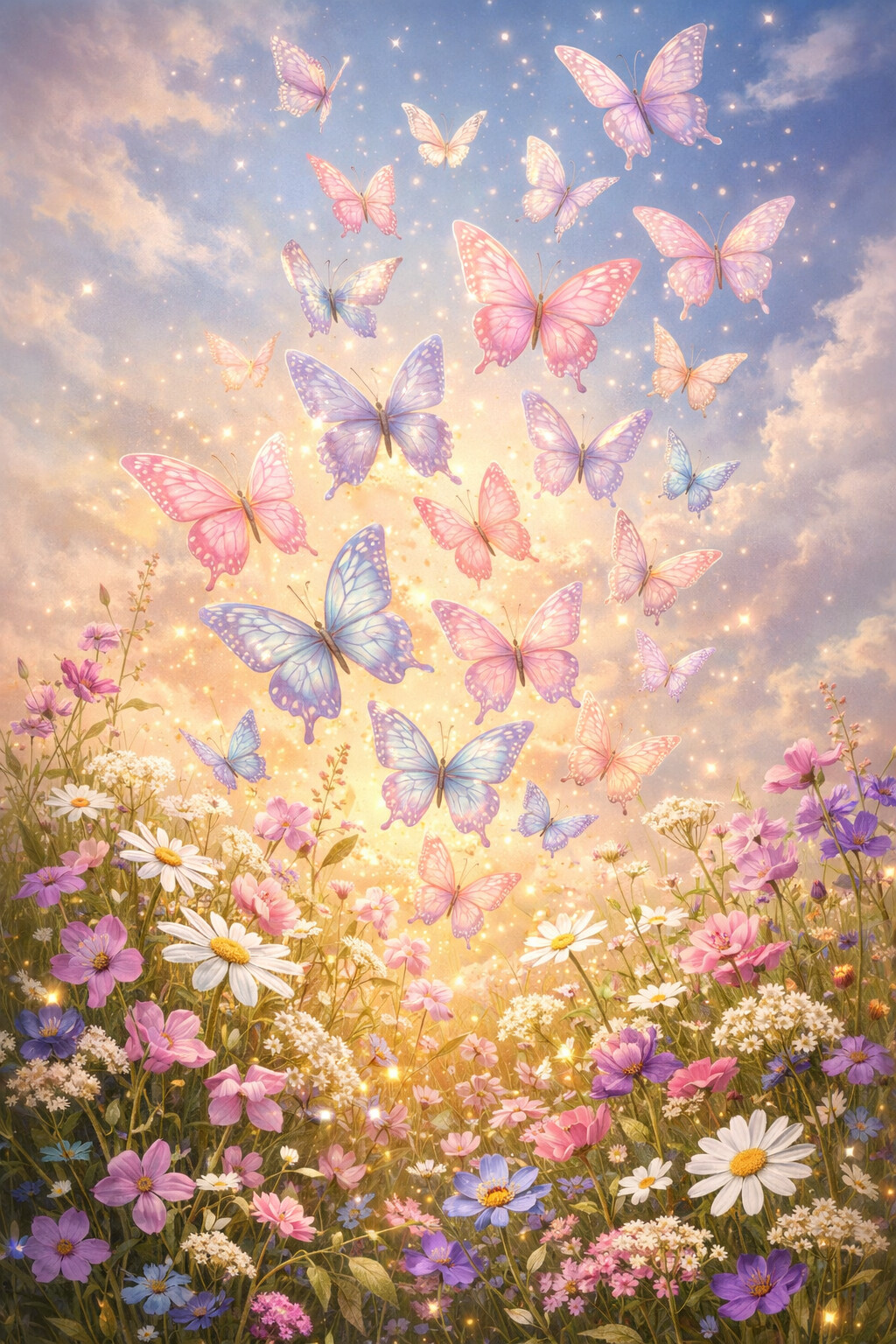
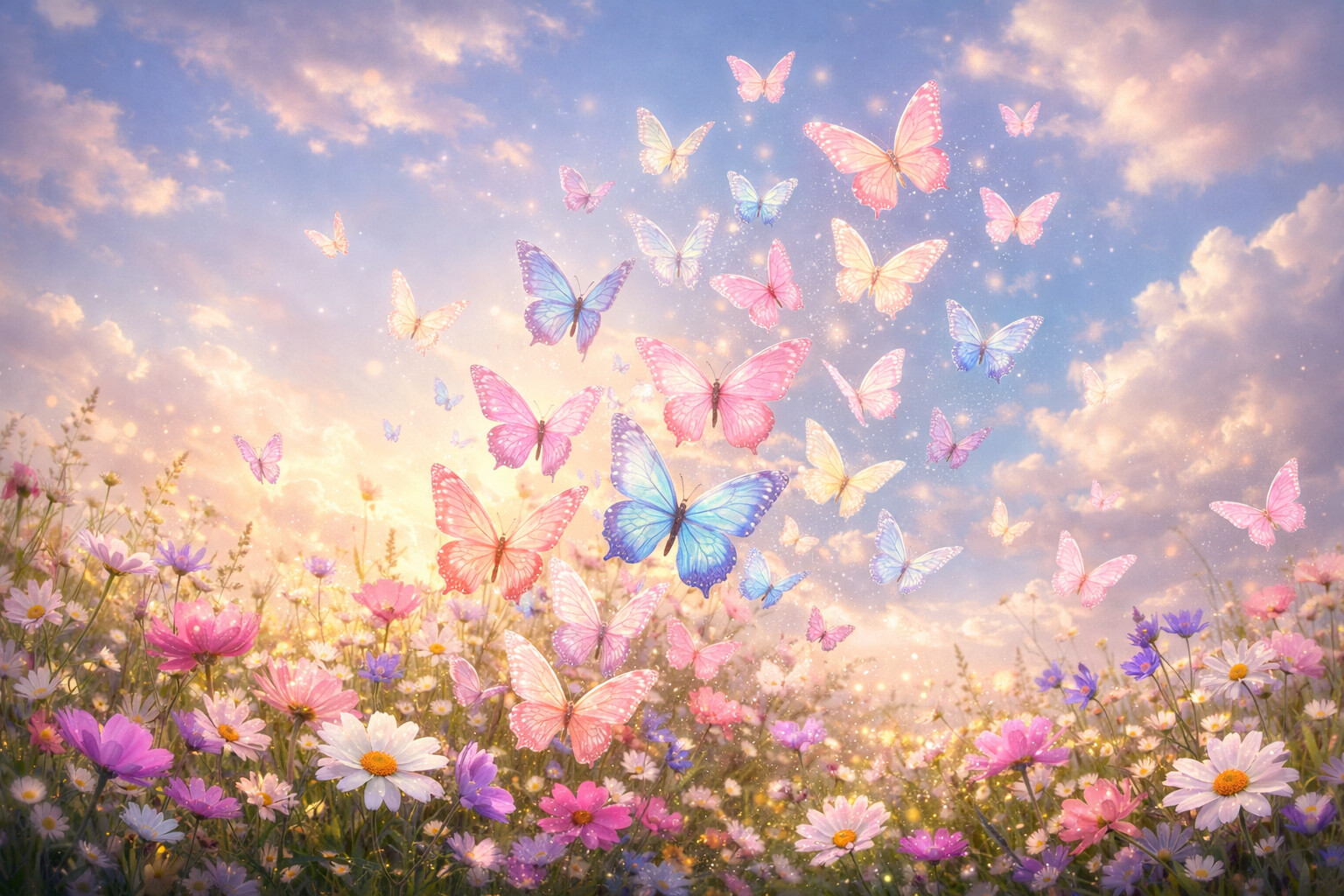
Meadow Swarm
Dozens of pastel wings lifting off at once. Movement, held still on your screen.
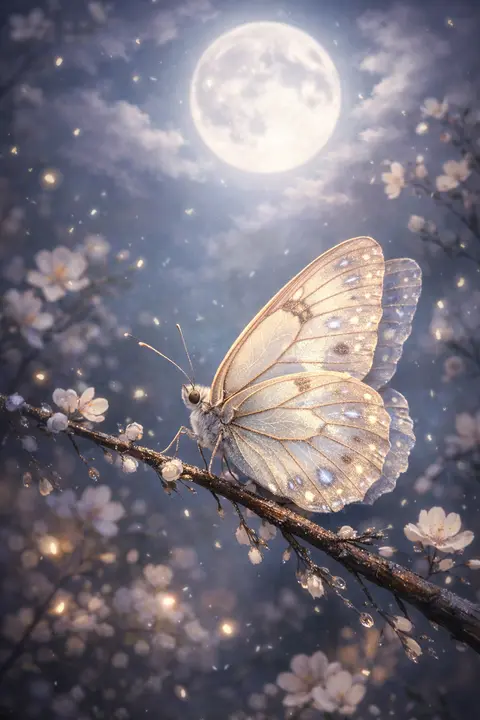
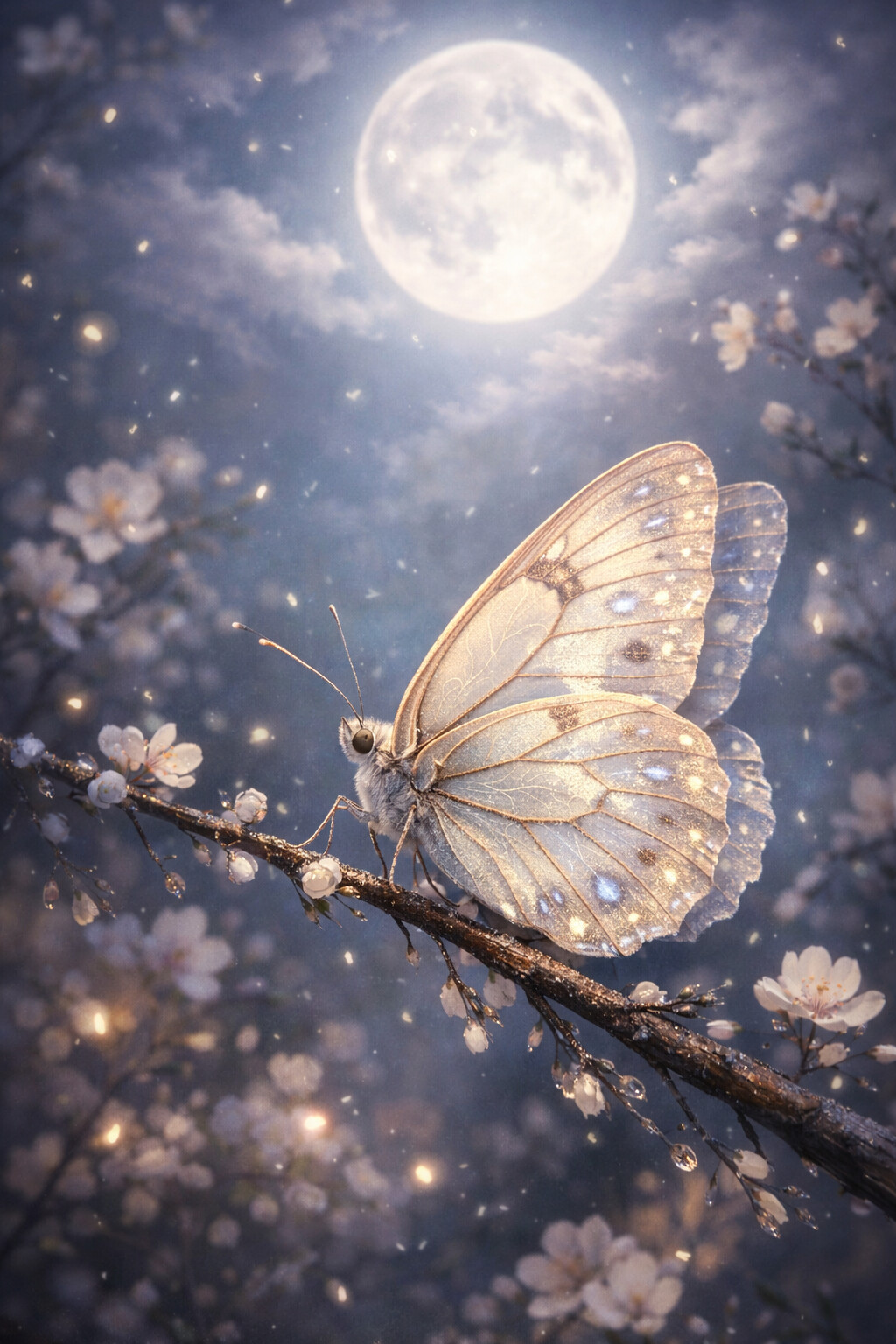
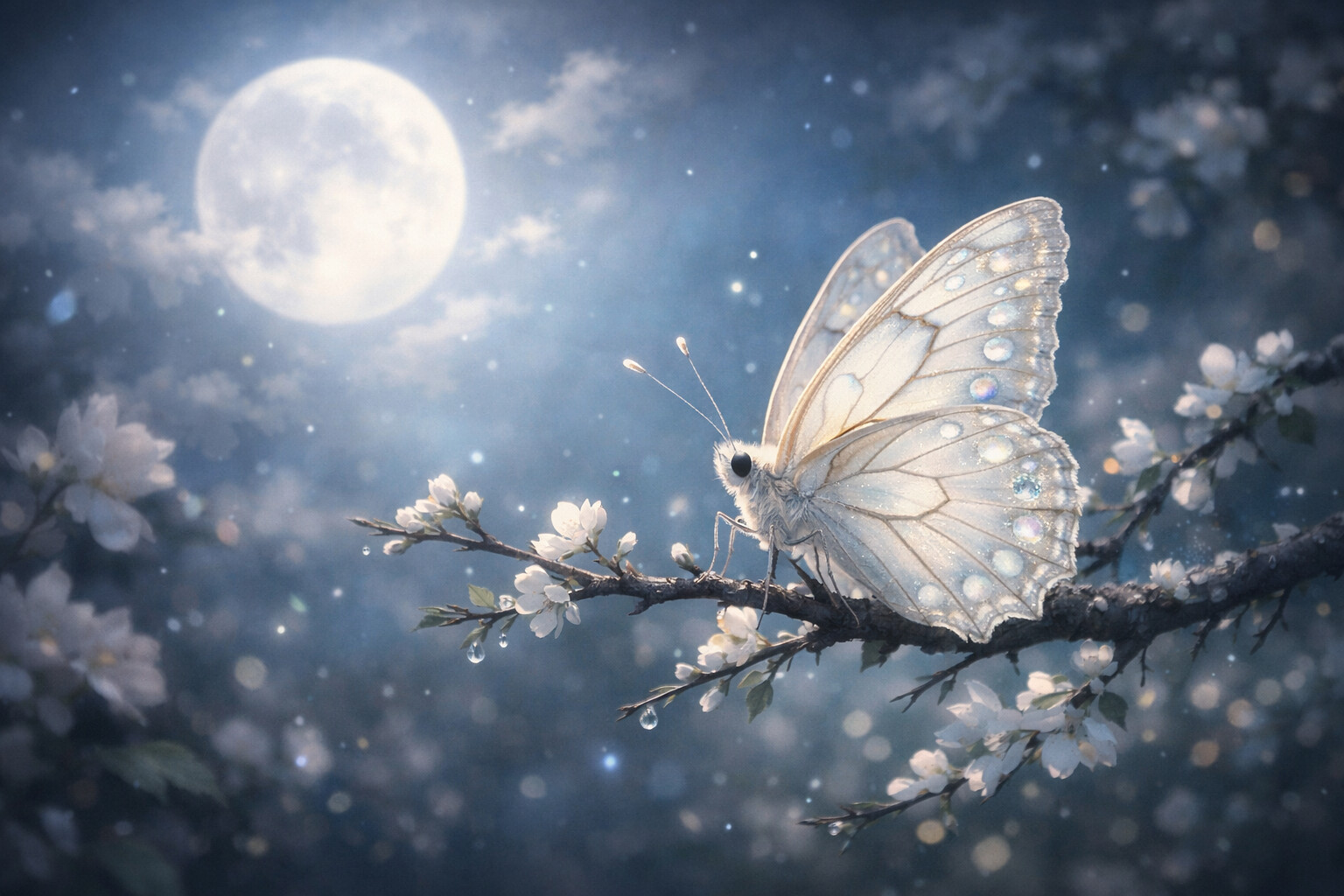
Moonlight Rest
One pale butterfly, resting. A hushed wallpaper for a phone kept on the nightstand.
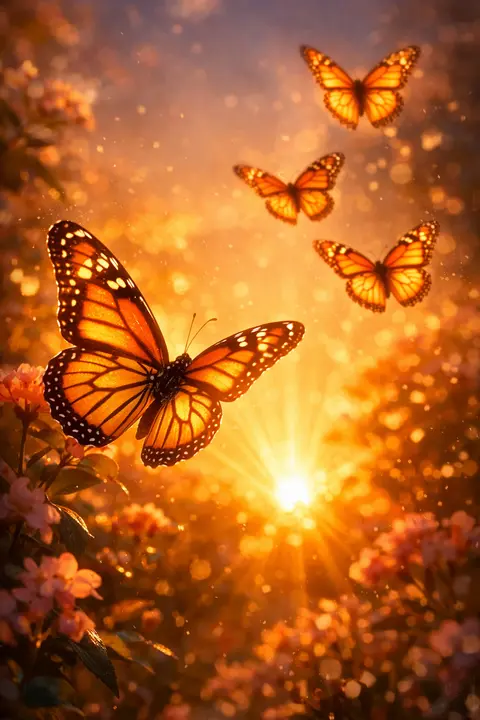
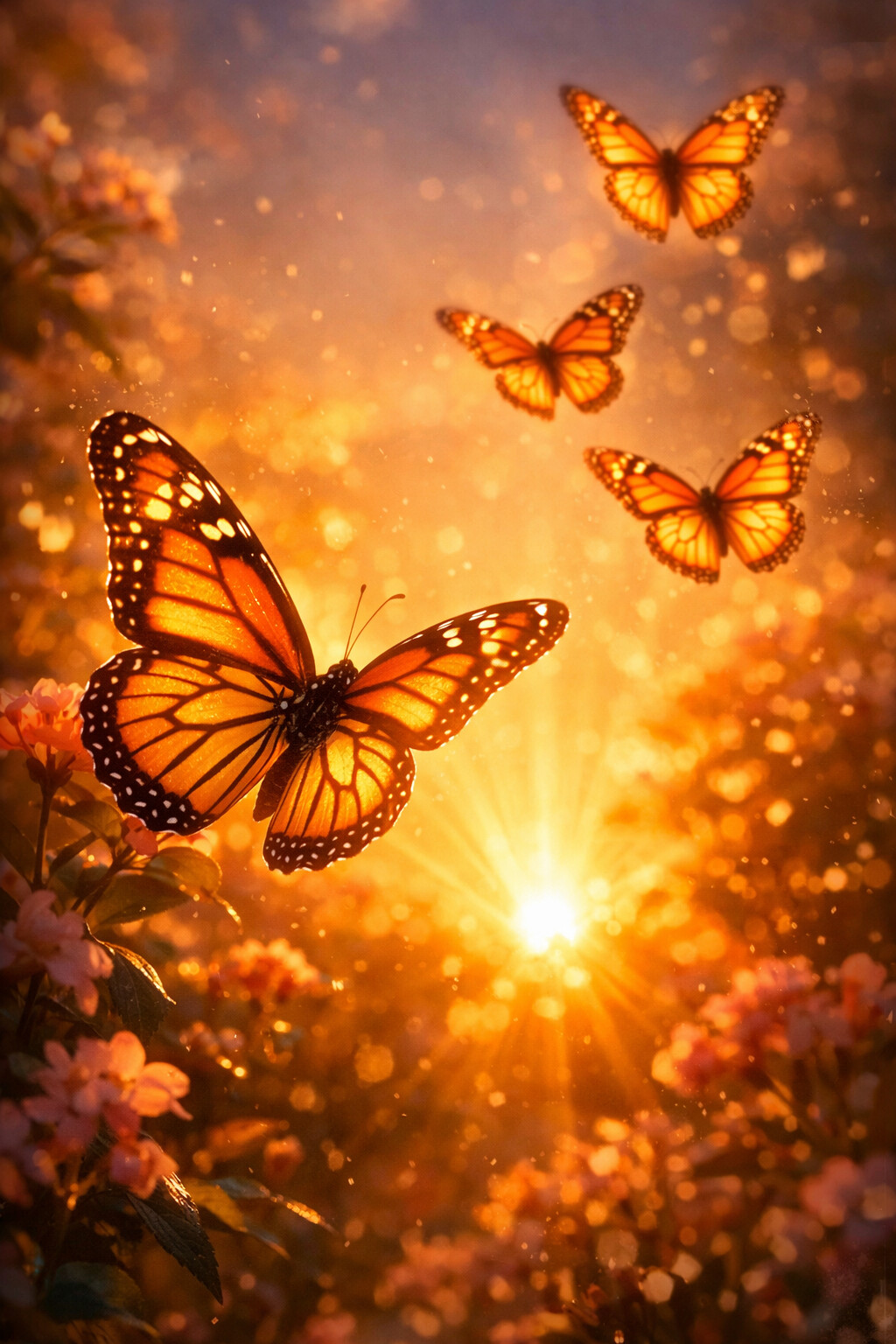
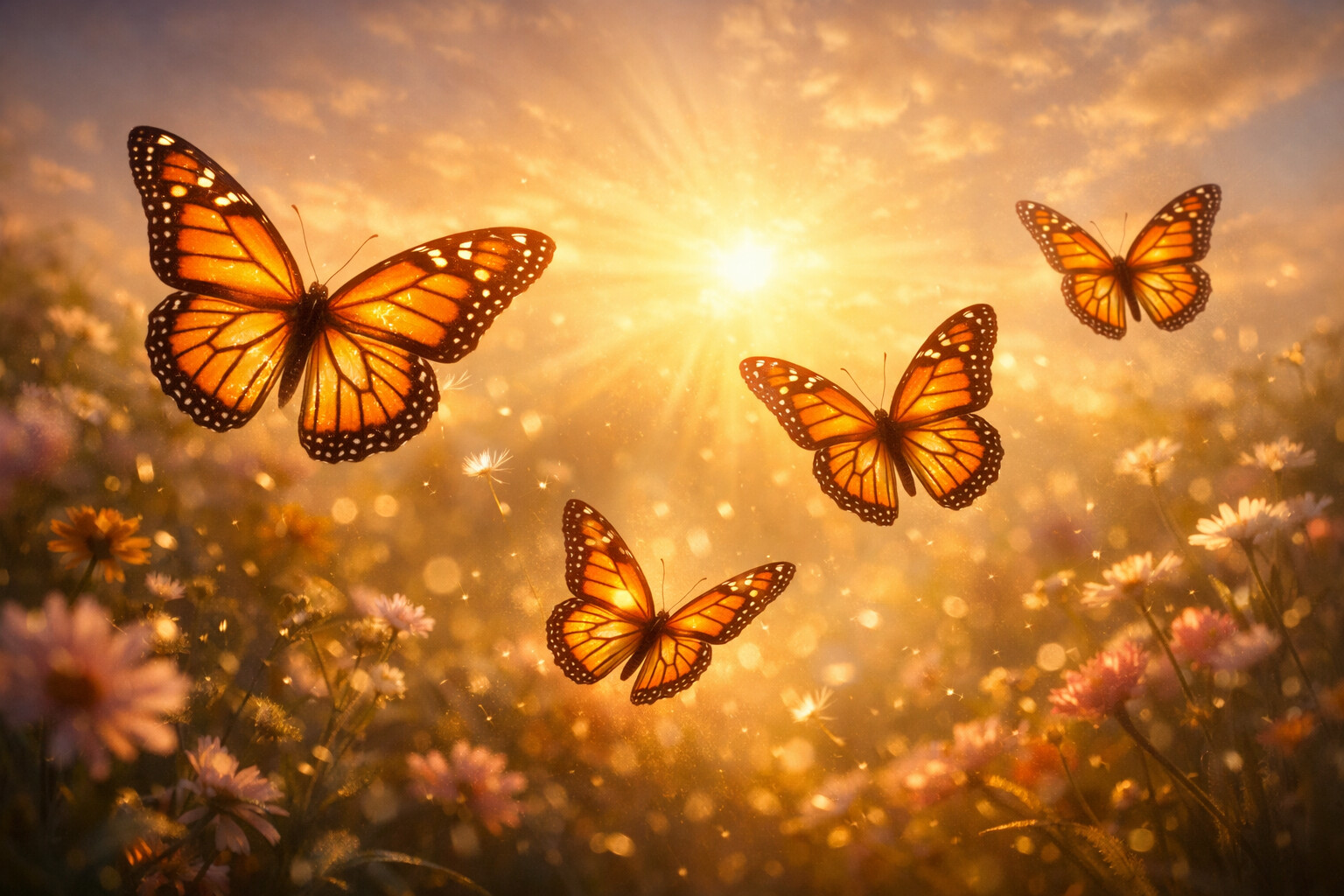
Golden Monarchs
Monarchs lit from behind by a low sun. Warm, golden, and impossible to rush past.
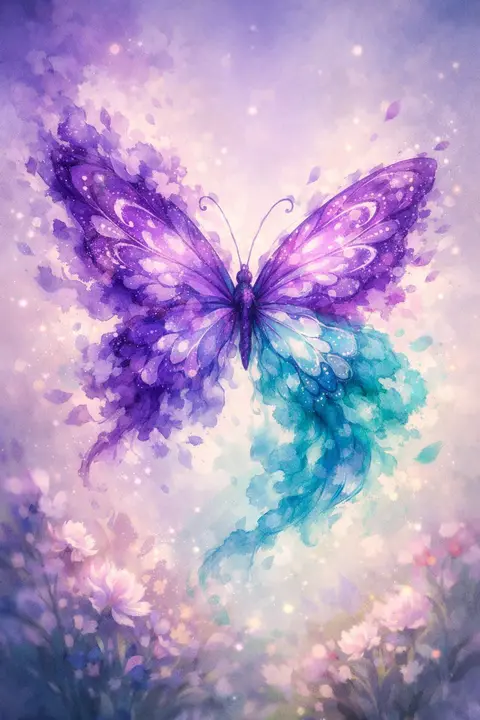
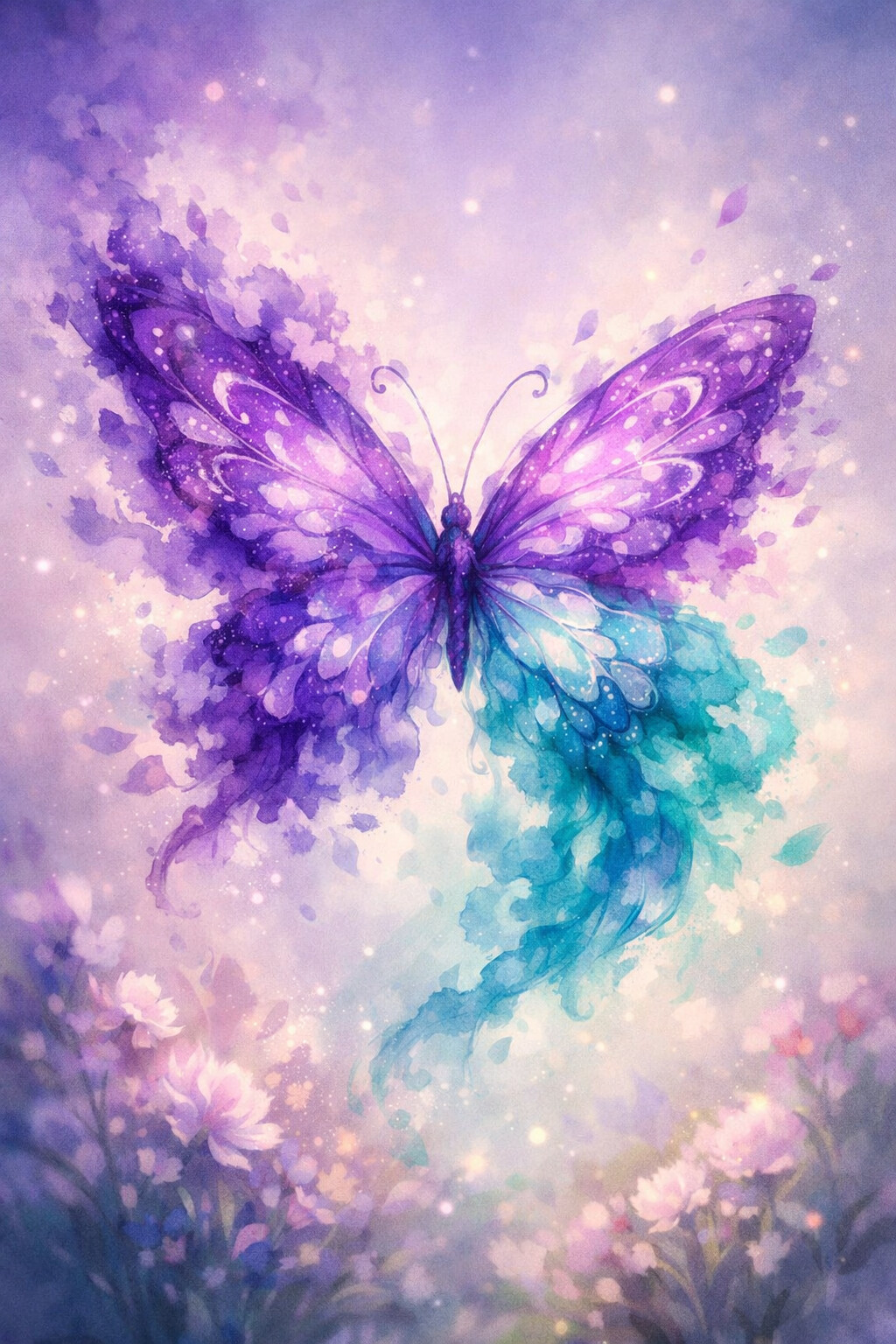
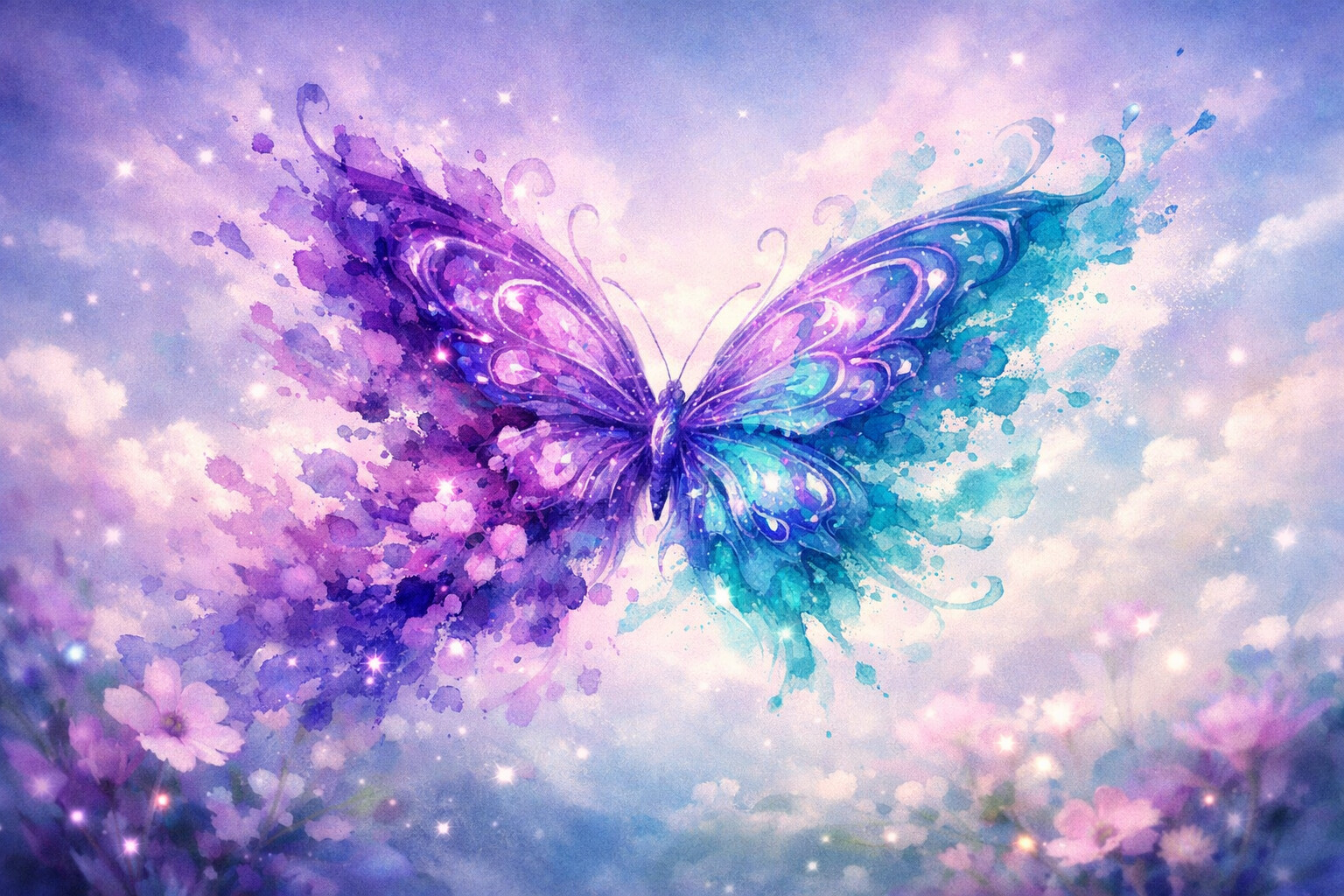
Ink Bloom
Violet and teal ink blooming into wings on wet paper. Painted, never traced.
Butterflies carry a whole mood on two wings: light, hopeful and a little dreamy. These designs run from delicate line art on a soft background to rich, colourful wings that fill the frame, and every one of them is drawn as an original illustration rather than pulled from a photo library.
Choosing between them
Glass Wings and Ink Bloom are the most delicate, close to line art, and they leave plenty of quiet space for app icons. Blue Morpho and Golden Monarchs are the saturated ones, with a single large butterfly that deserves an uncovered lock screen. Meadow Swarm fills the frame with movement and works beautifully on a wide desktop. Moonlight Rest is the dark one of the set, so it also fits a night-friendly screen and does not glare at 2am.
If you like nature-led screens, these sit naturally next to the flower gallery, and there are more blue-winged designs in the blue gallery. When you want the opposite of a sunlit meadow, the galaxy and planet wallpapers are the dark, deep end of the same Themes shelf.
Frequently asked questions
Are these photos or illustrations?
Illustrations, every one. They are drawn in-house with digital illustration tools, which means the wings can be exaggerated, the light can be impossible, and the composition can leave room for your icons in a way a photograph never does. It also means you will not find these images anywhere else.
What sizes do I get?
Two JPGs per design. The phone file is 1024 x 1536 pixels in a tall 2:3 portrait shape. The desktop file is 1536 x 1024 pixels in a 3:2 landscape shape. Meadow Swarm and Golden Monarchs are the two that gain the most from the wider desktop crop.
How do I set one as my lock screen?
On iPhone, save the phone file to Photos, then open Settings, Wallpaper, Add New Wallpaper. On Android, long-press the saved image and choose Set as wallpaper, then pick Lock screen. Step-by-step instructions for iPhone, Android, Windows and Mac are in our how to set a wallpaper guide.