Fall Wallpapers
Original fall wallpapers in amber, rust and gold. Every autumn design is free and comes in a phone size and a desktop size.
40 free designs below, each in phone and desktop size
Updated August 2026
Curated by  Nova Vale
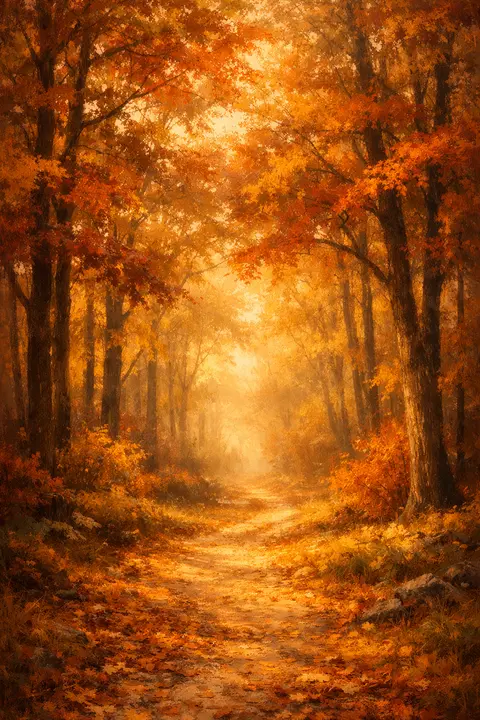
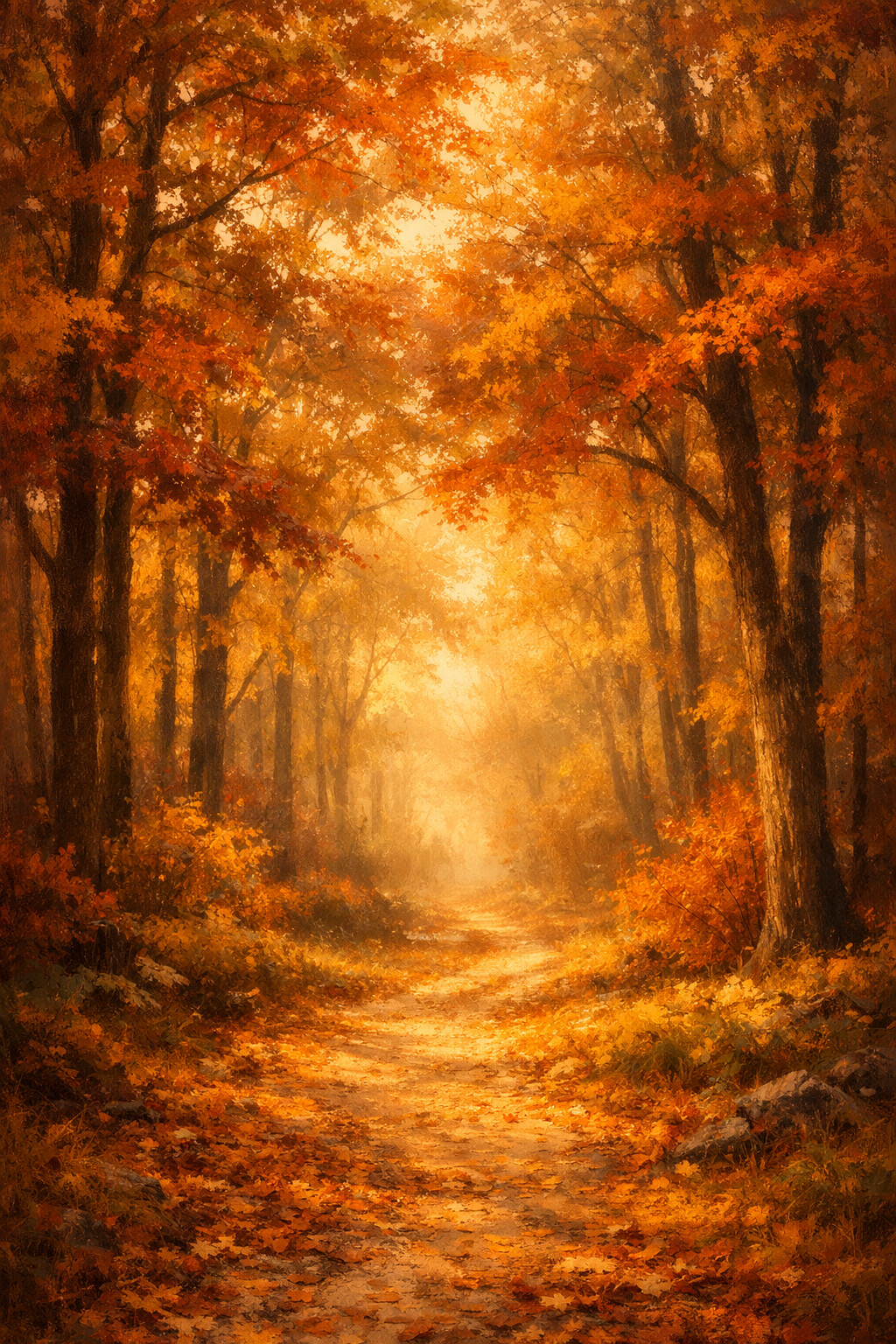
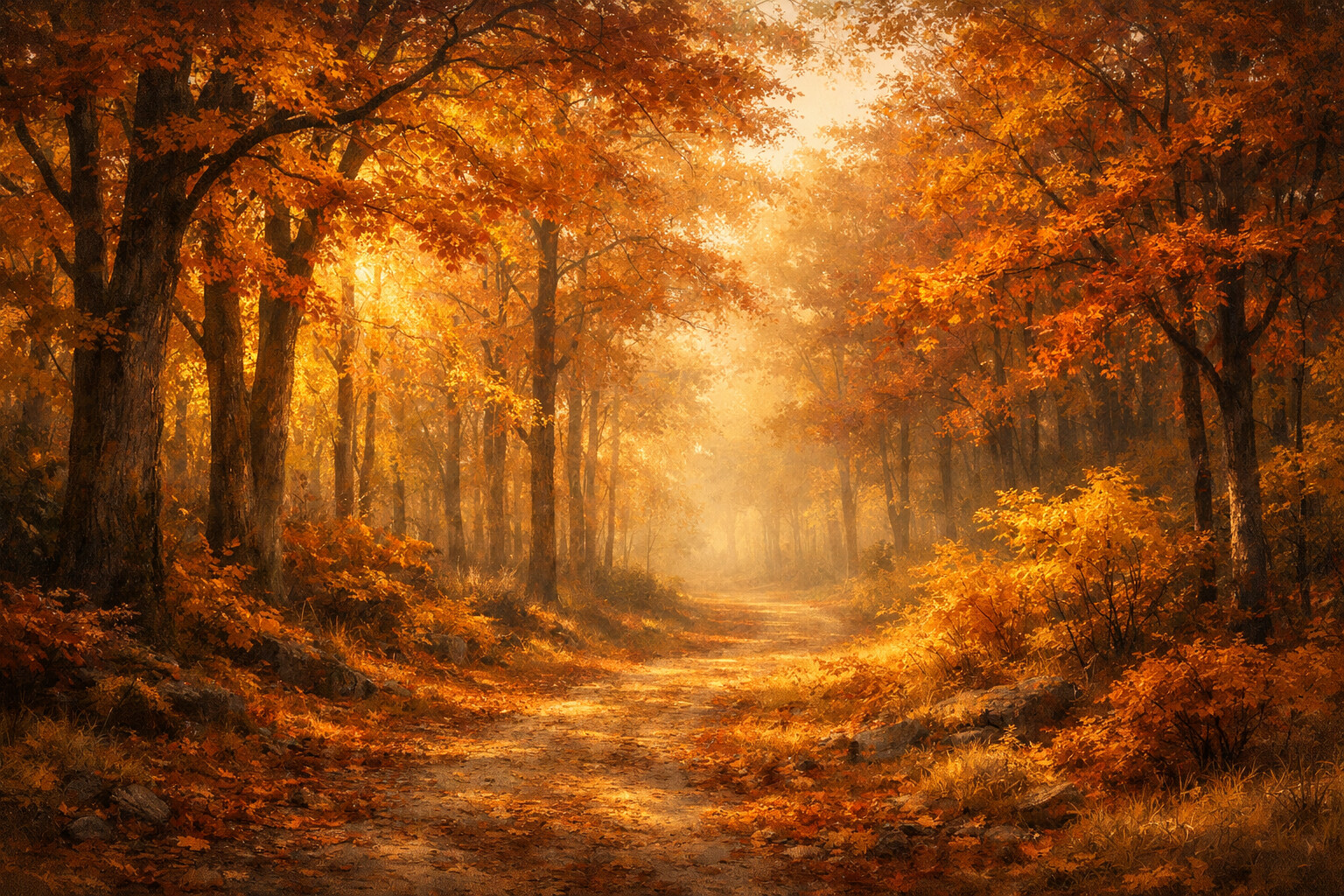
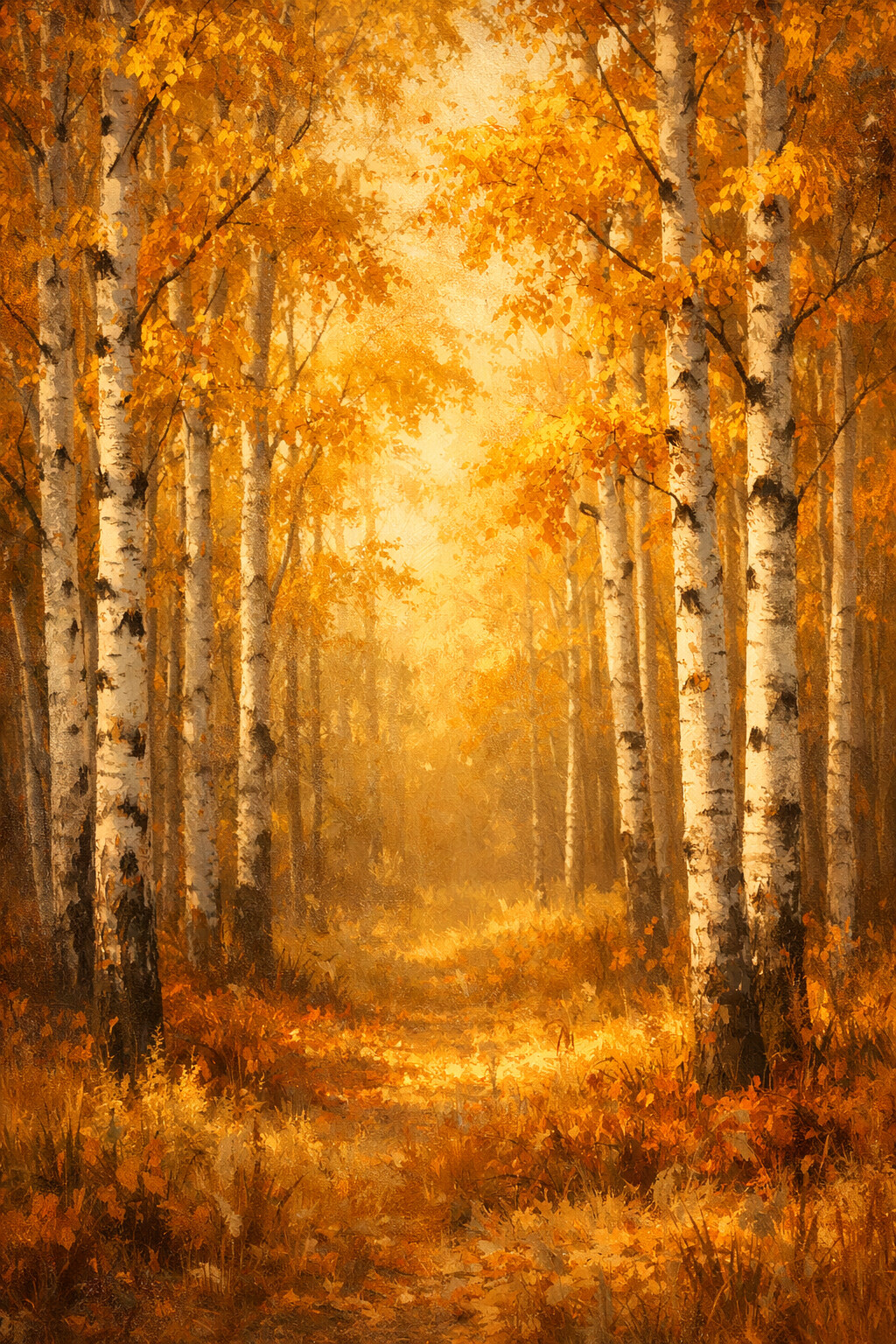
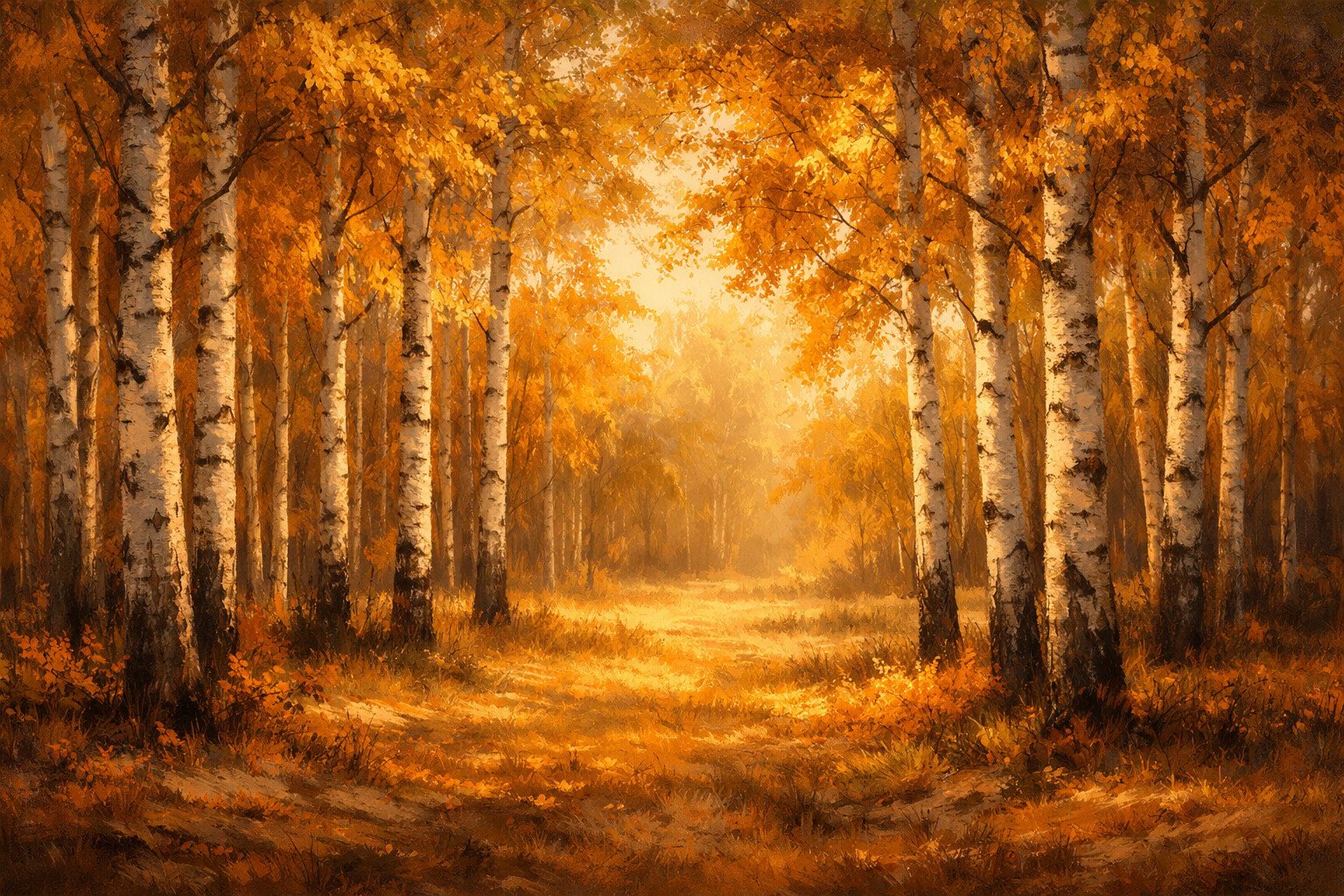
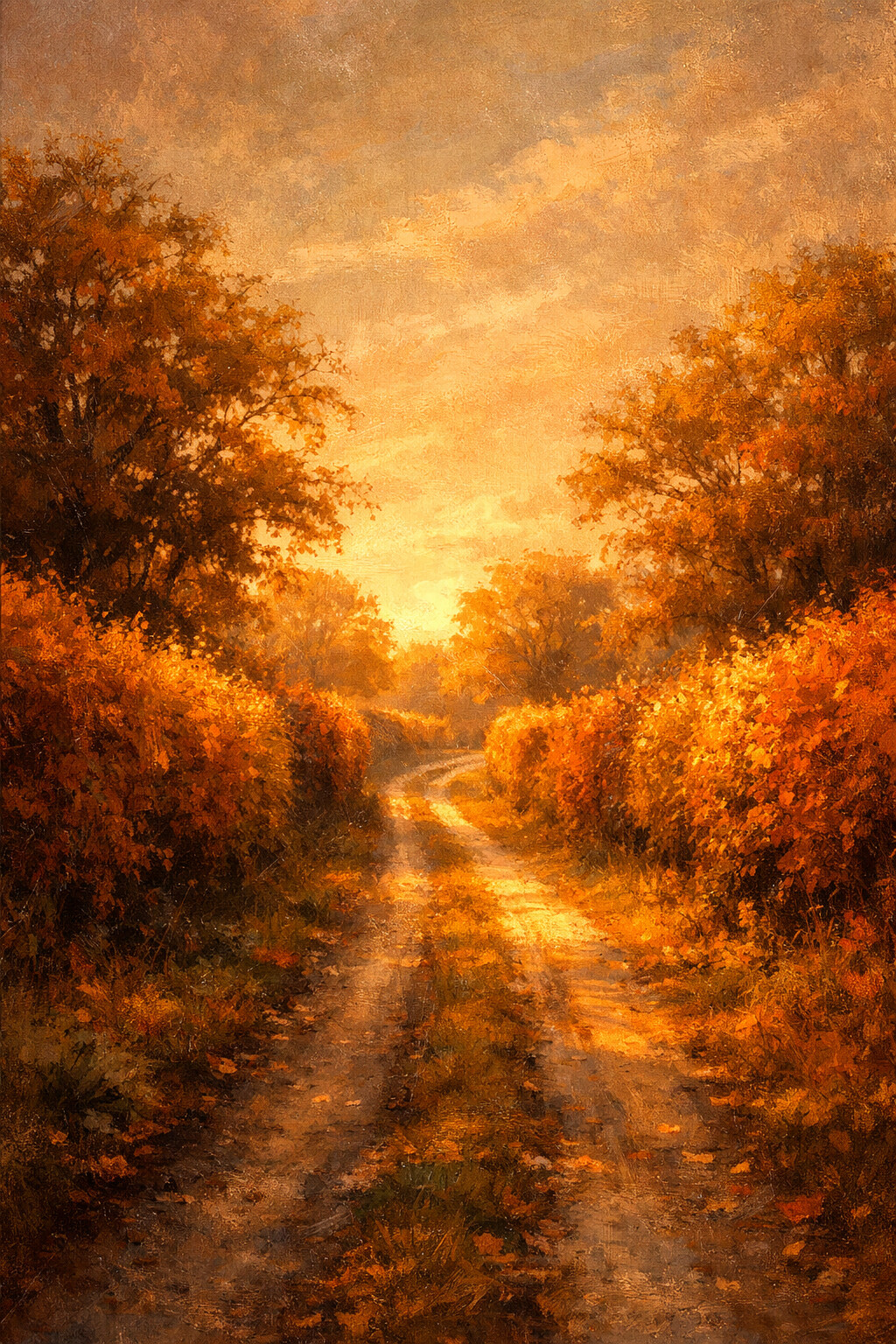
Golden Forest
A path disappearing into amber light. Detailed and warm, so it earns its keep on a desktop more than on a crowded home screen.
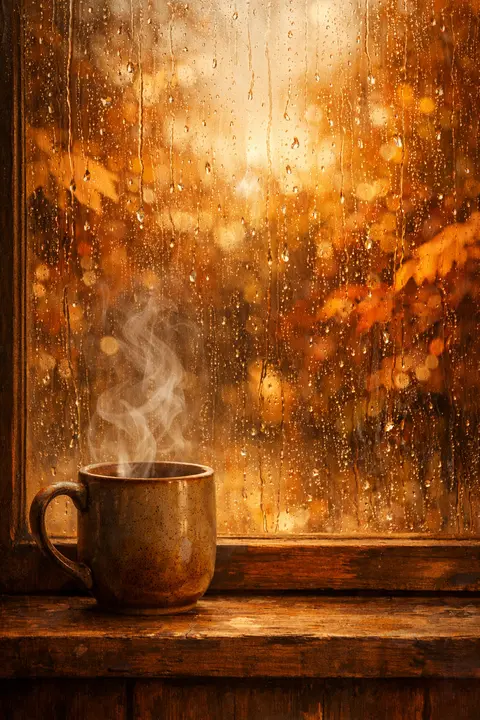
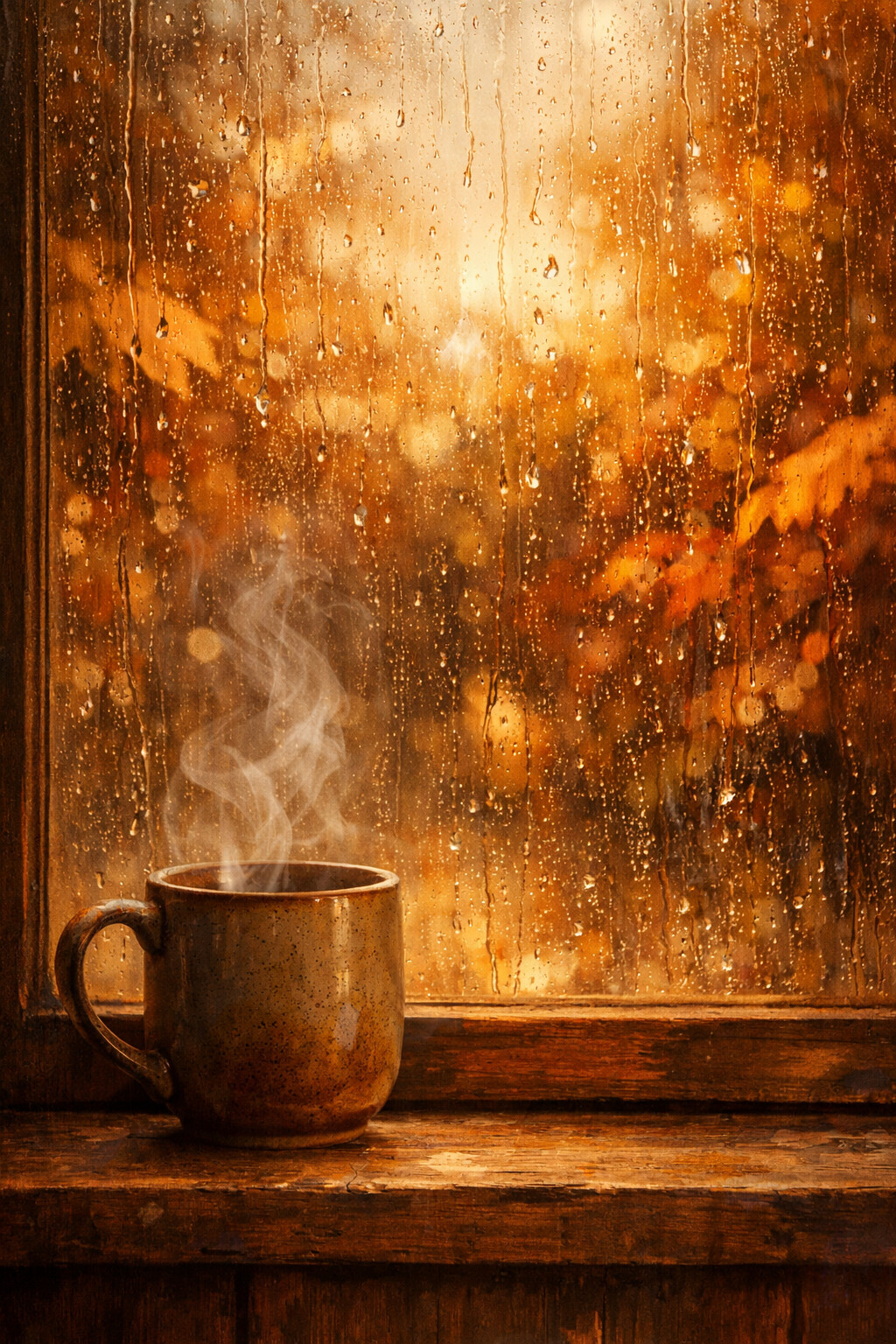
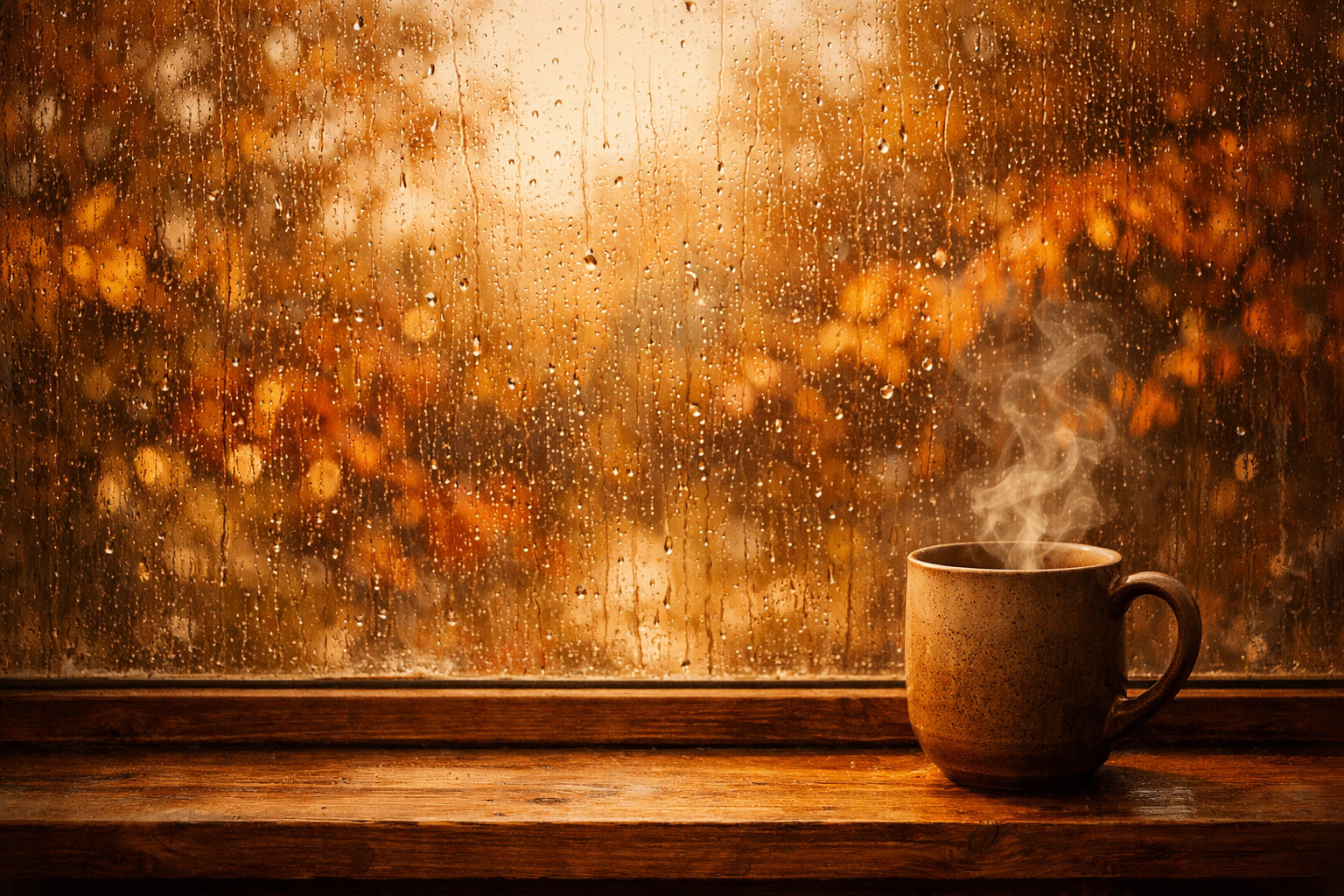
Rainy Window
Rain on the glass, a hot mug on the sill. The one you put up on the first grey morning of the season.
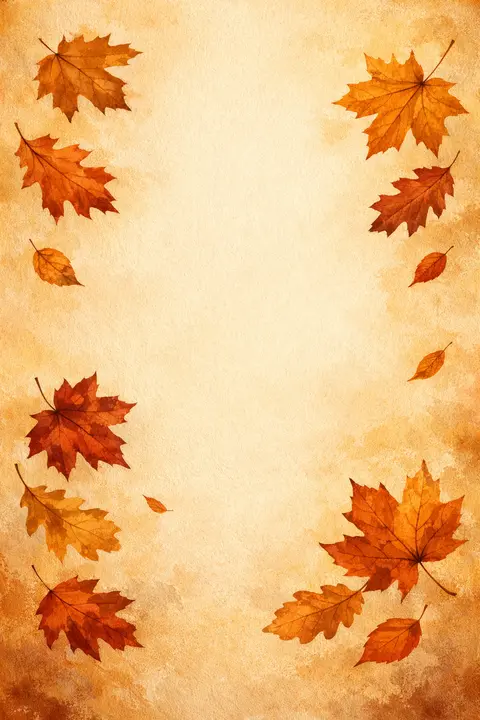
Leaf Scatter
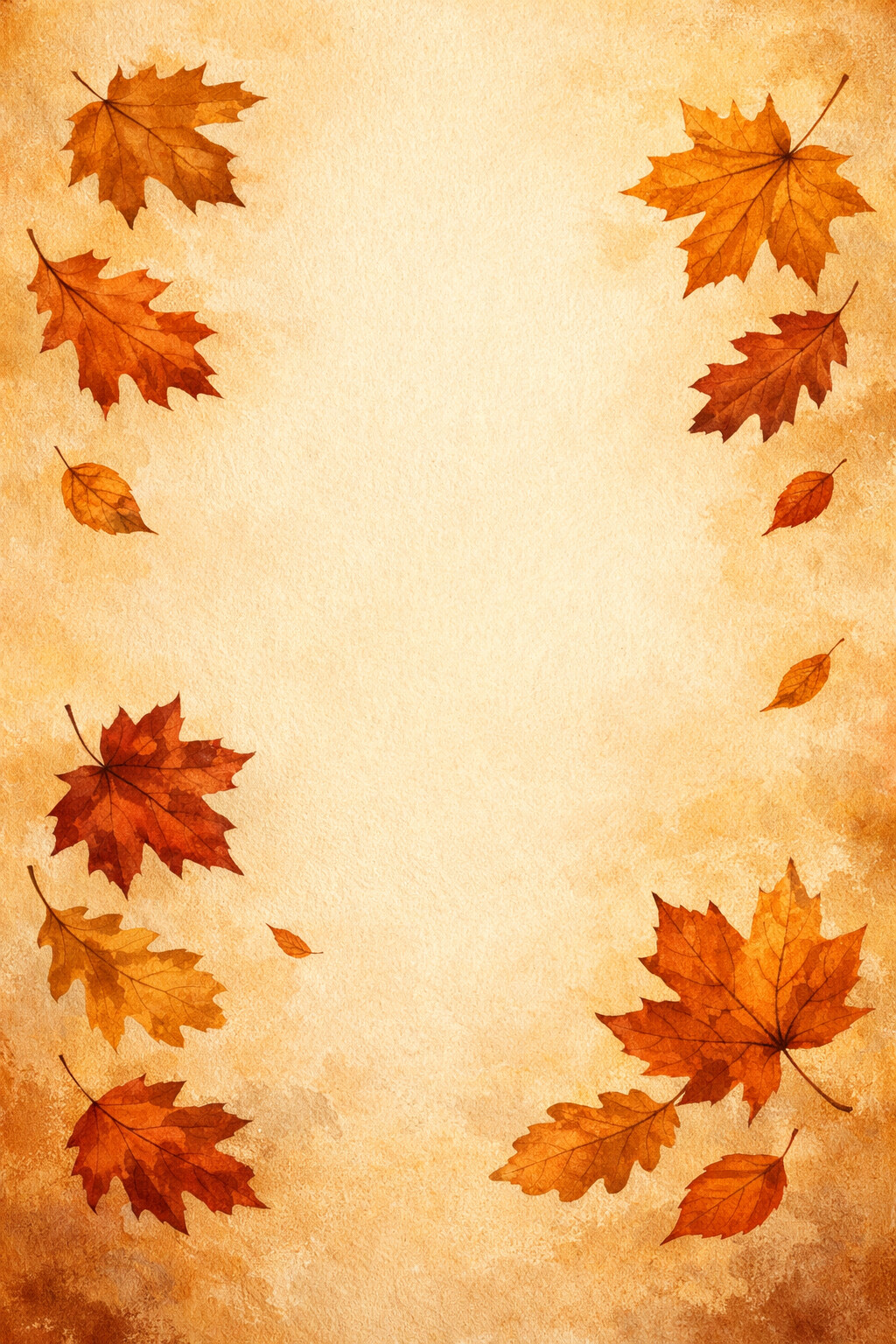
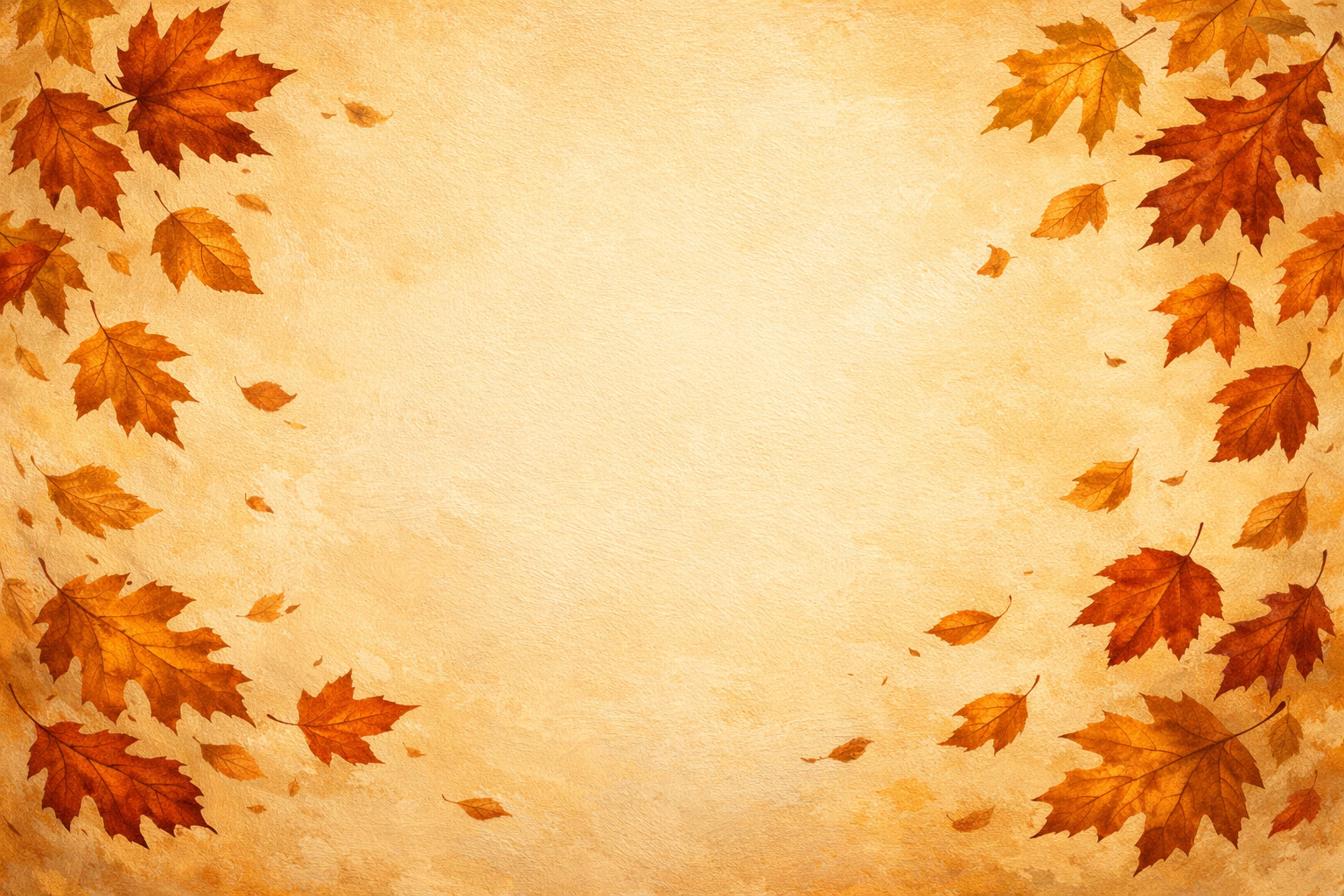
Leaves hug the edges and leave the middle as empty cream paper. The easiest design here to read your icons against.
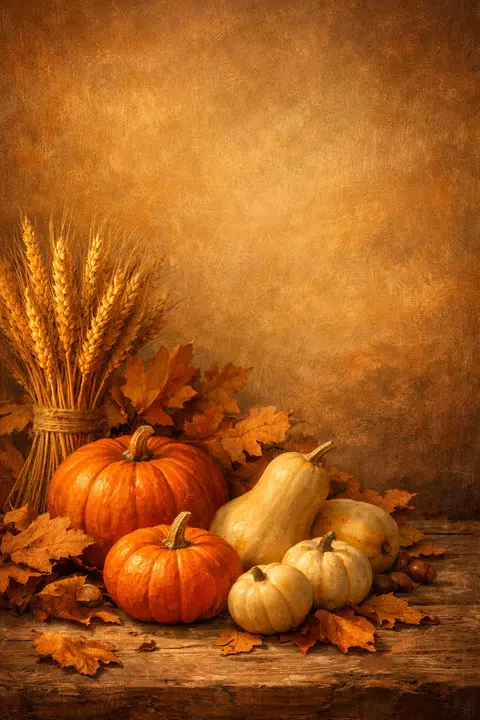
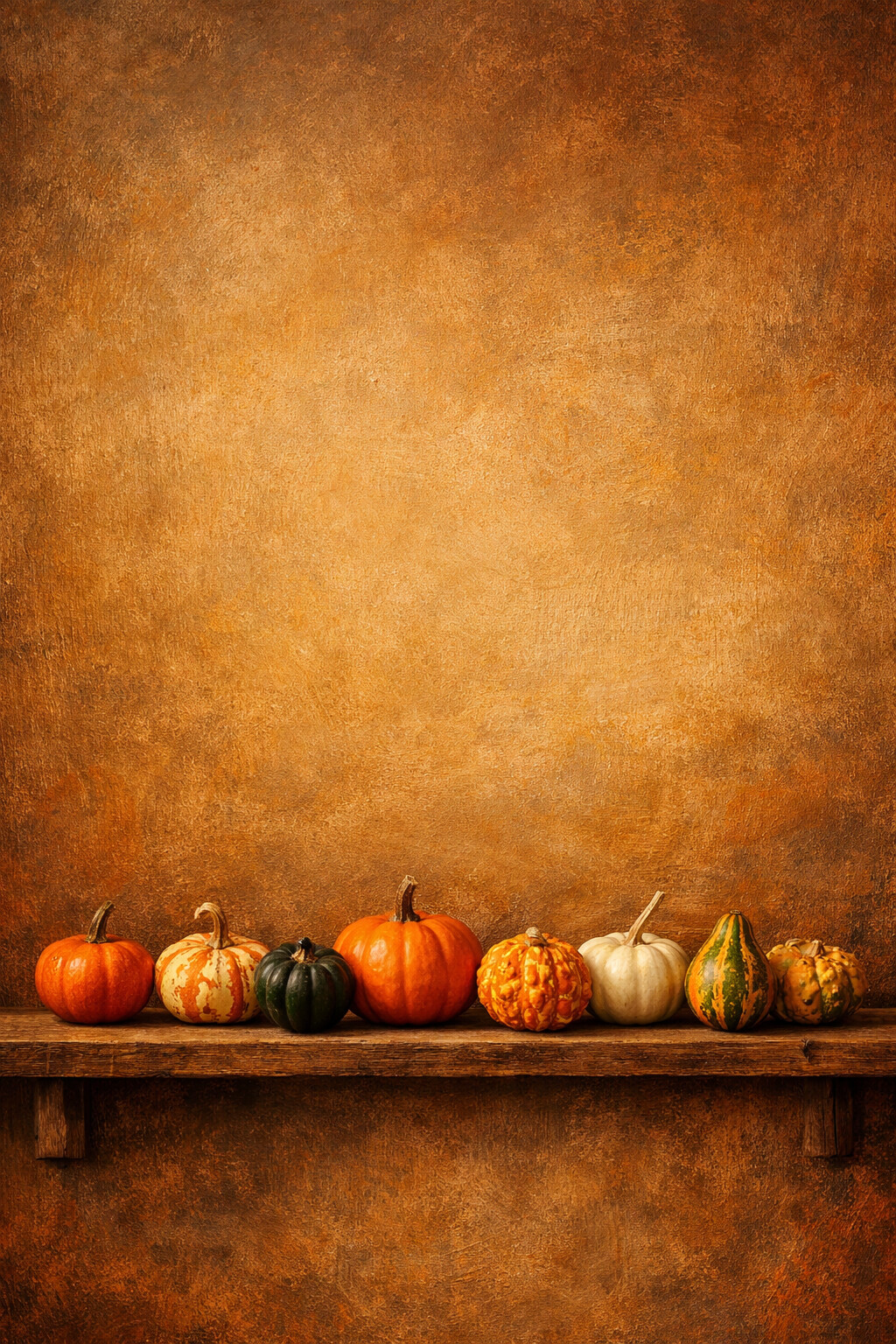
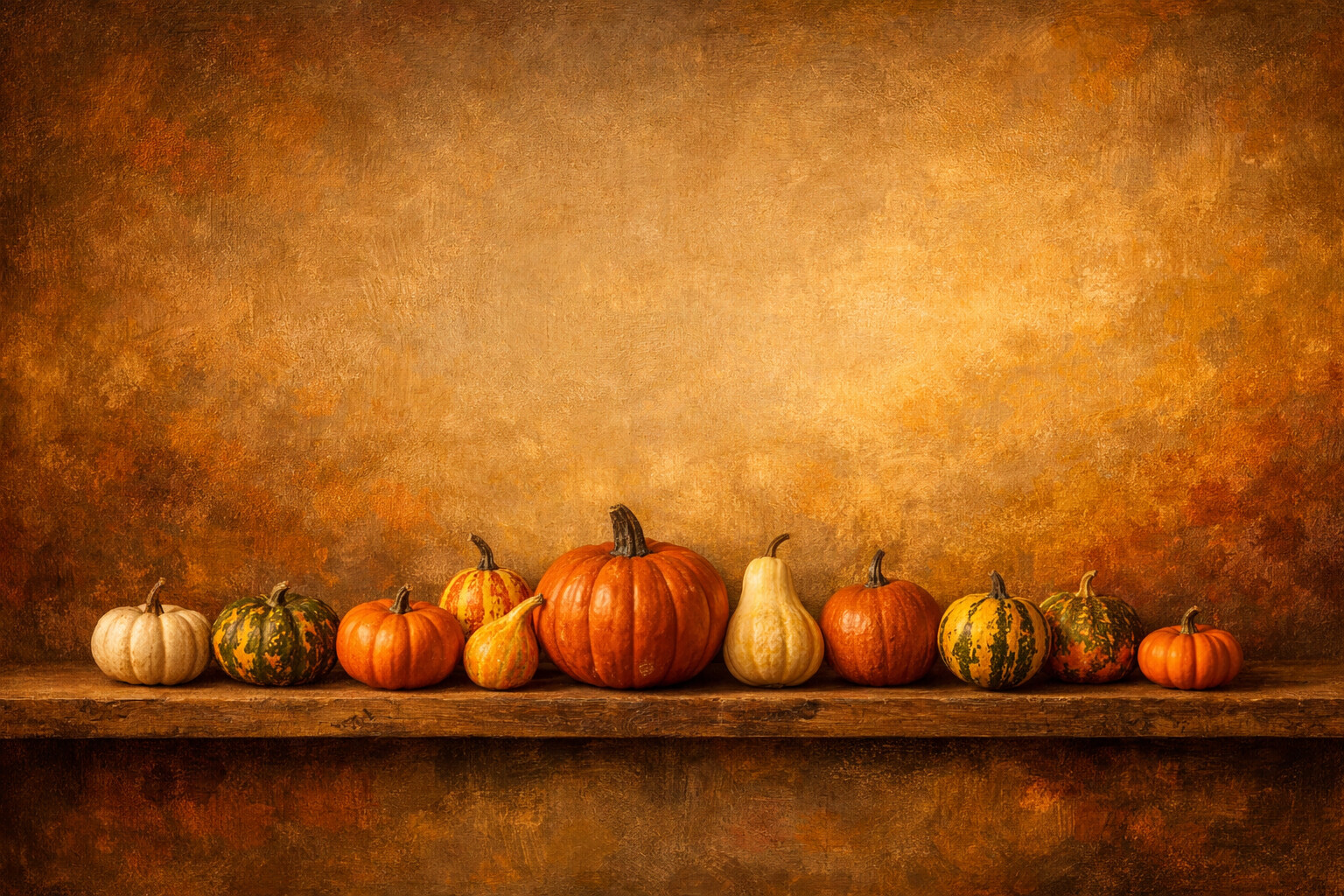
Pumpkin Harvest
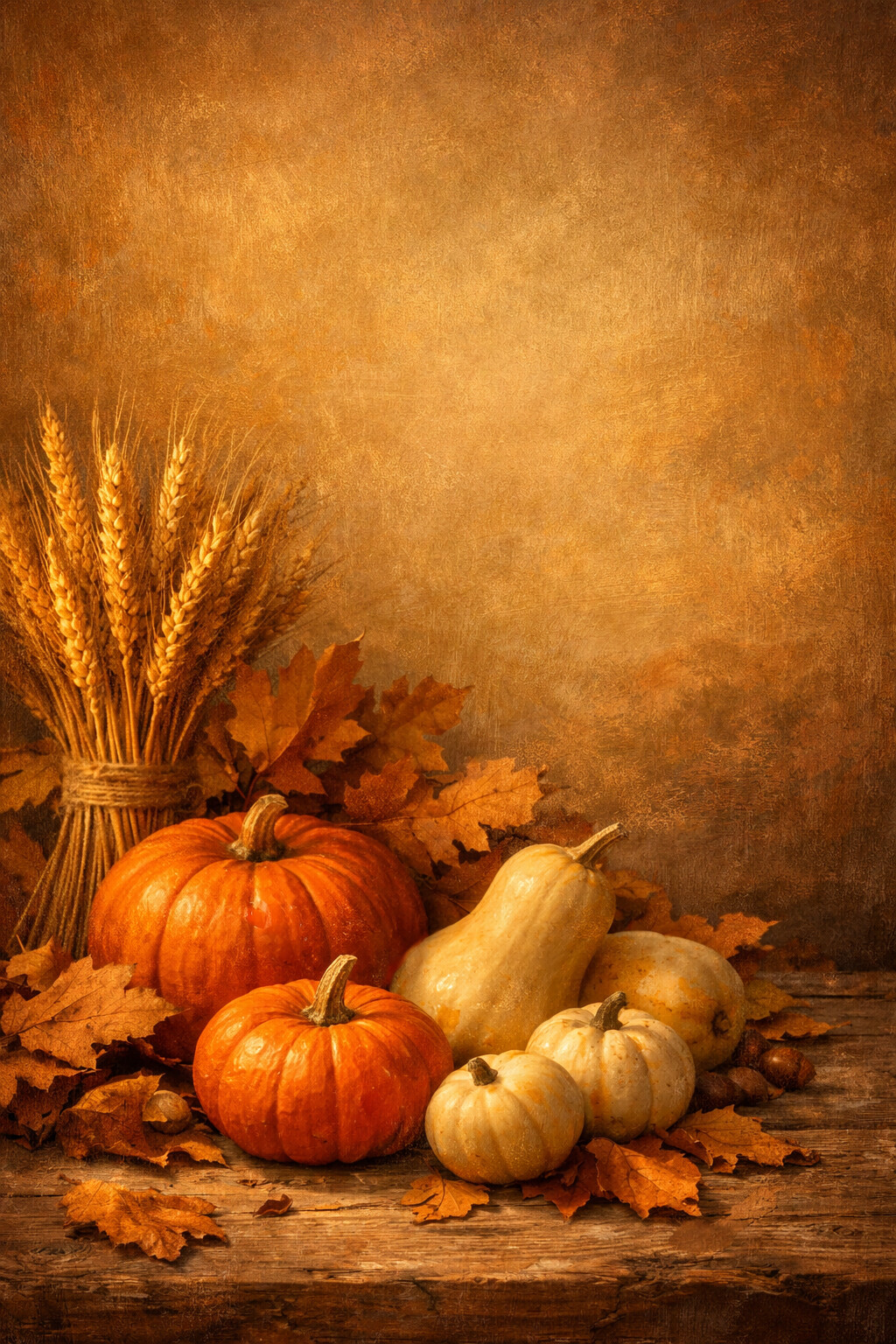
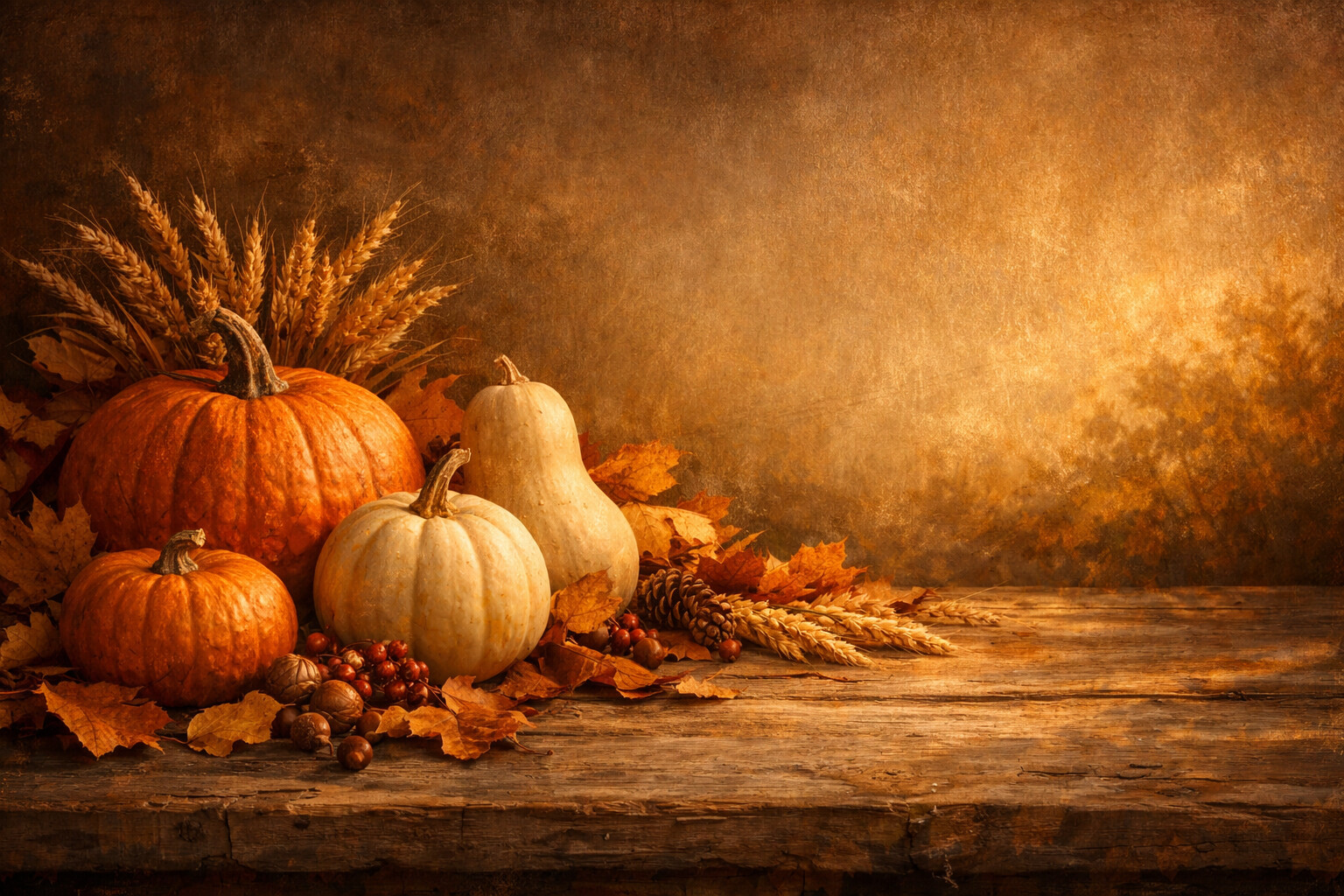
Pumpkins, gourds, wheat and berries on old wood. Peak harvest table, with the upper half of the frame kept quiet.
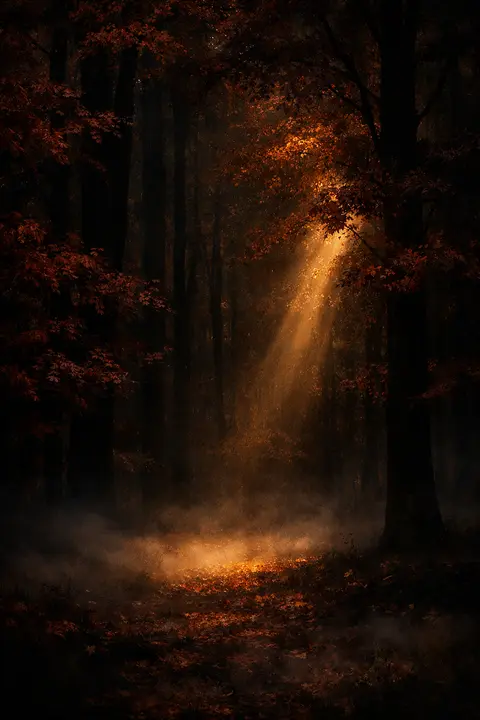
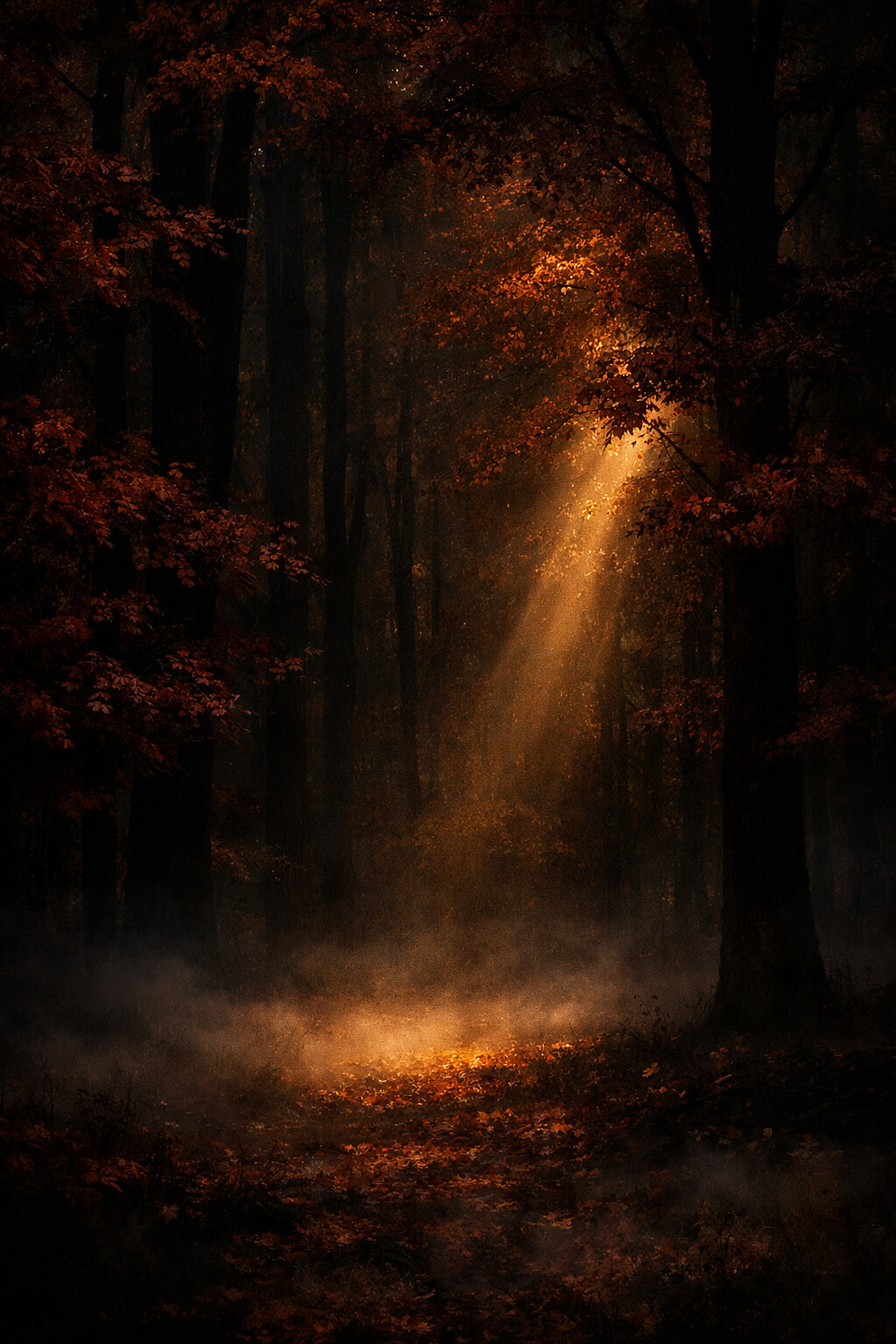
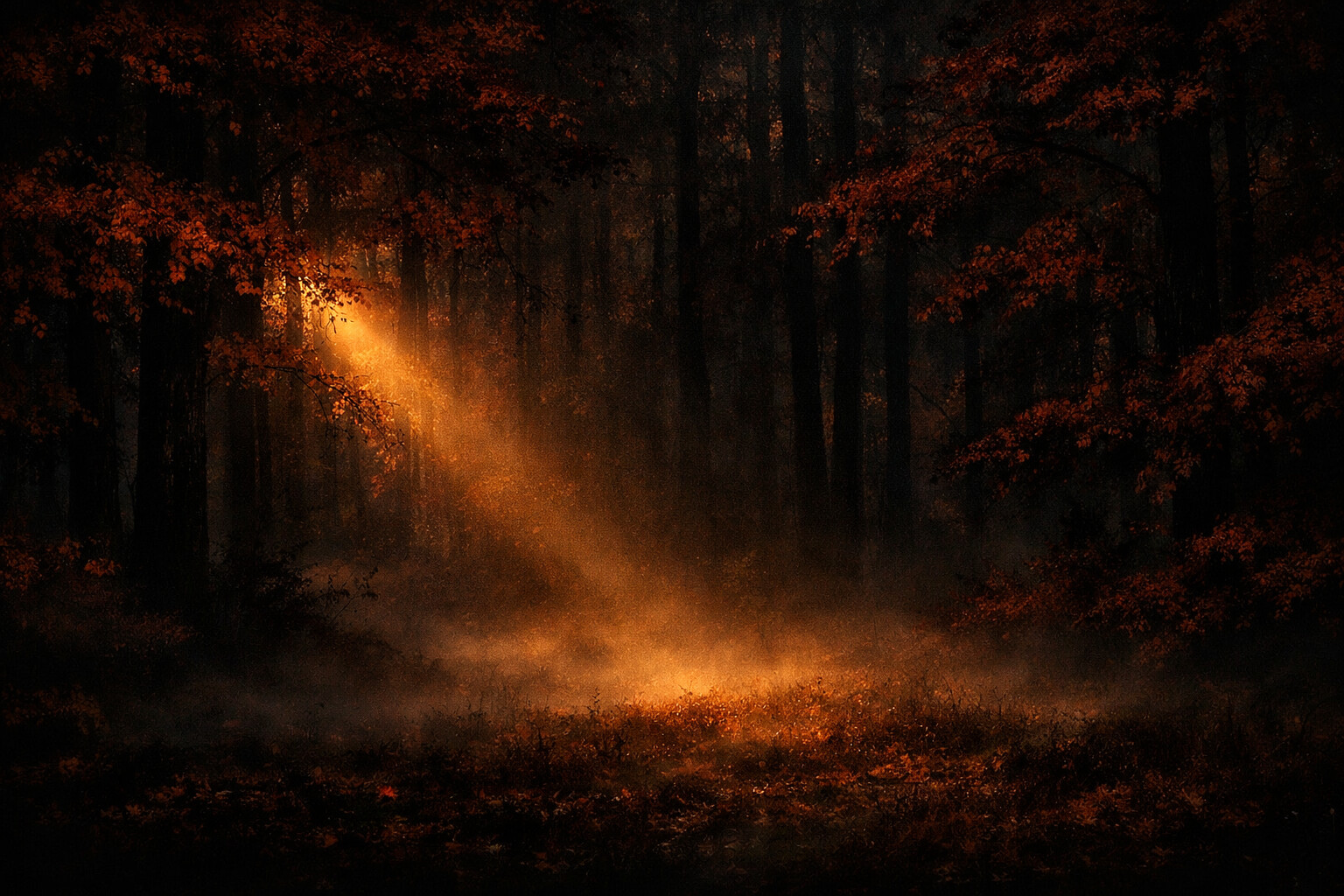
Moody Woods
Near-black woods with a single shaft of warm light. The dark autumn option, and the one that saves battery on OLED.
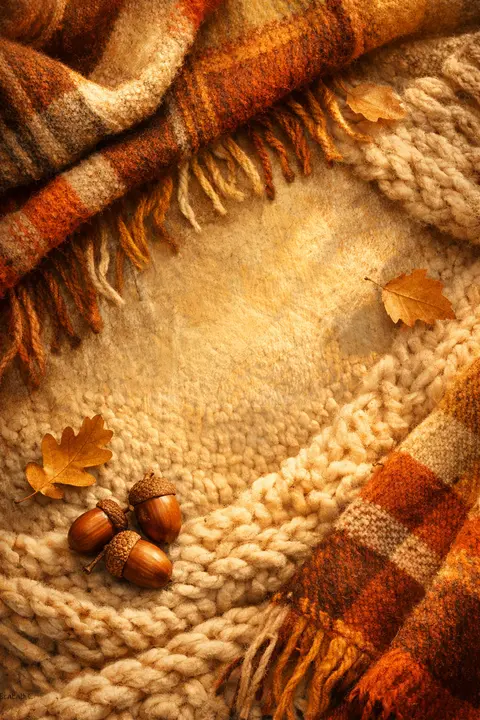
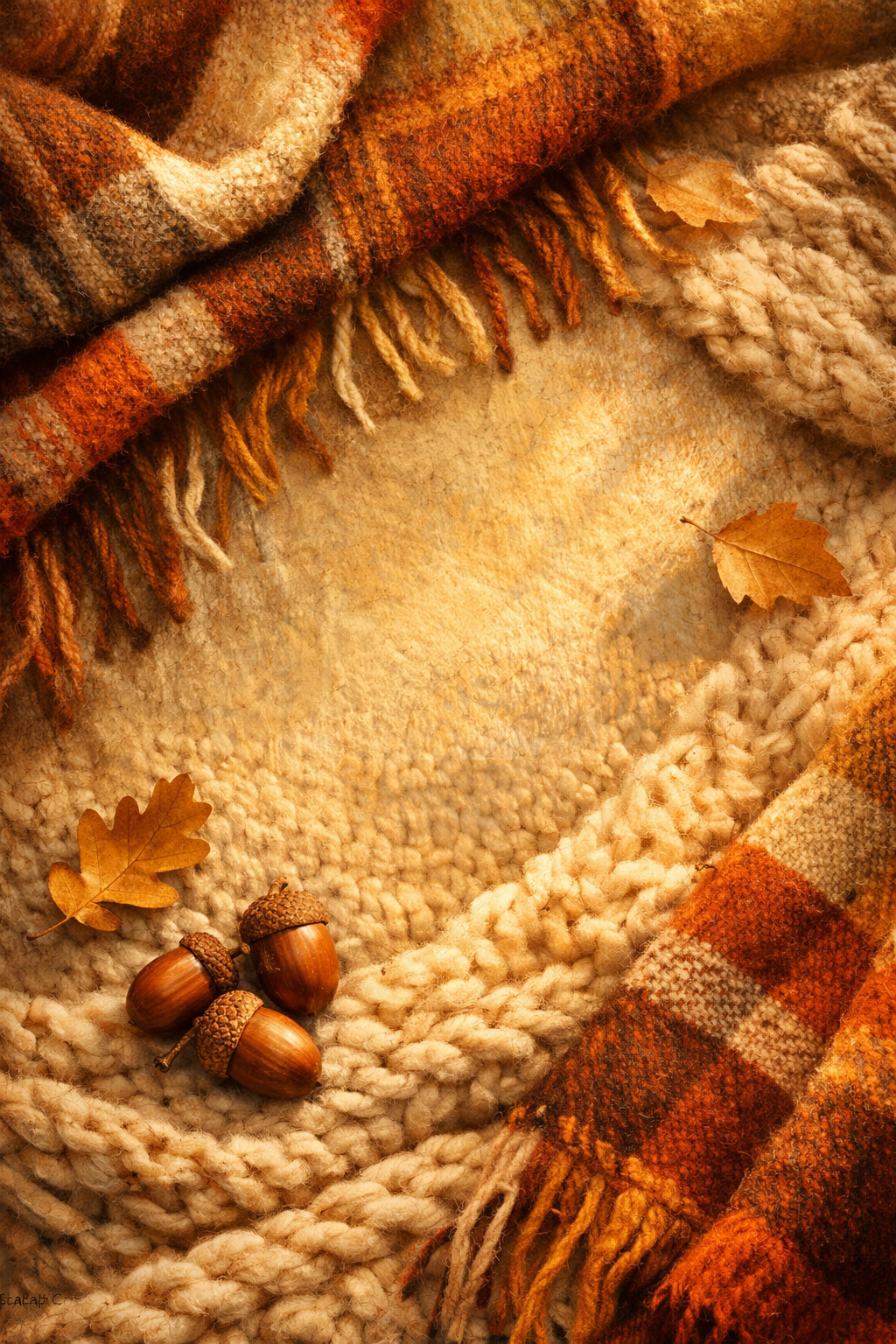
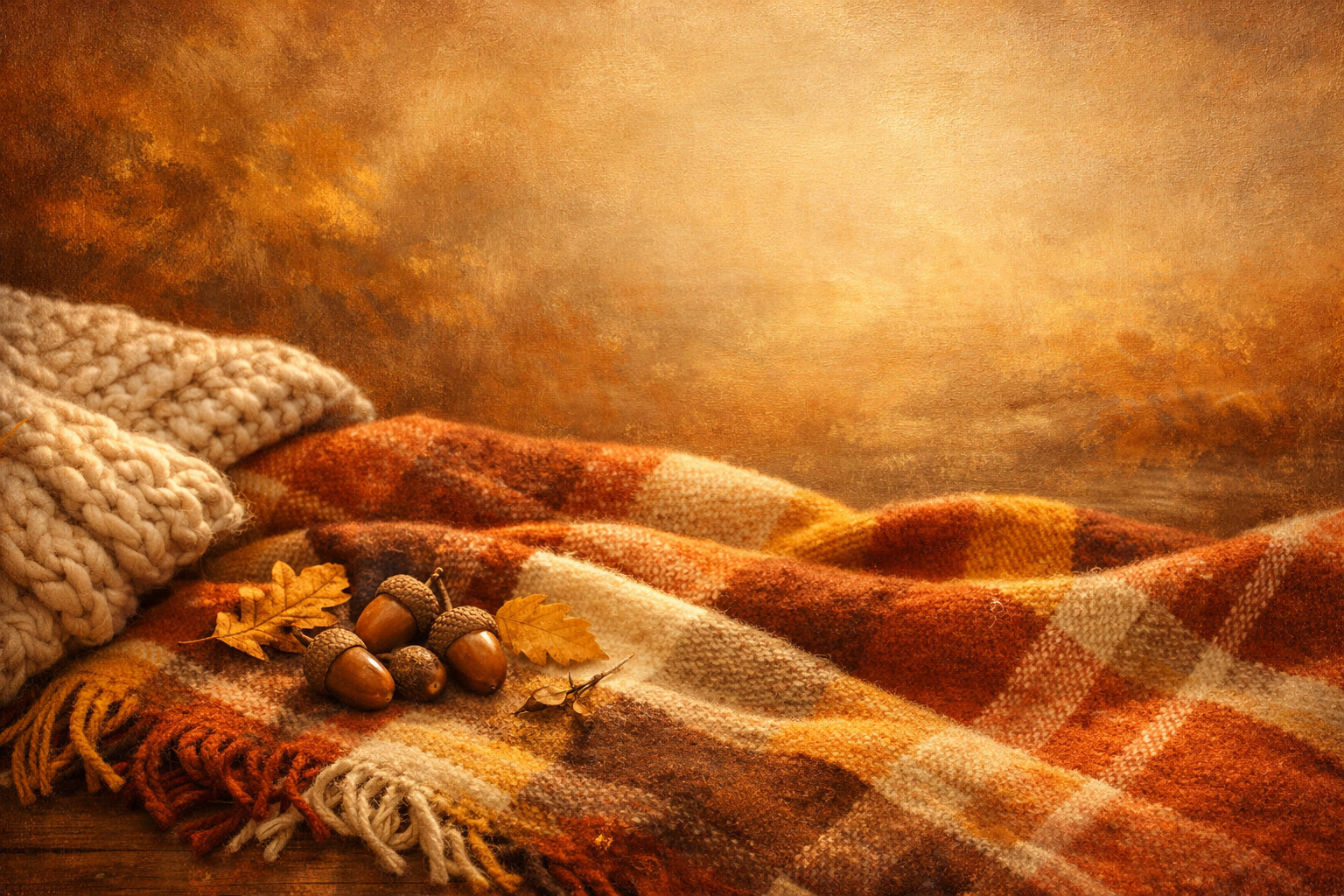
Cozy Plaid
Rust plaid, cream cable knit and a couple of acorns. Autumn as a texture rather than a landscape.
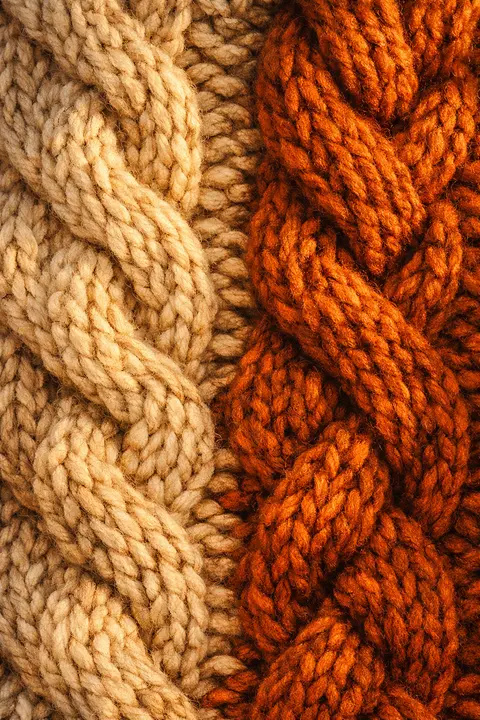
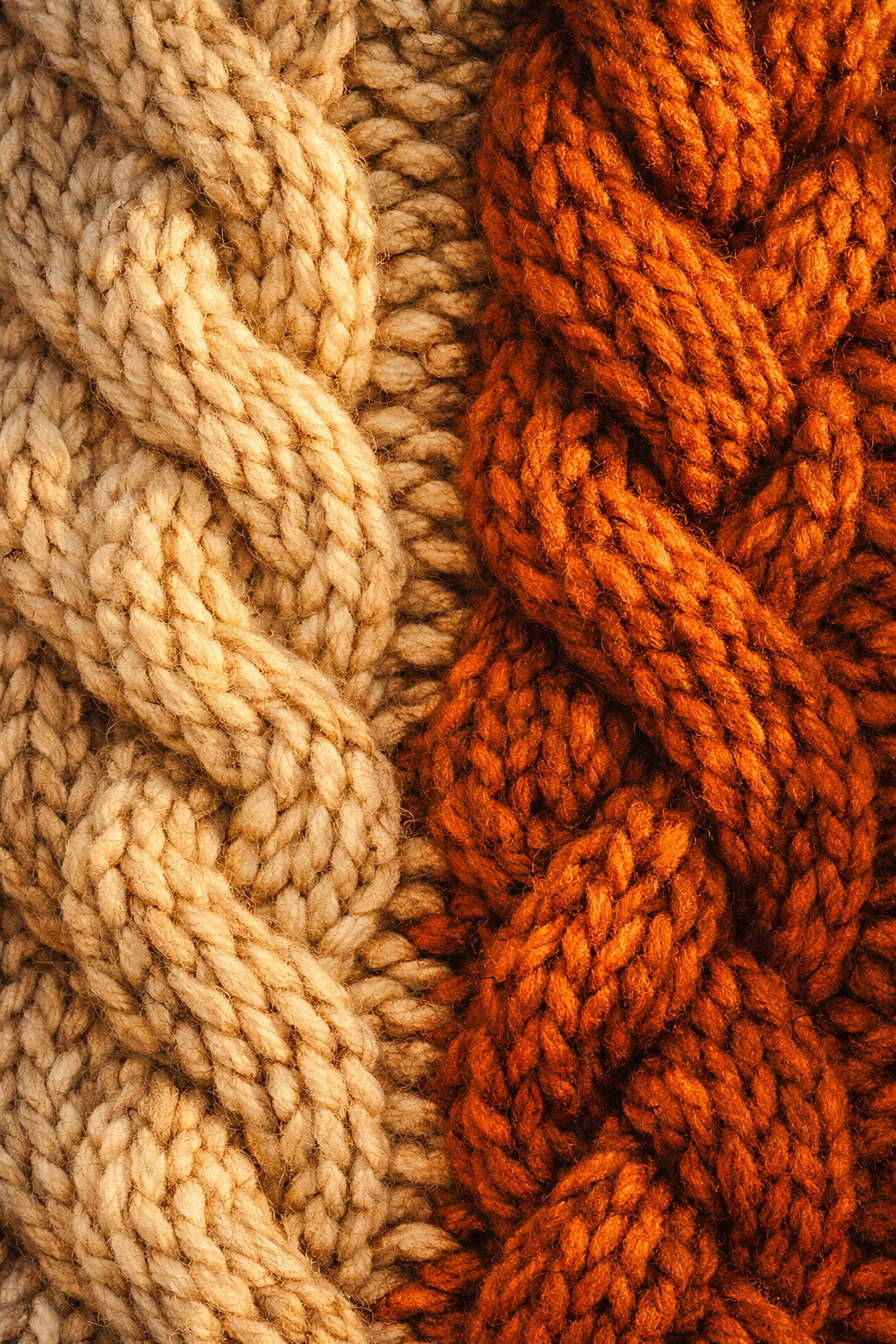
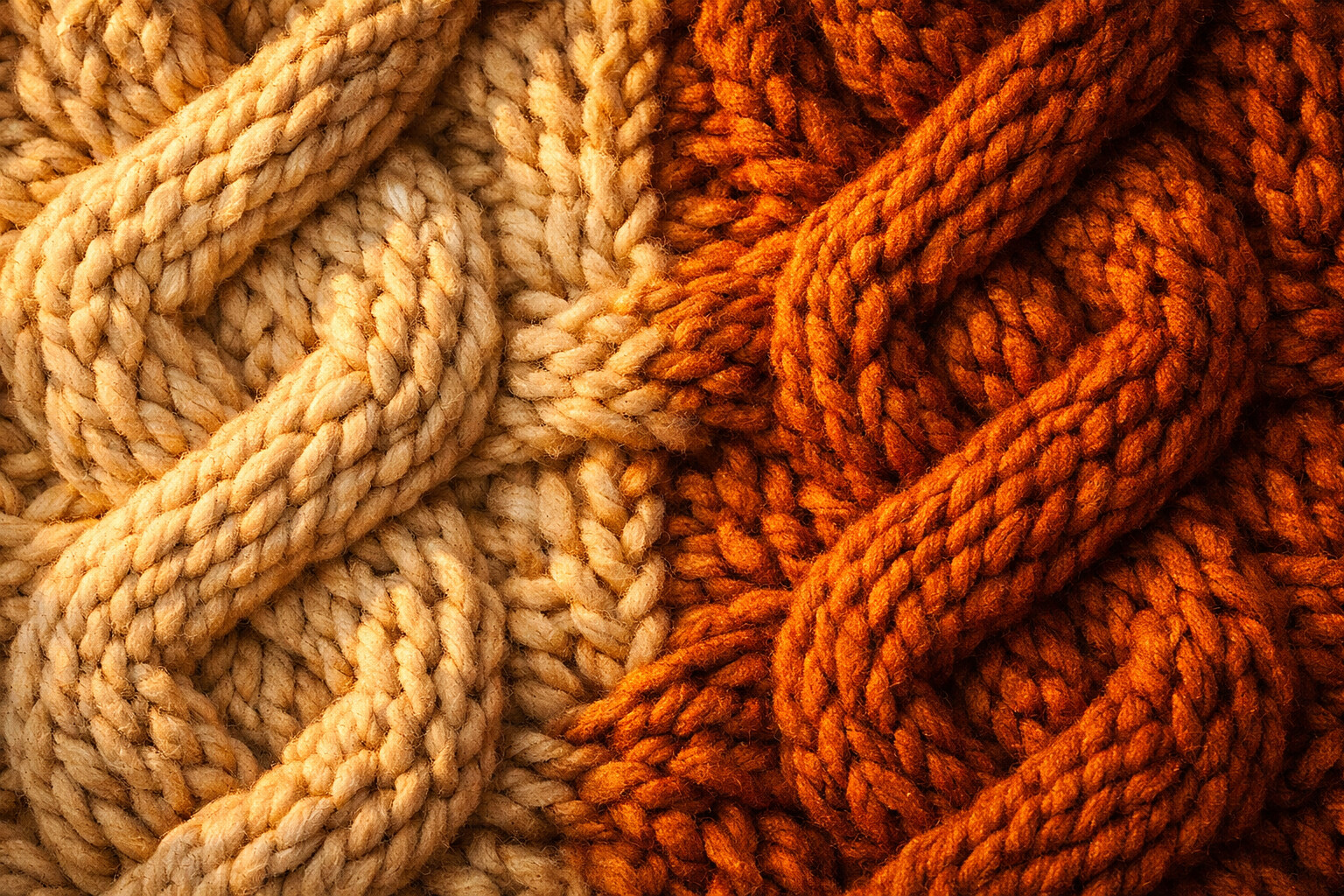
Sweater Weather
Chunky cable knit in oatmeal and rust, close enough to count the stitches.
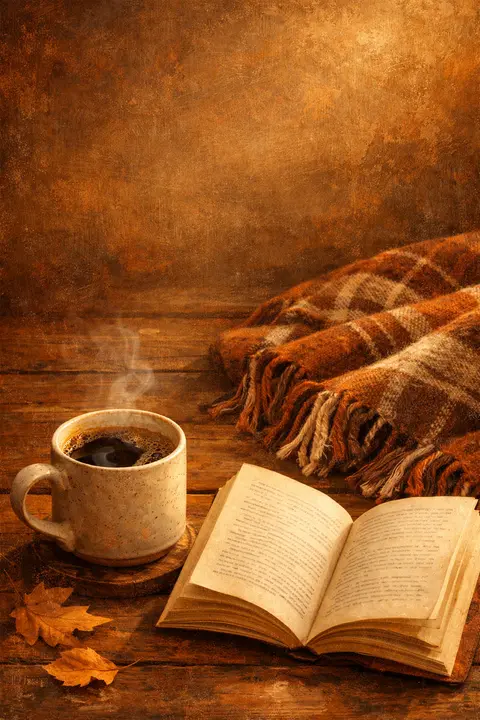
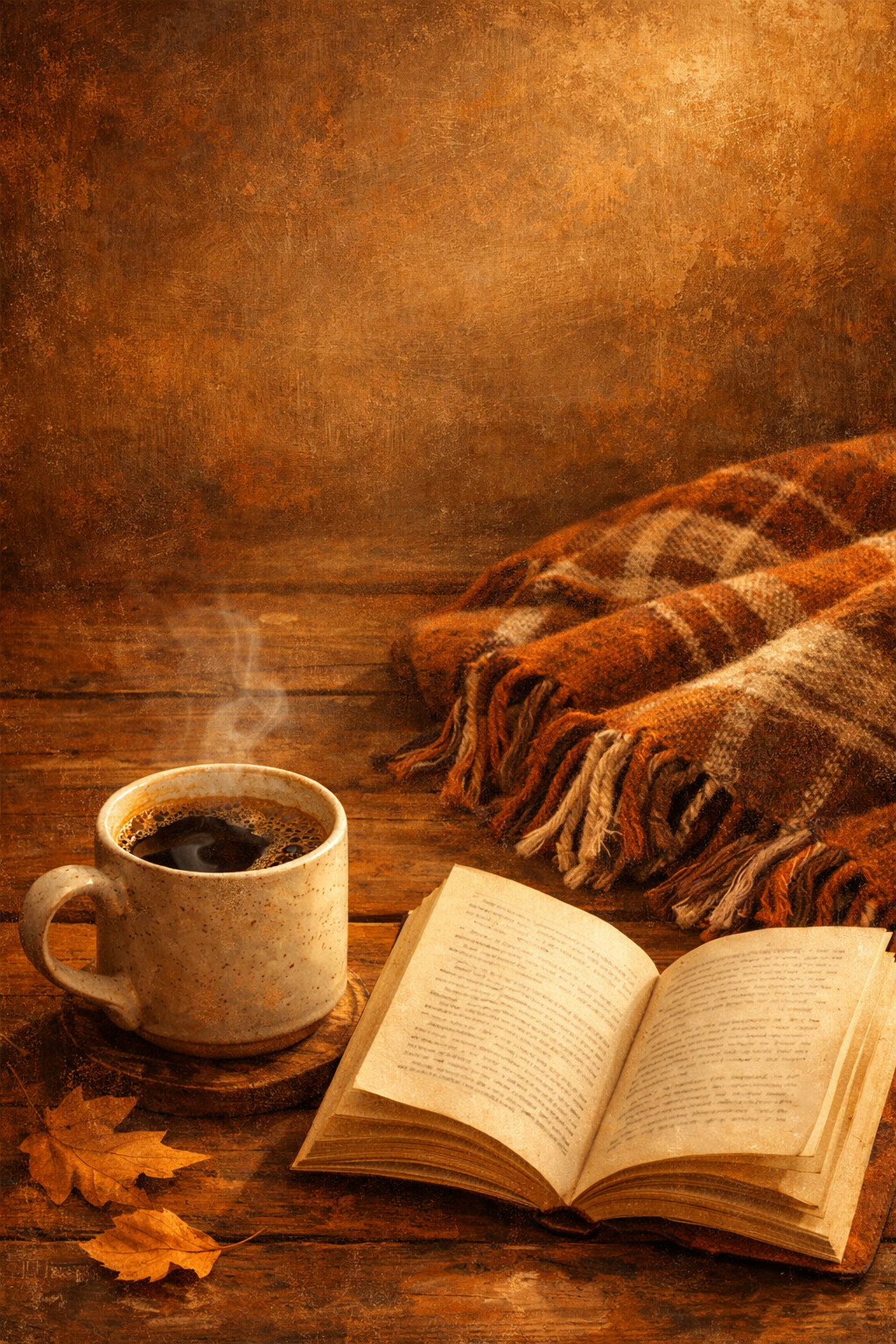
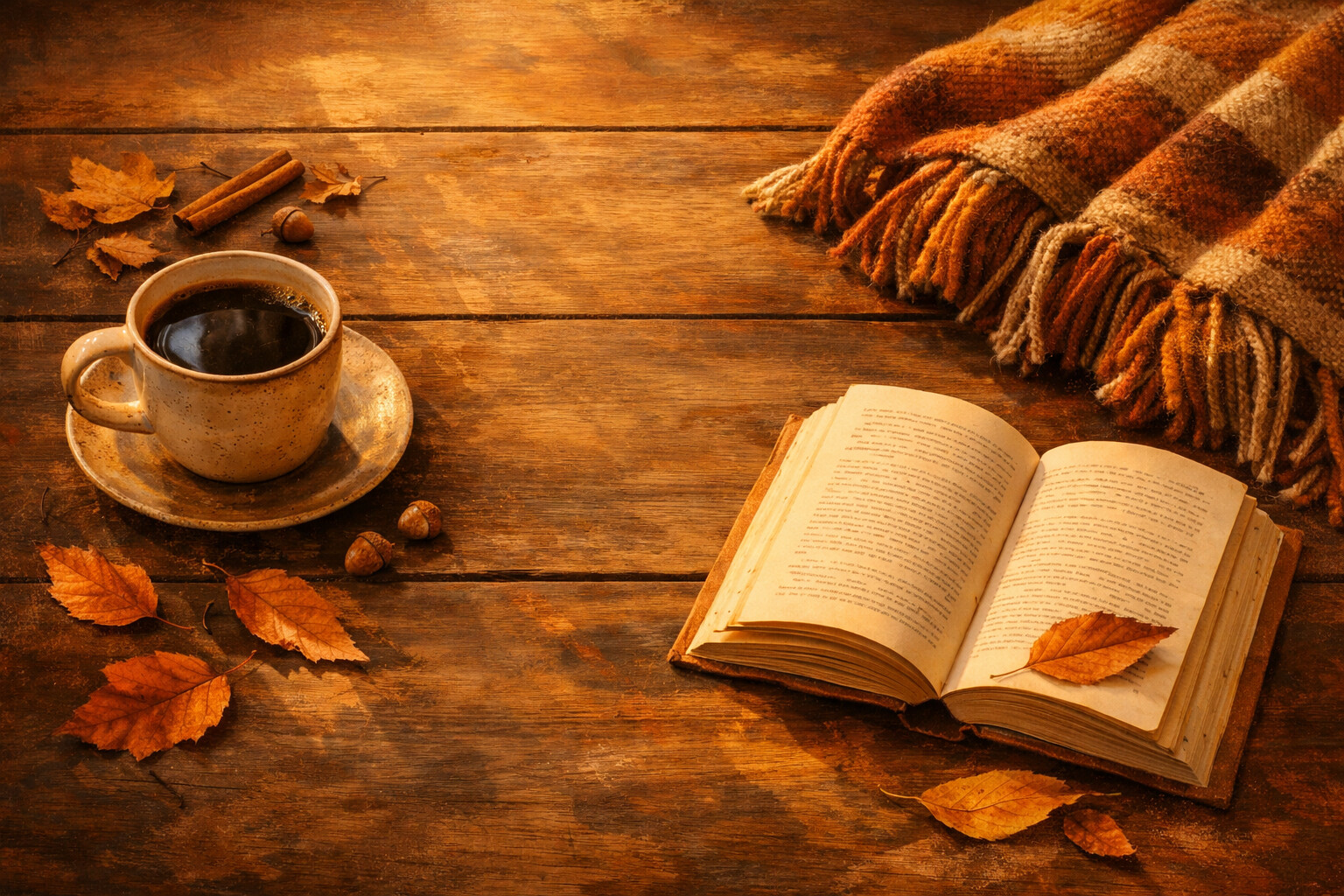
Coffee and a Book
Coffee, a paperback left open and a blanket folded within reach. Nowhere to be.
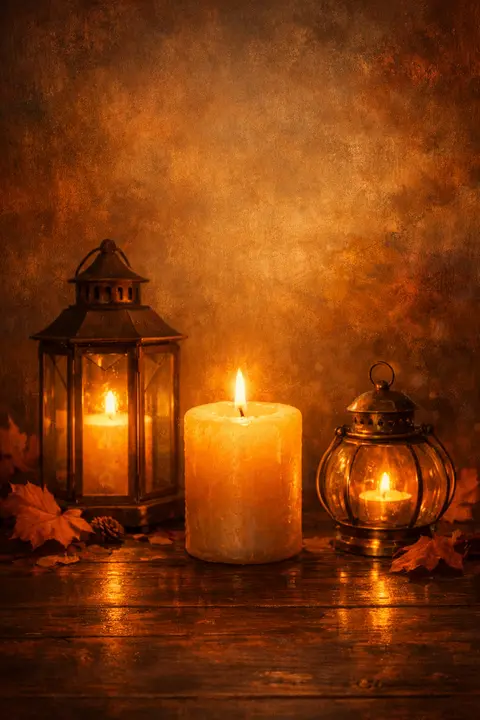
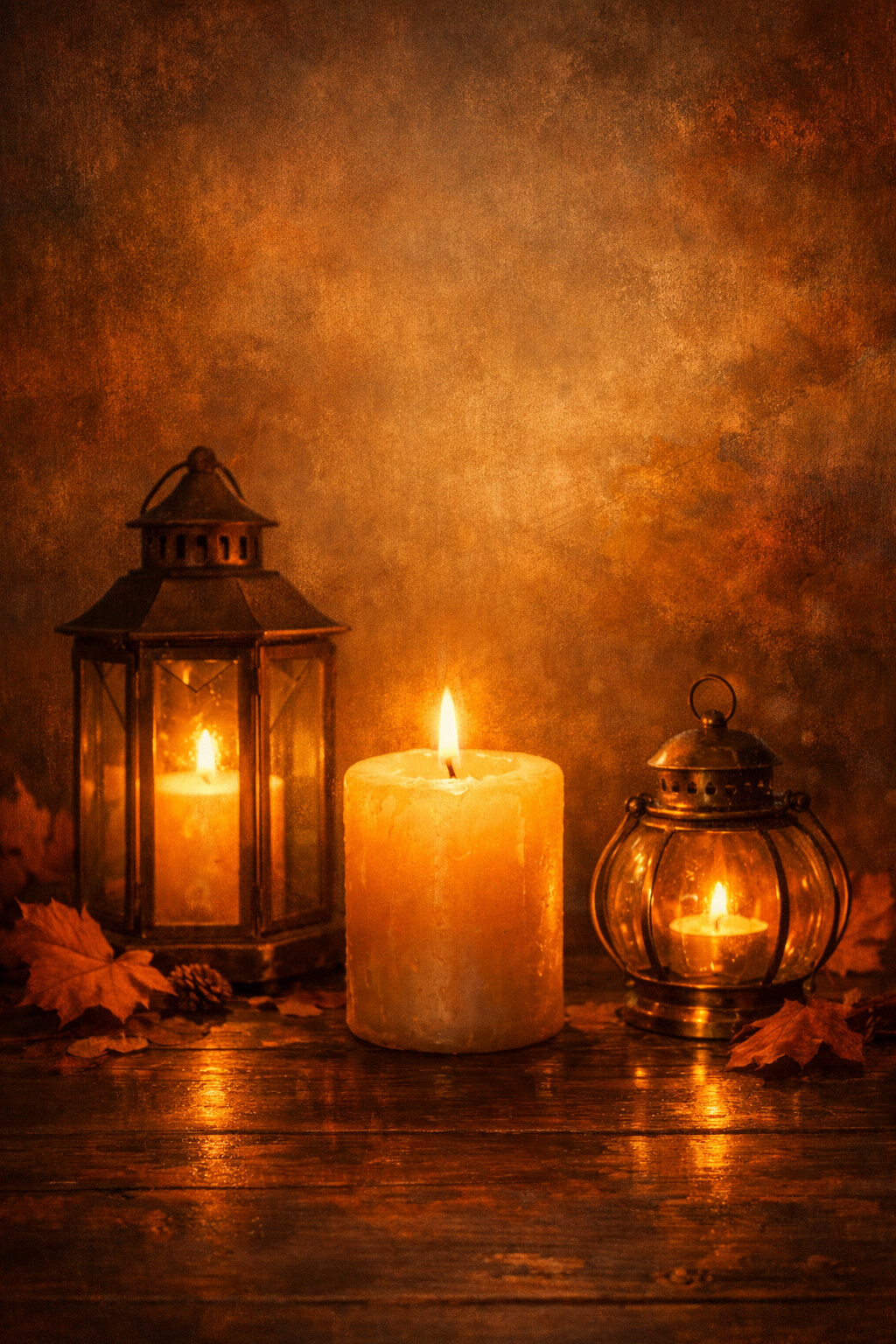
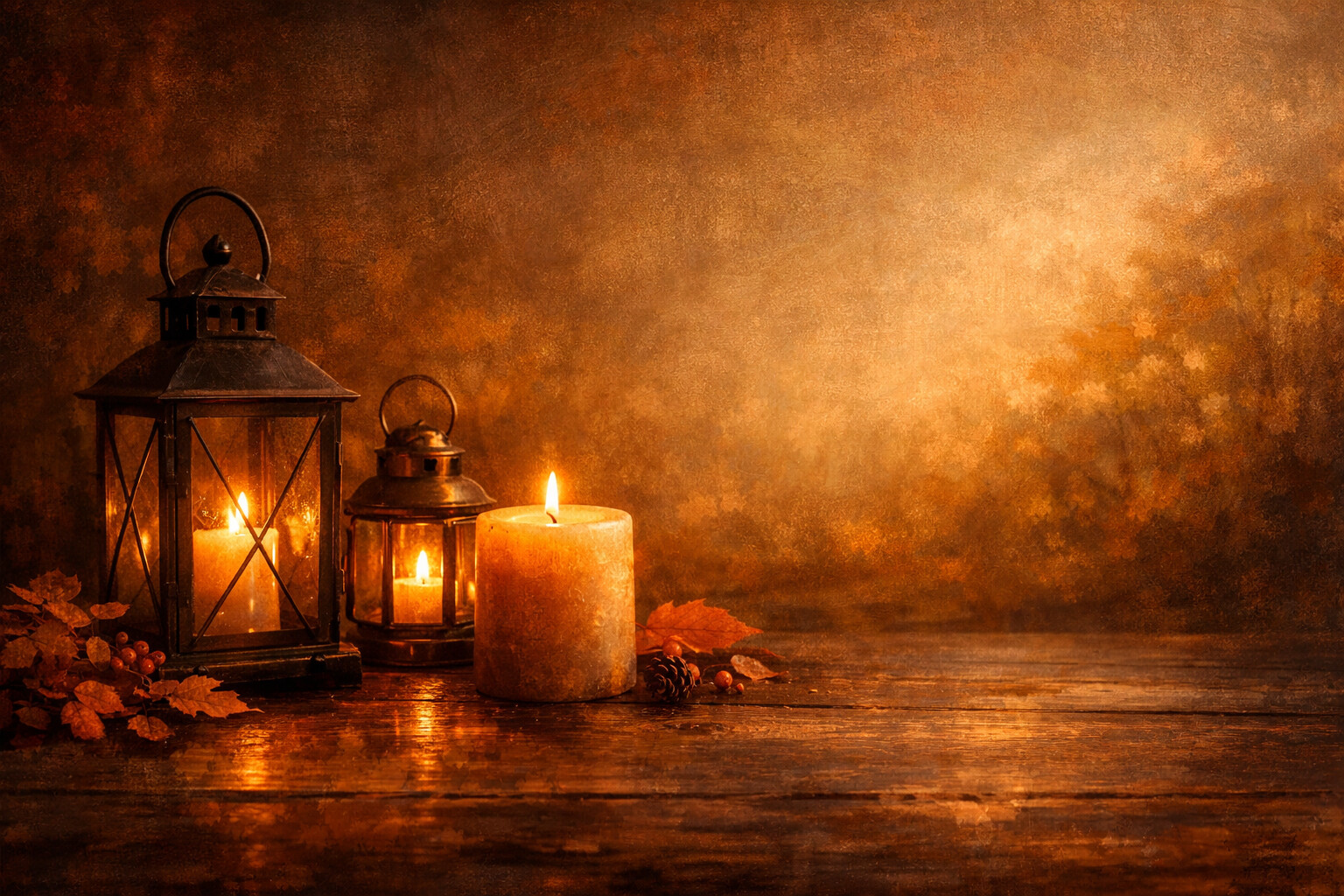
Lantern Glow
Two lanterns and a candle throwing amber halos onto dark wood.
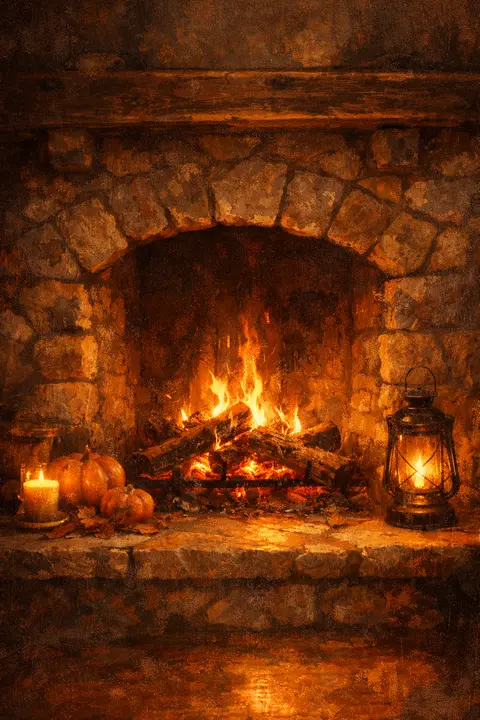
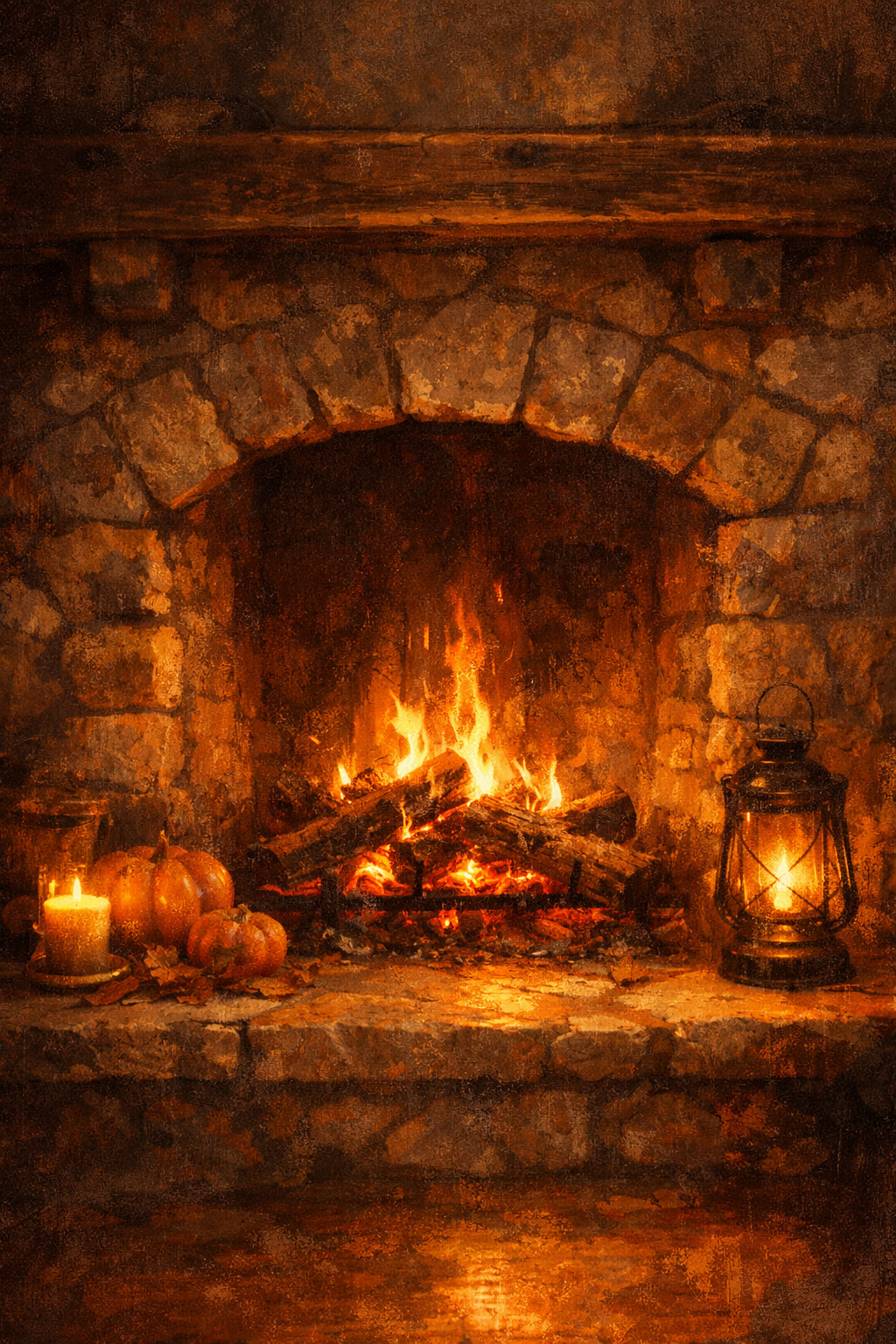
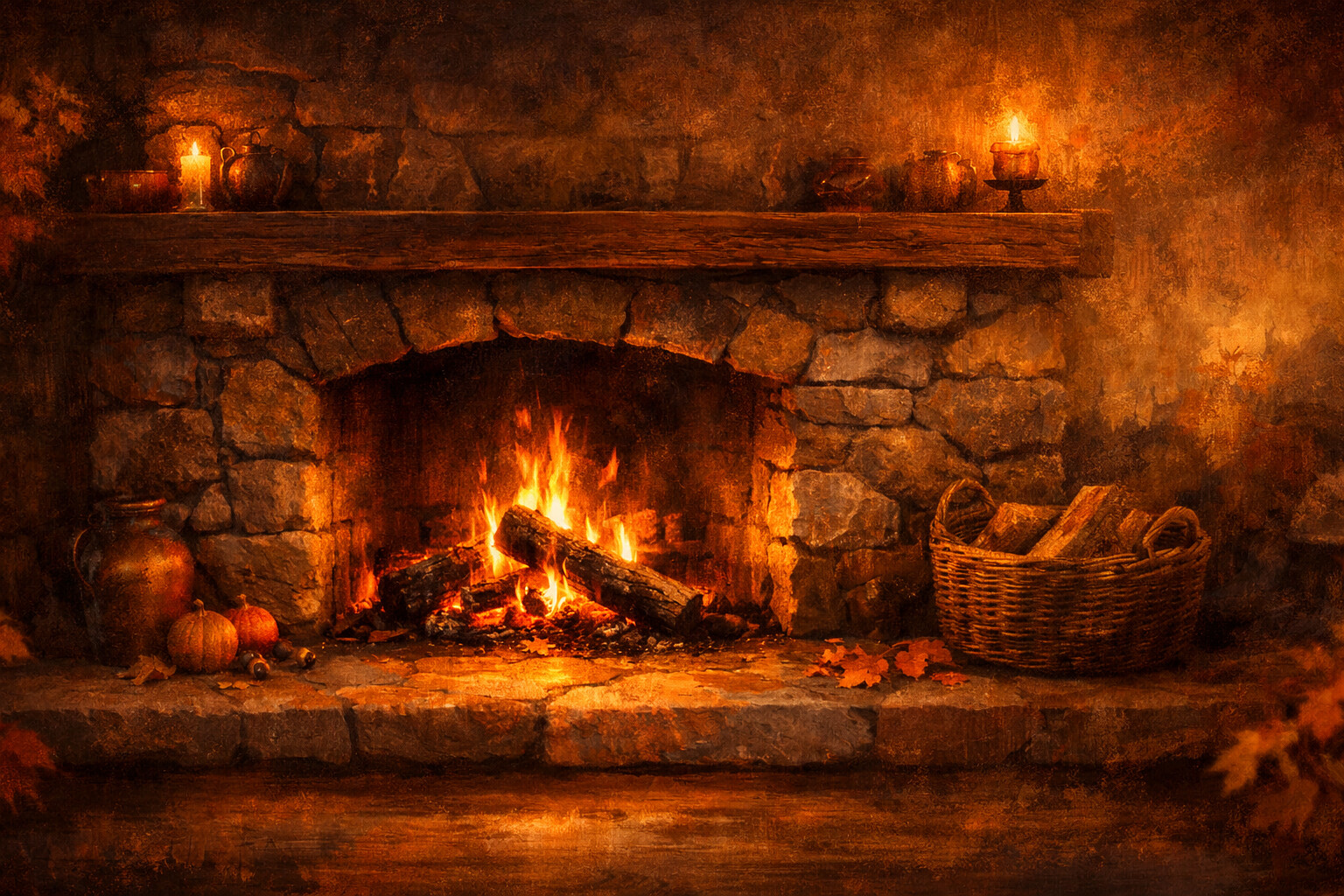
Fireside
Low flames working through the logs, spilling orange across the hearthstones.
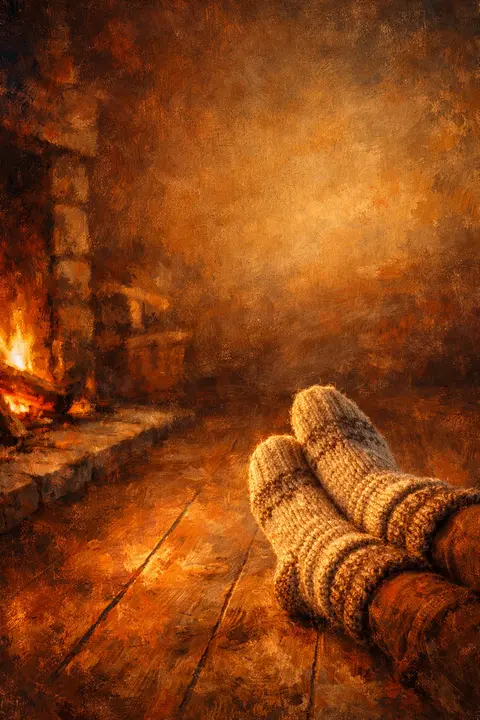
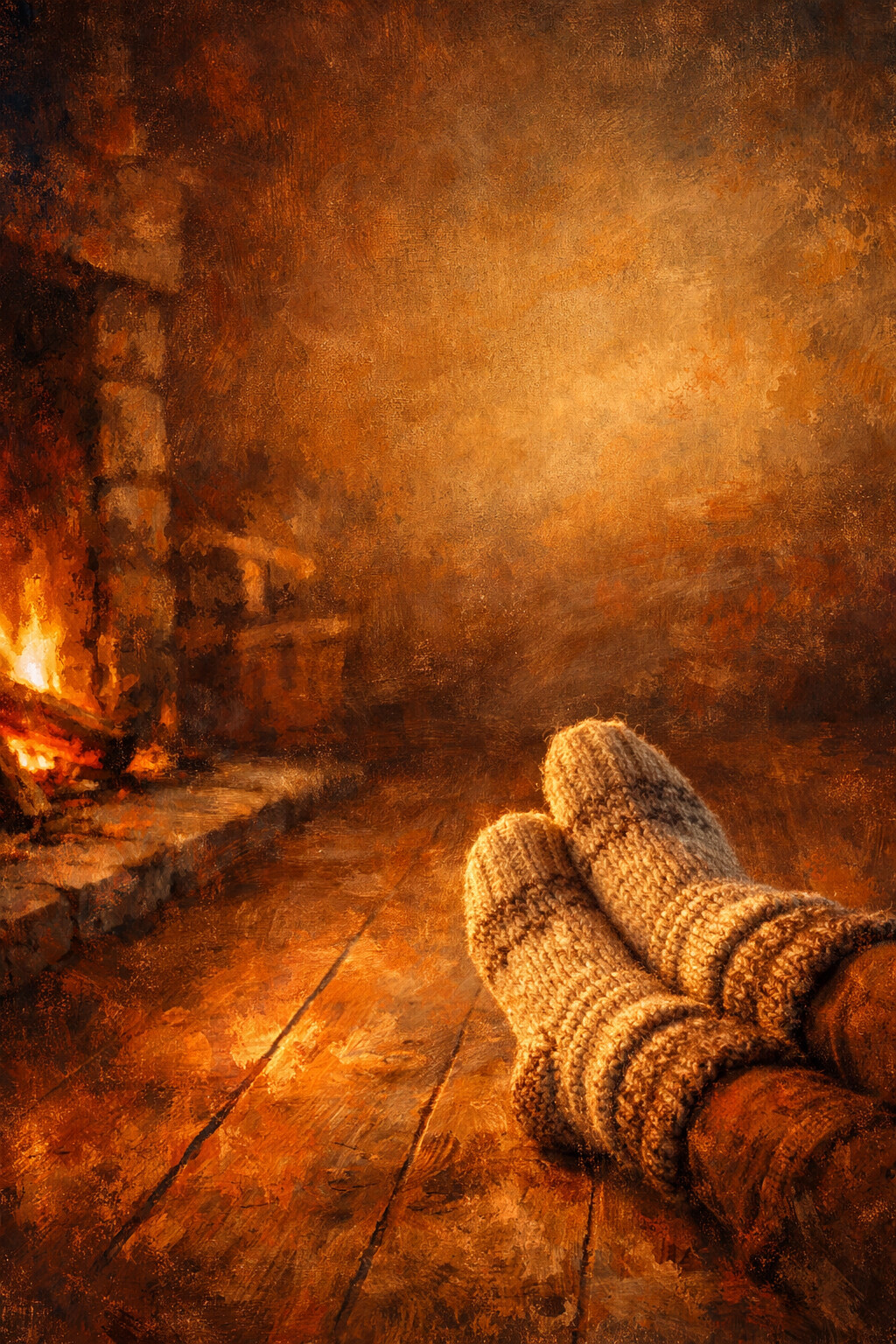
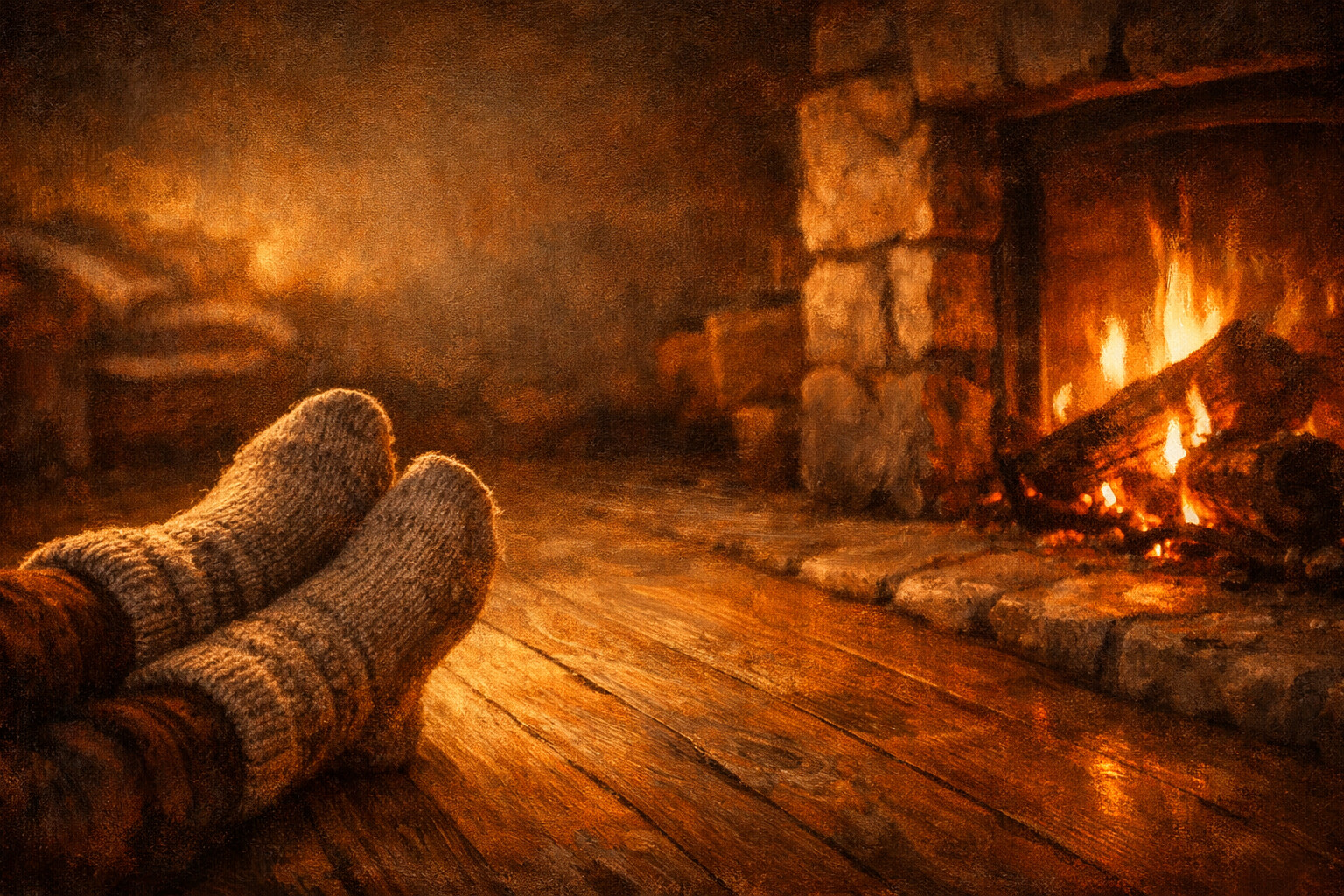
Wool Socks
Thick wool socks parked by the fire, exactly where feet were a minute ago.
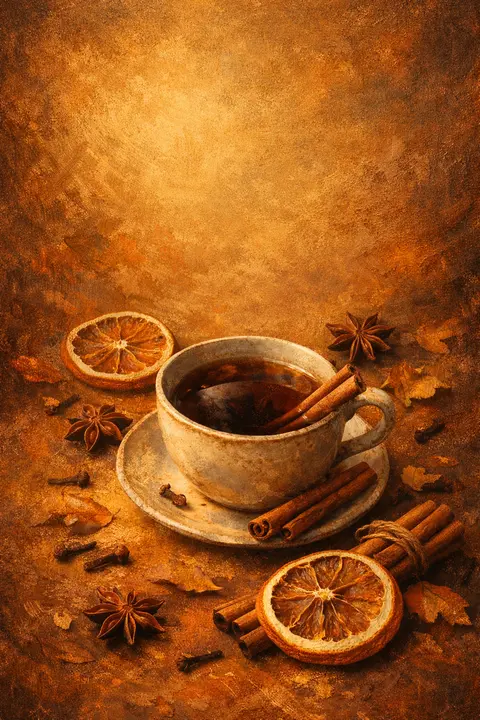
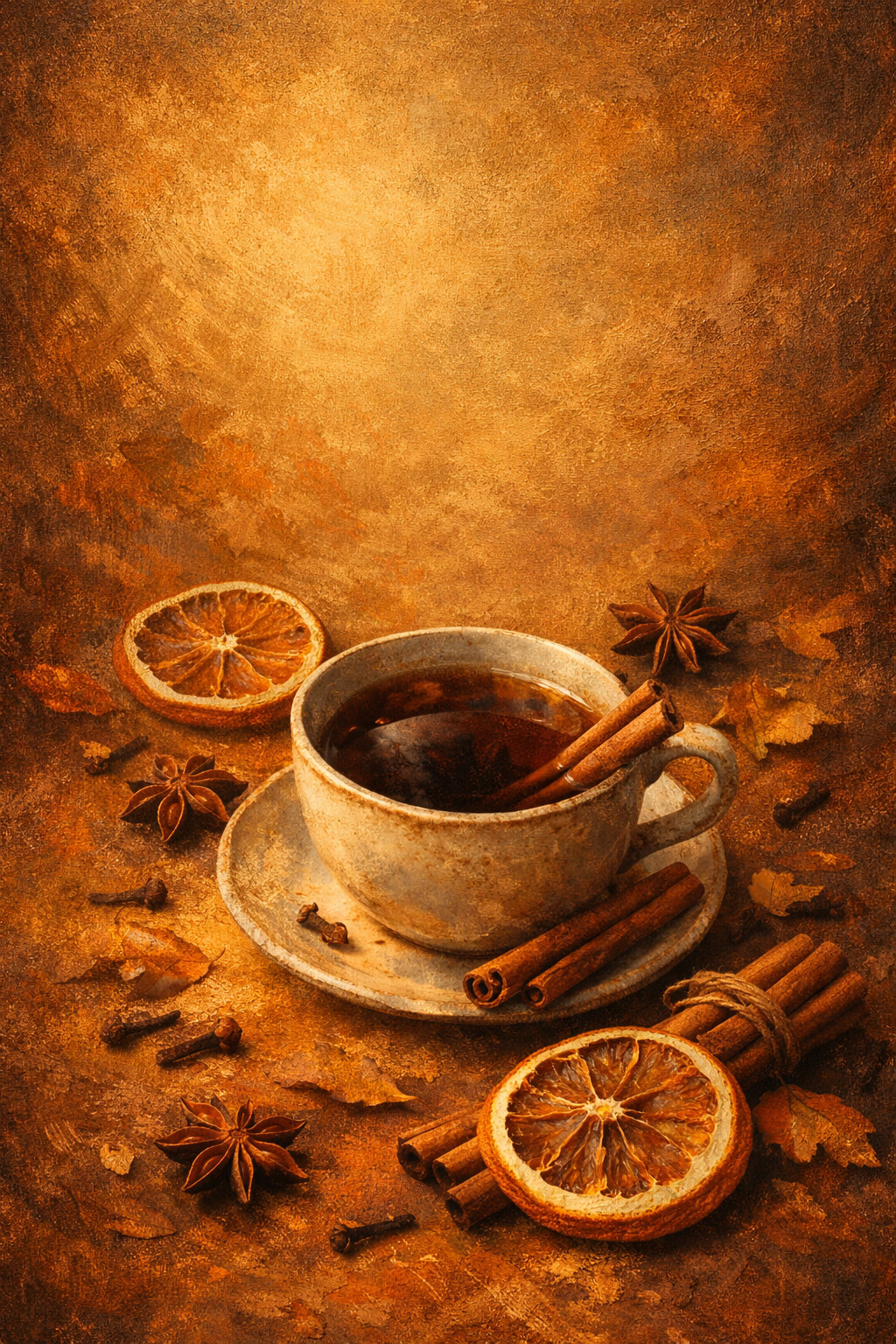
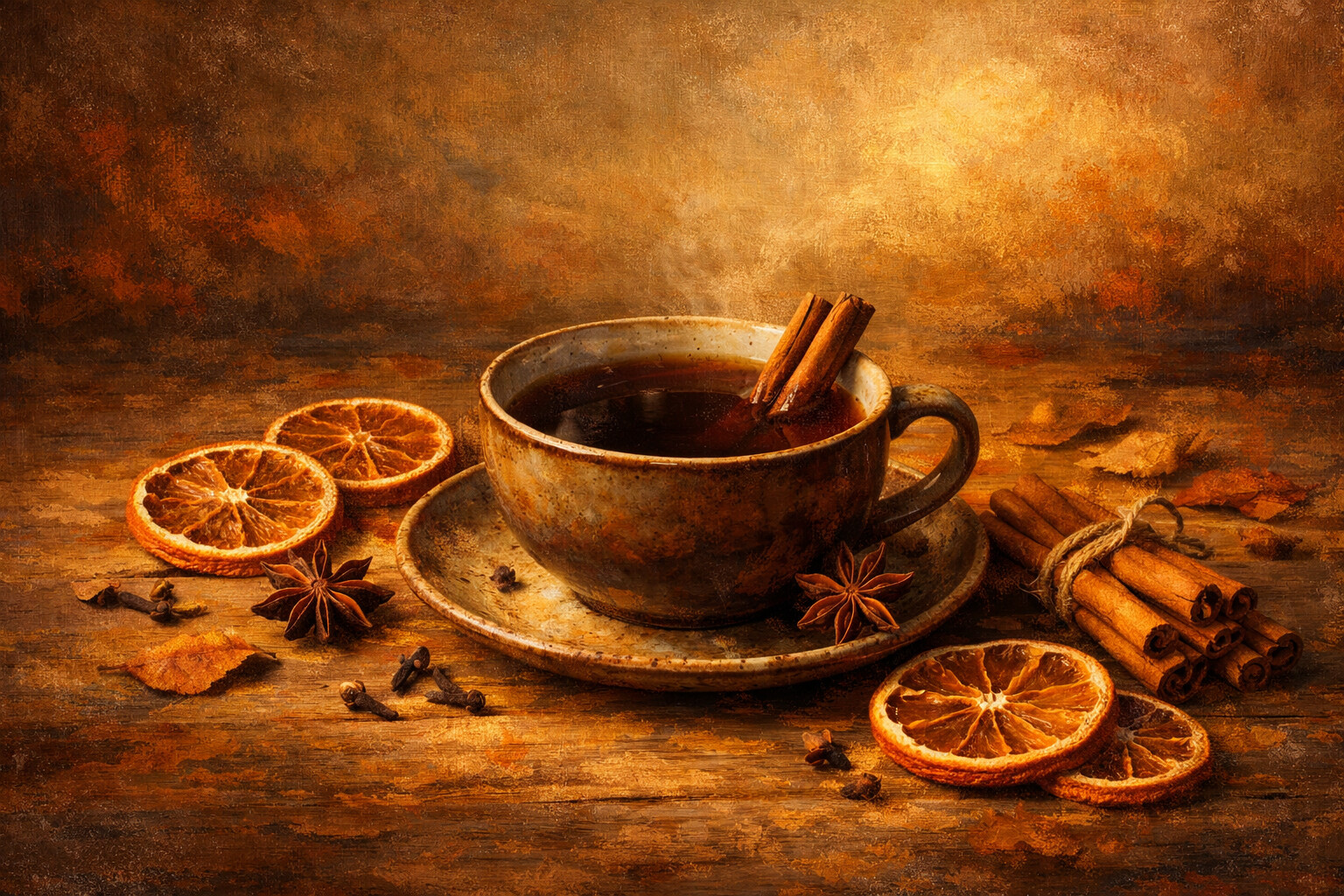
Spiced Tea
Dark tea circled by cinnamon, star anise and dried orange, still steaming.
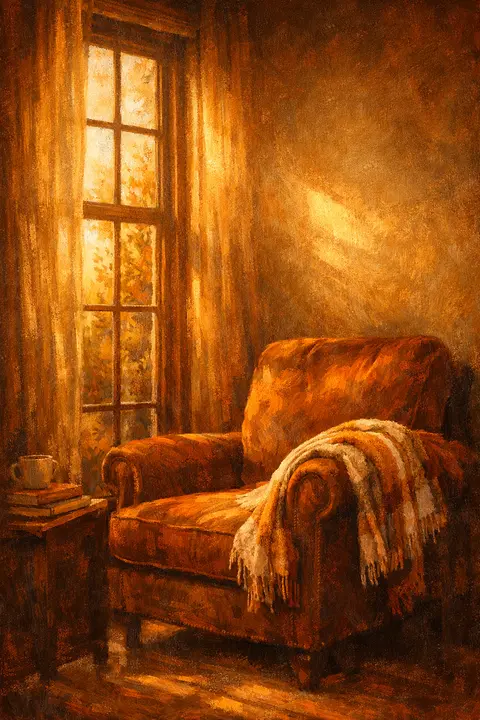
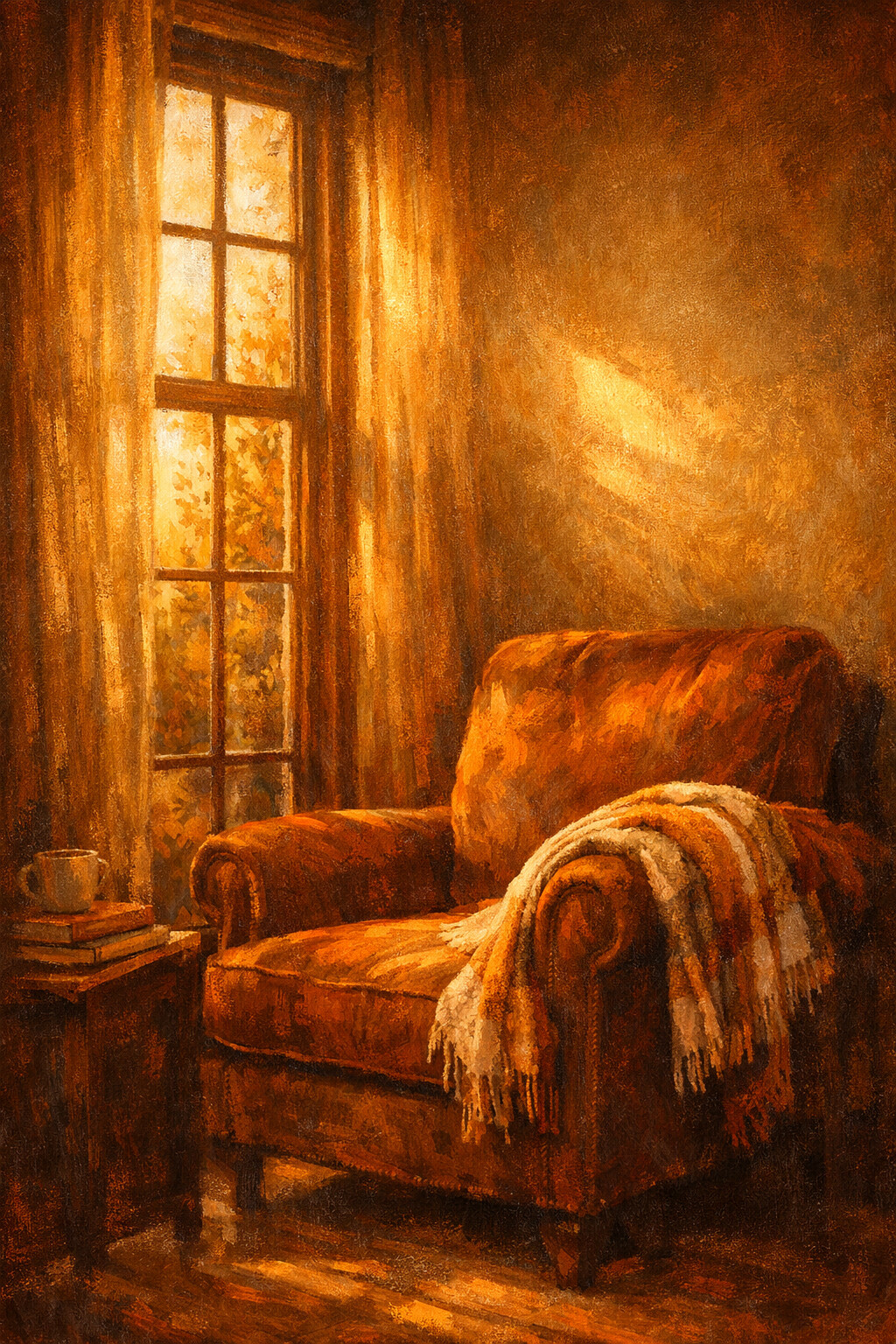
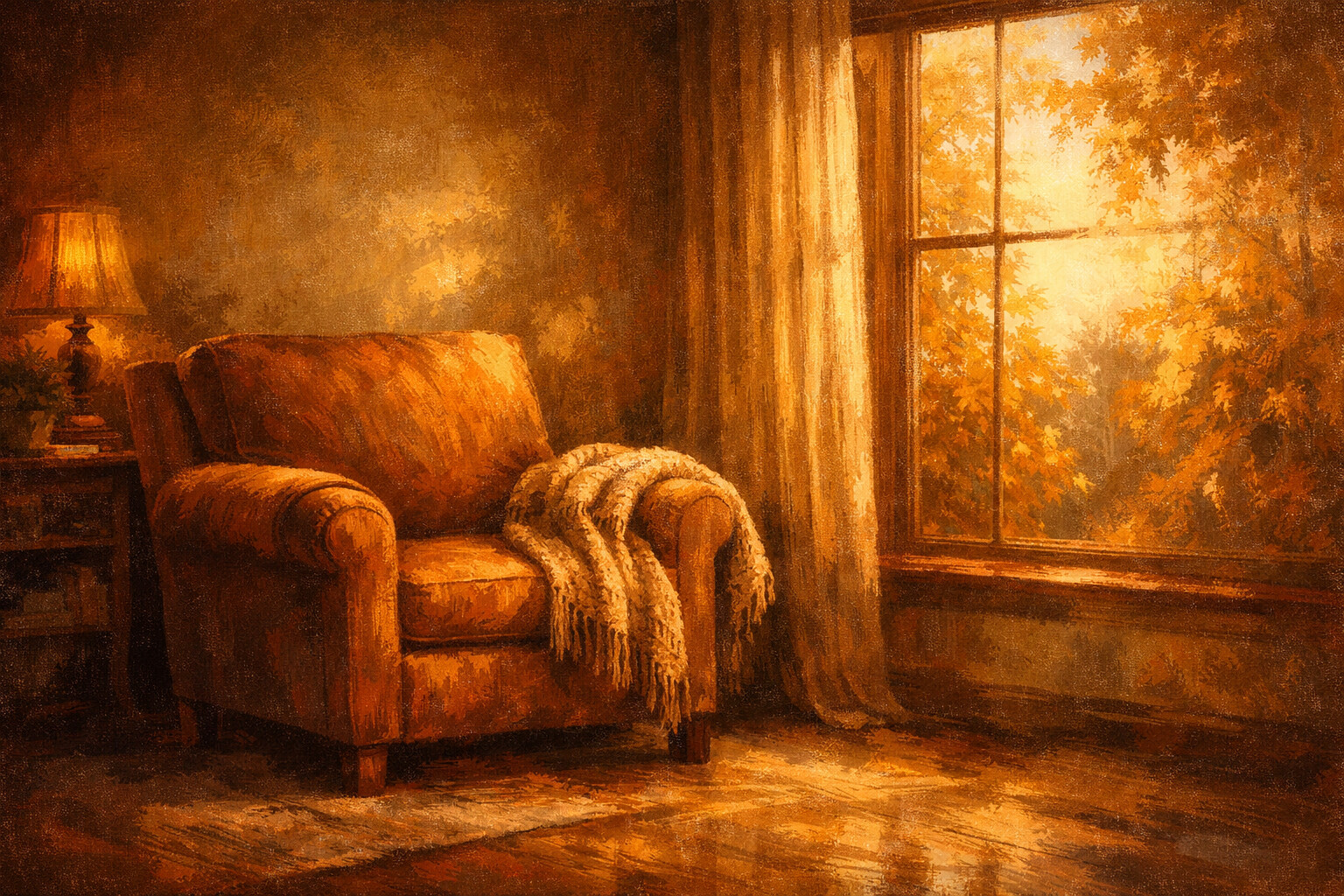
Reading Nook
An armchair placed exactly where the afternoon light lands, blanket already waiting.
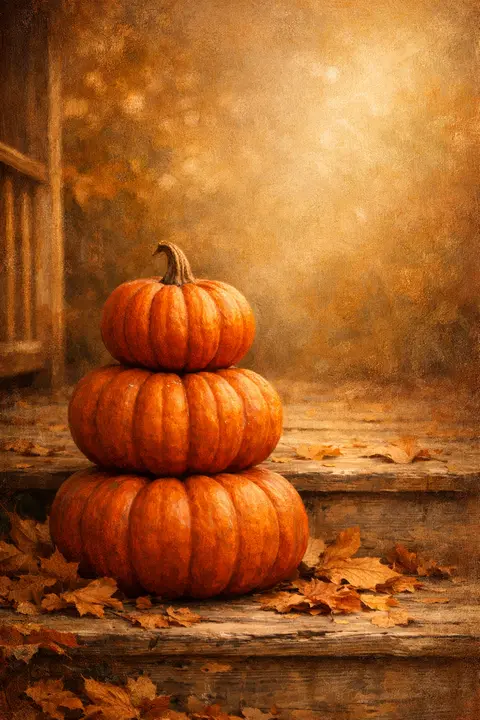
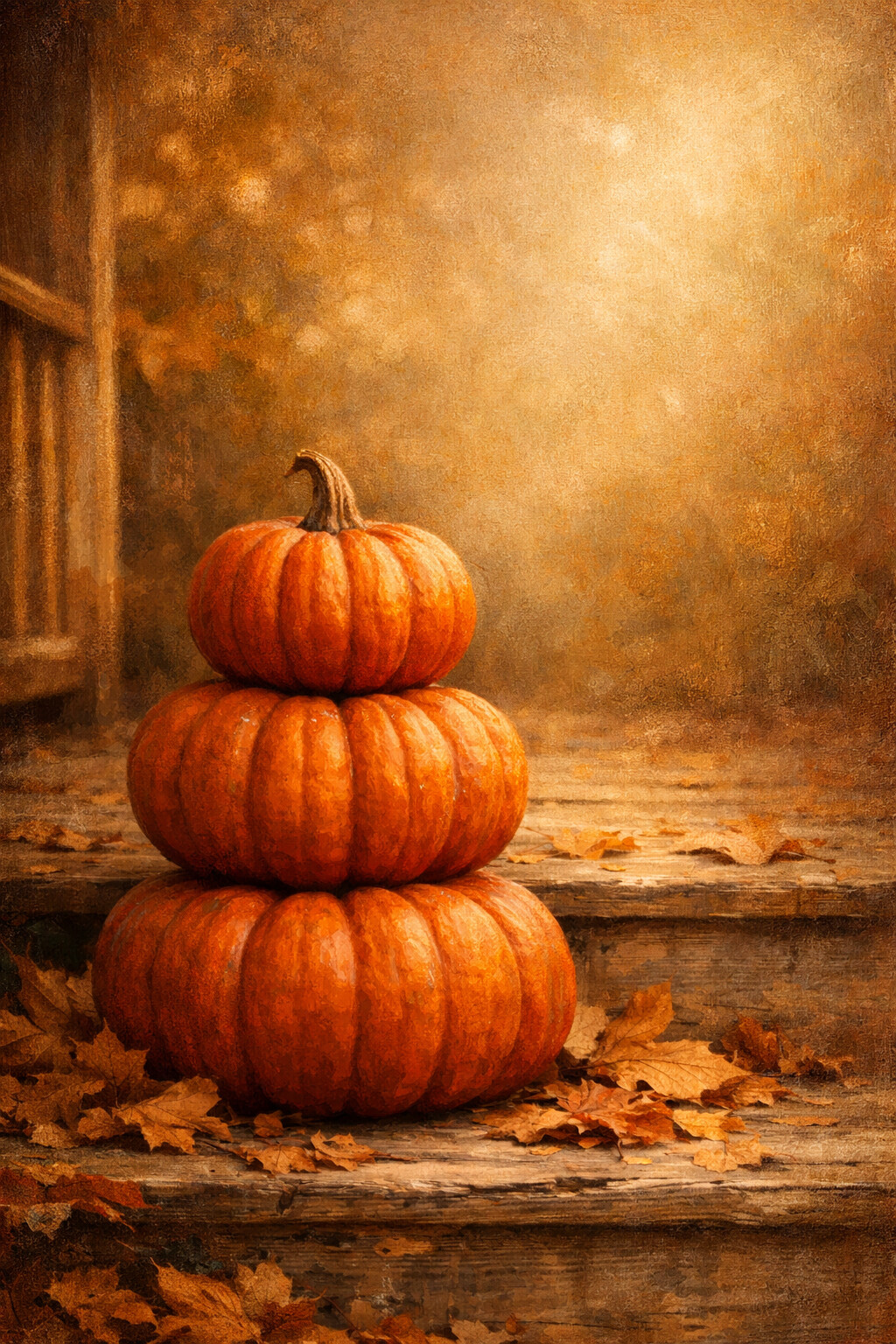
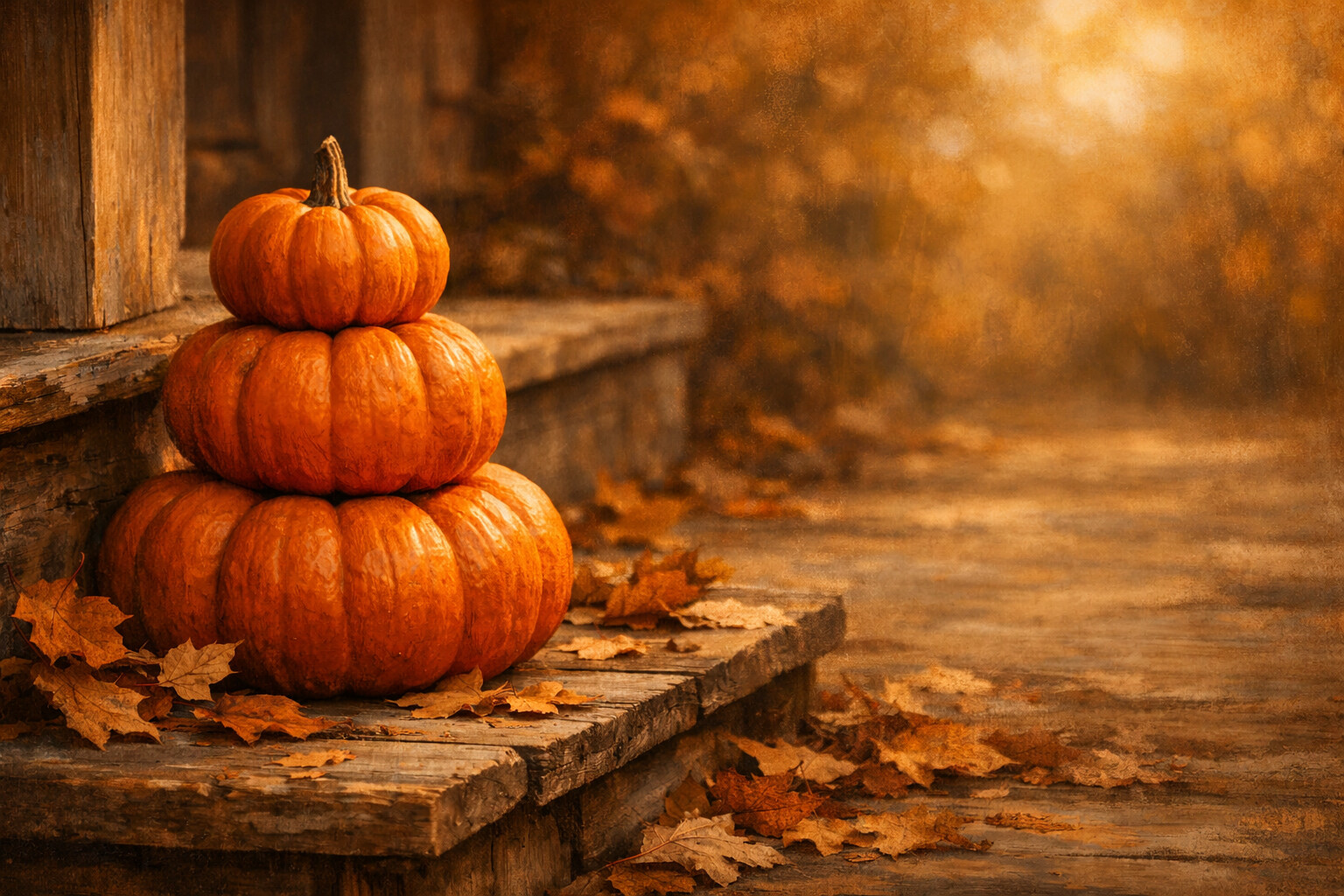
Porch Pumpkins
Three pumpkins stacked biggest to smallest on a porch step, leaves gathering around them.
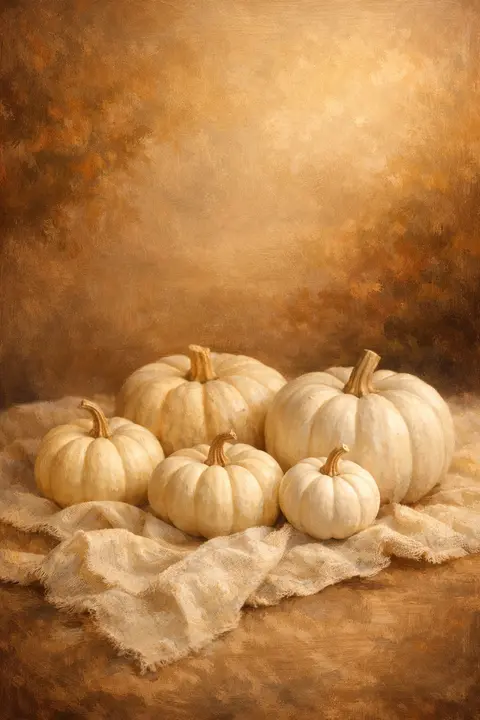
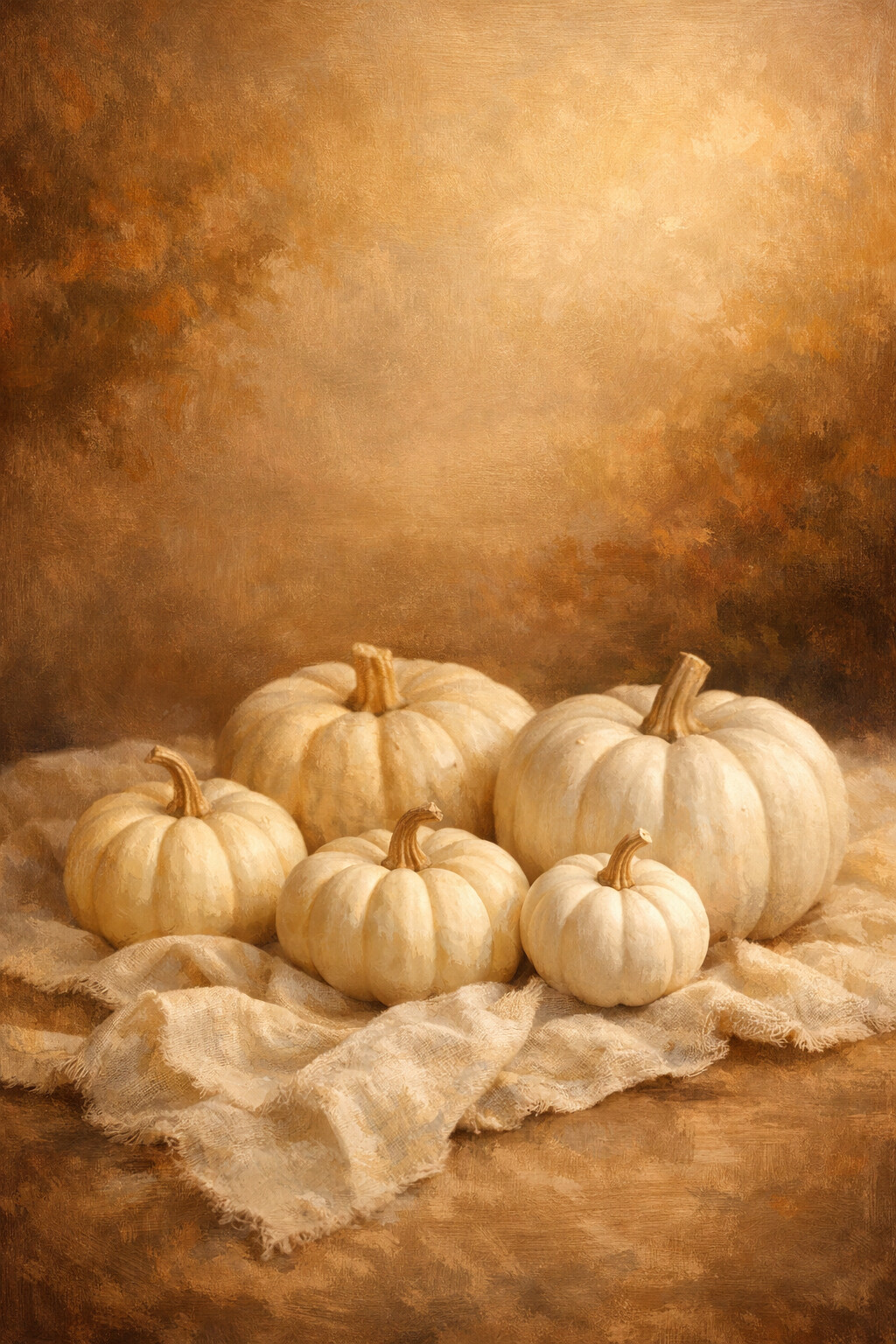
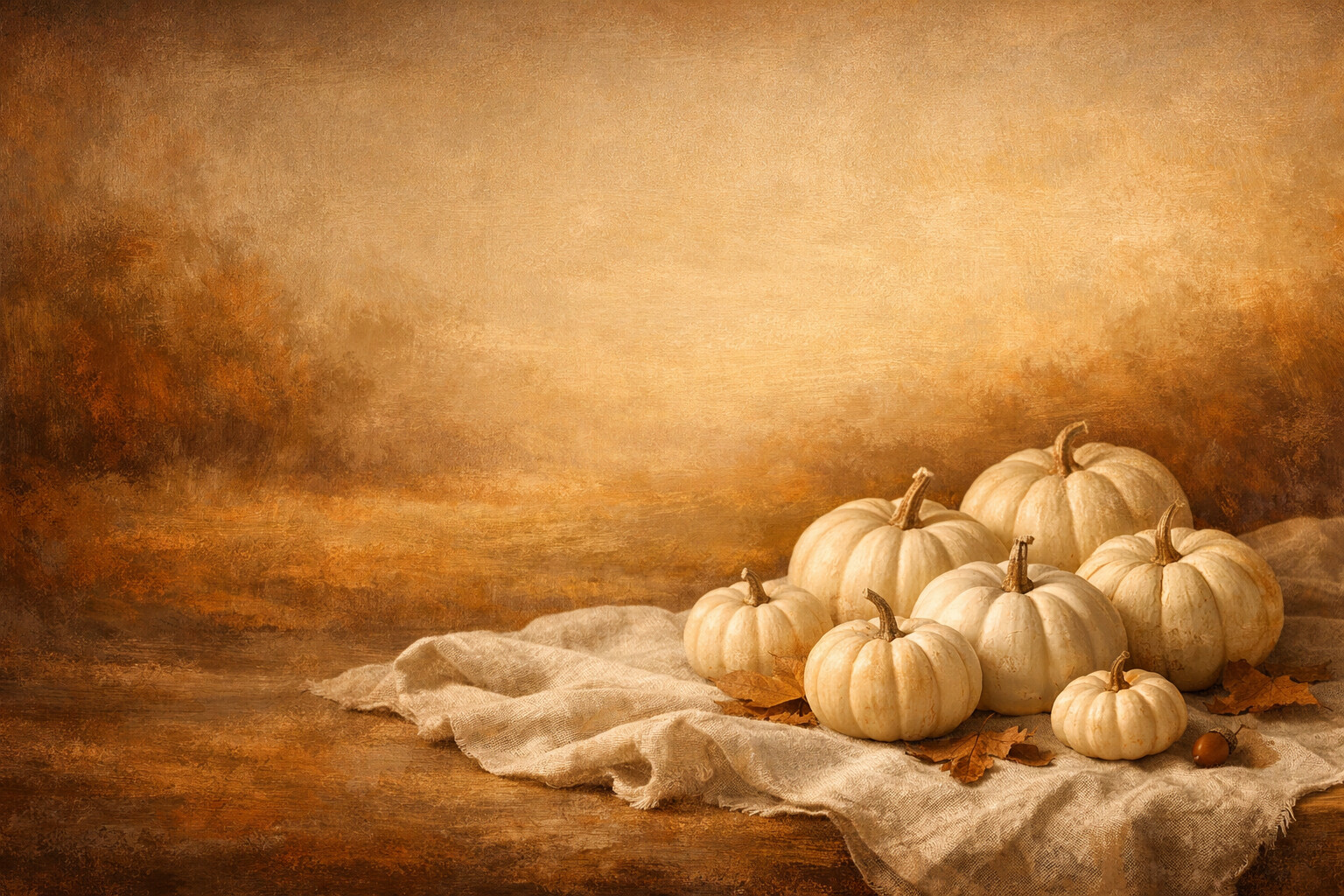
White Pumpkins
Cream and bone pumpkins on linen, autumn without a single orange in it.
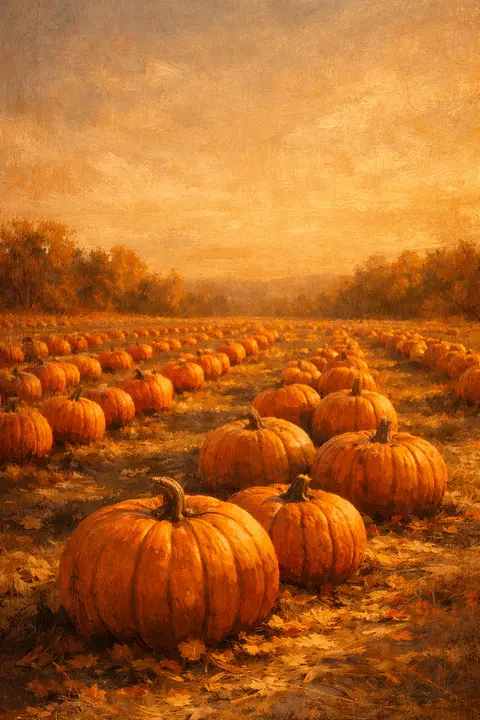
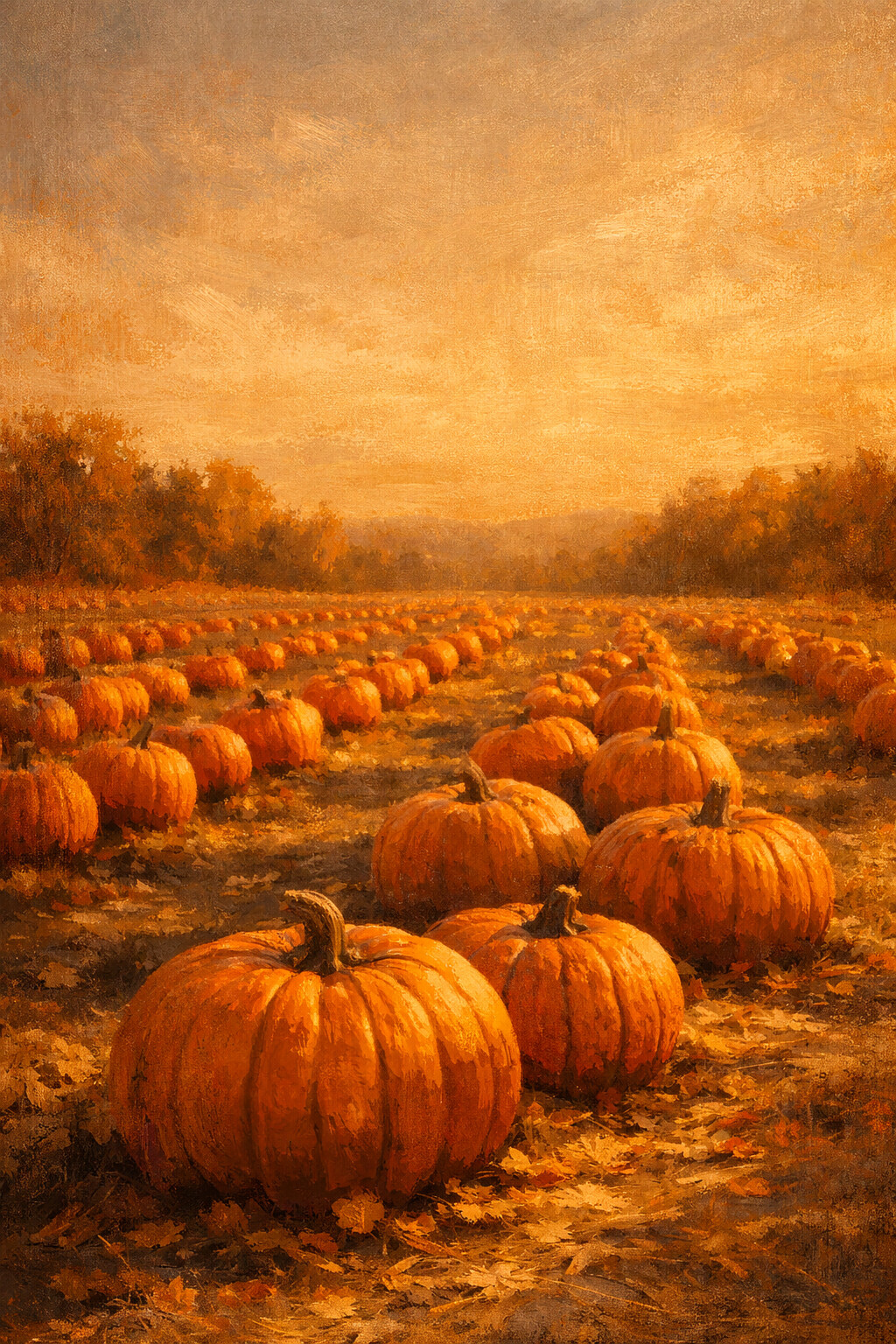
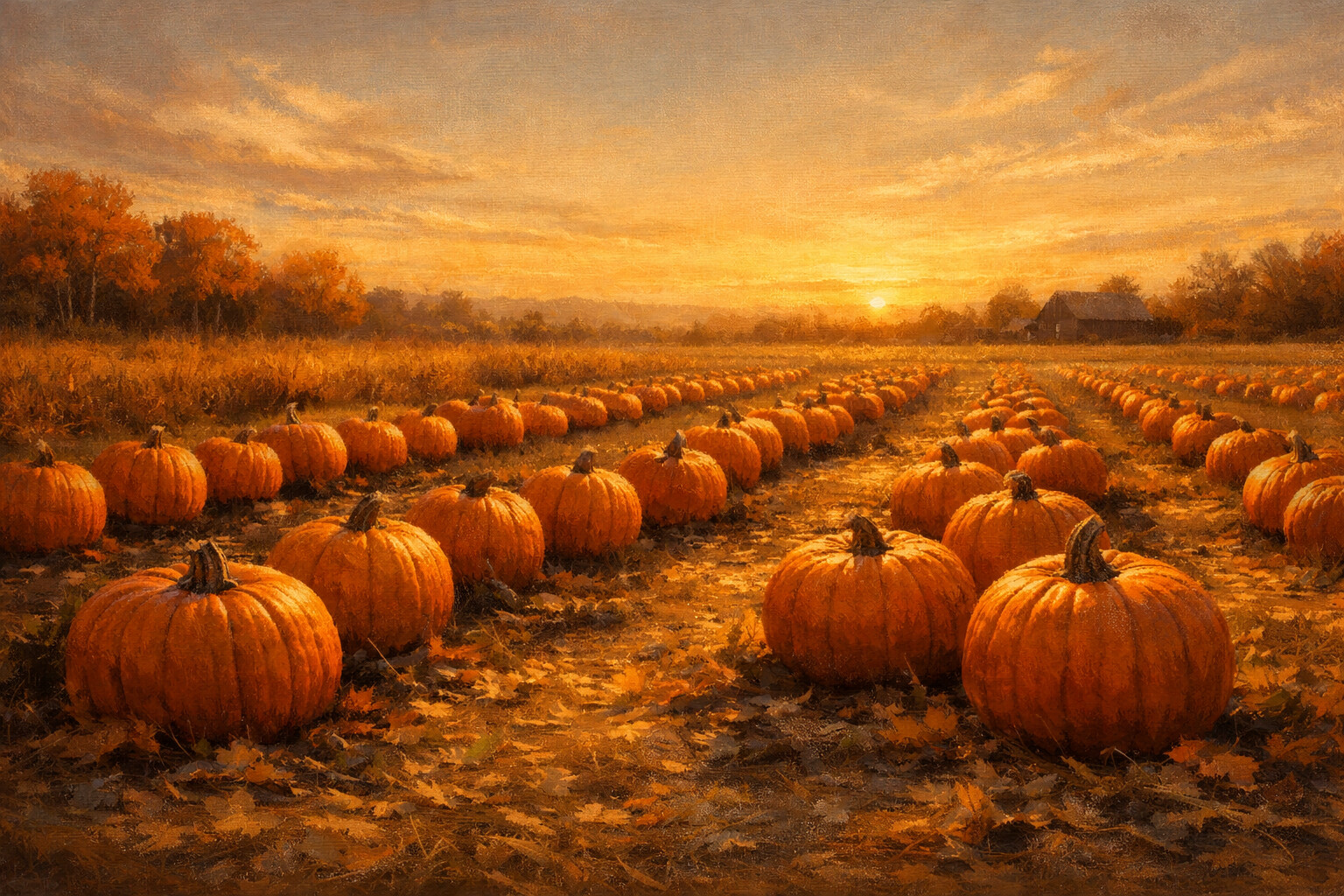
Pumpkin Field
A field of pumpkins waiting to be picked, each one throwing a long shadow.
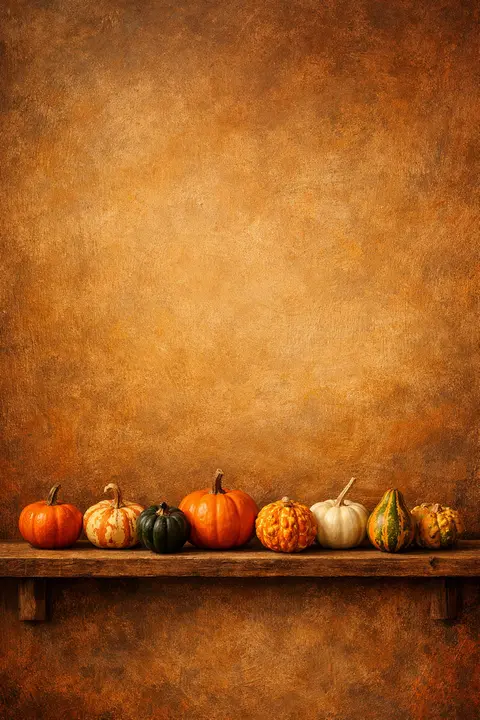
Mini Pumpkins
Small pumpkins and gourds lined up by size along one plain shelf.
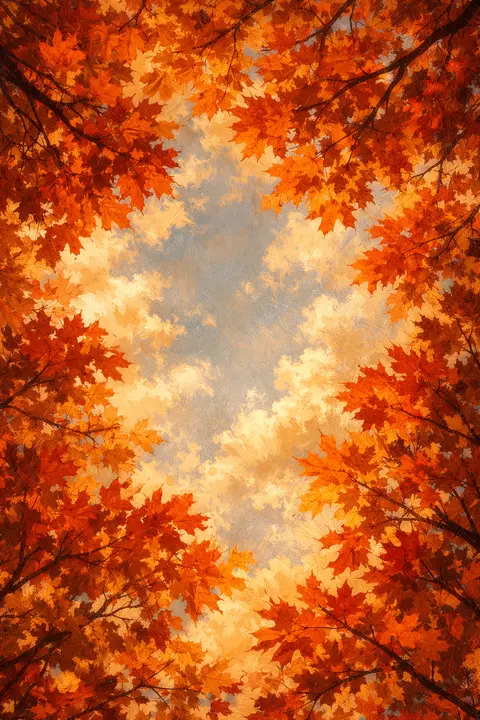
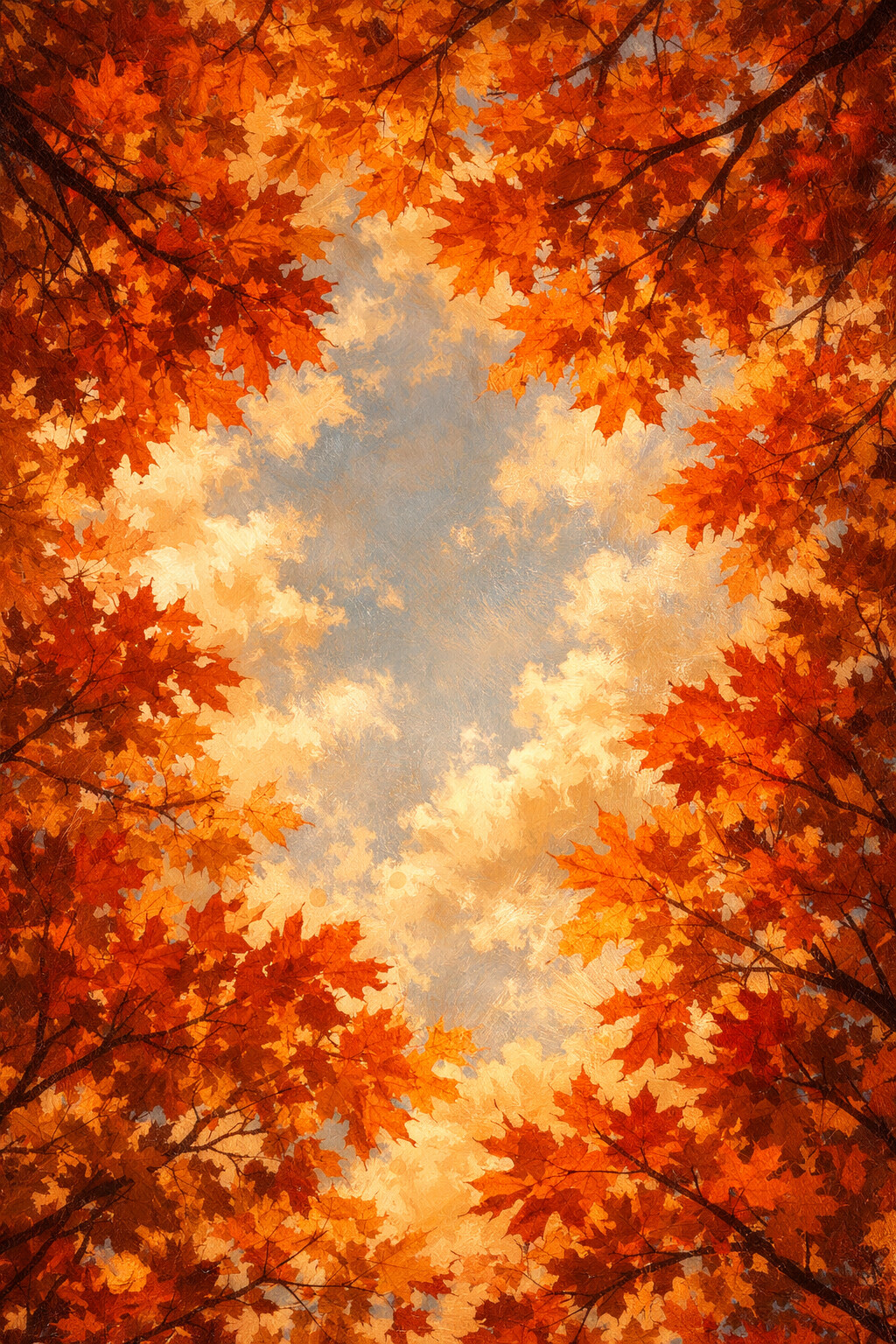
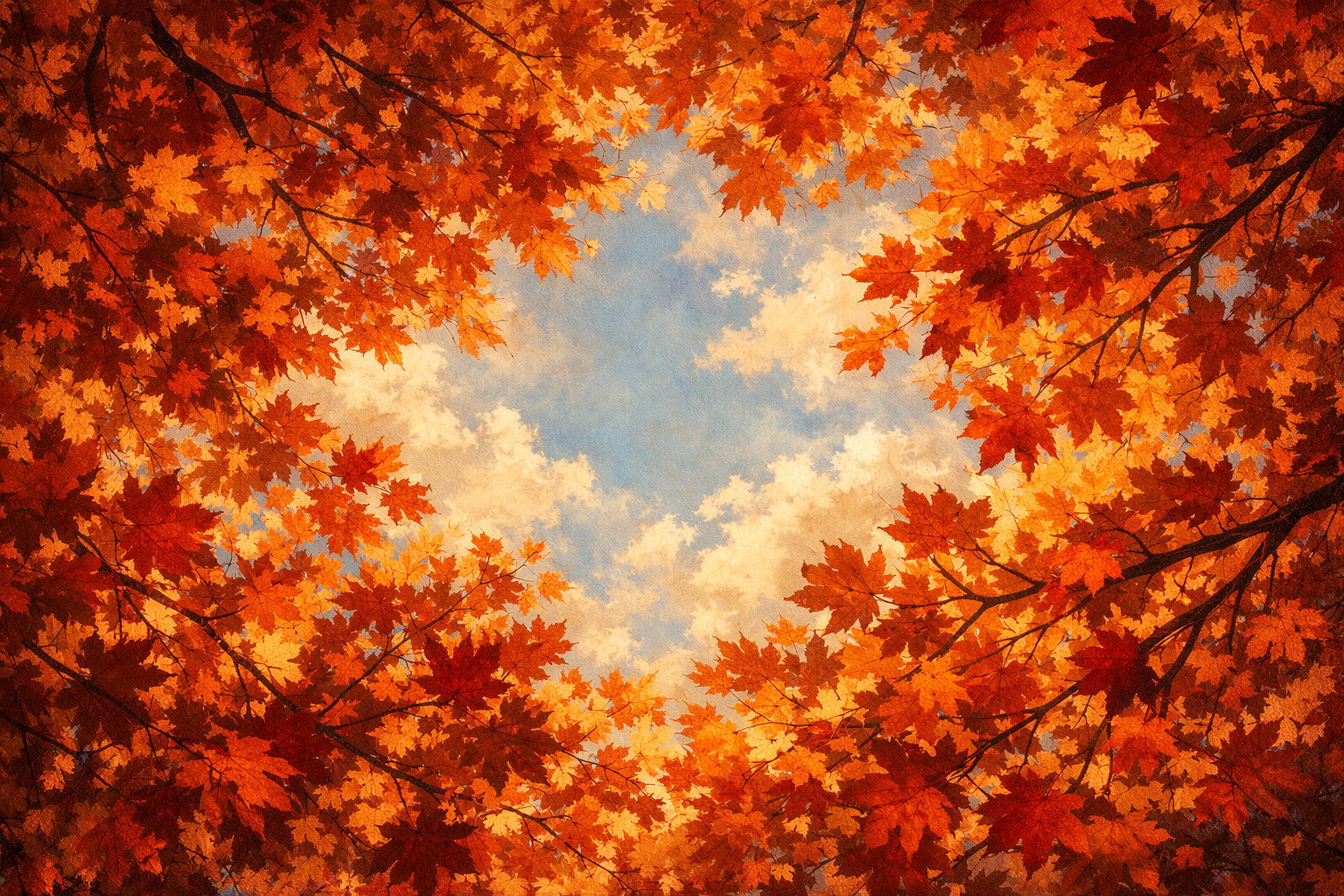
Maple Canopy
Straight up into a red maple canopy, with only slivers of sky left between the leaves.
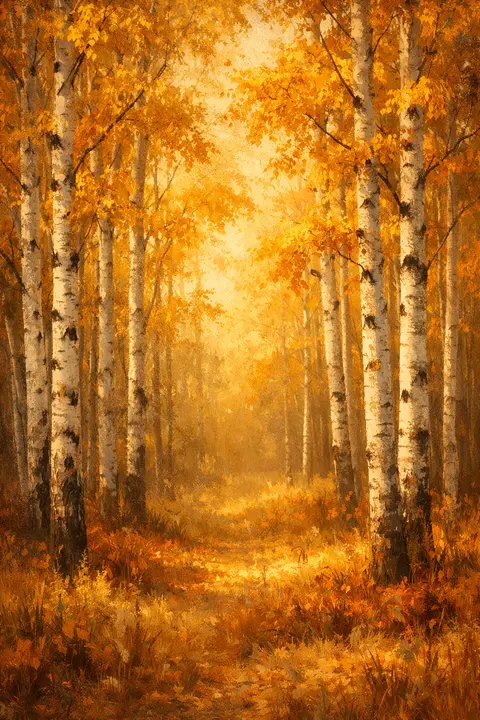
Golden Birches
Slim white birch trunks holding up a ceiling of pure gold.
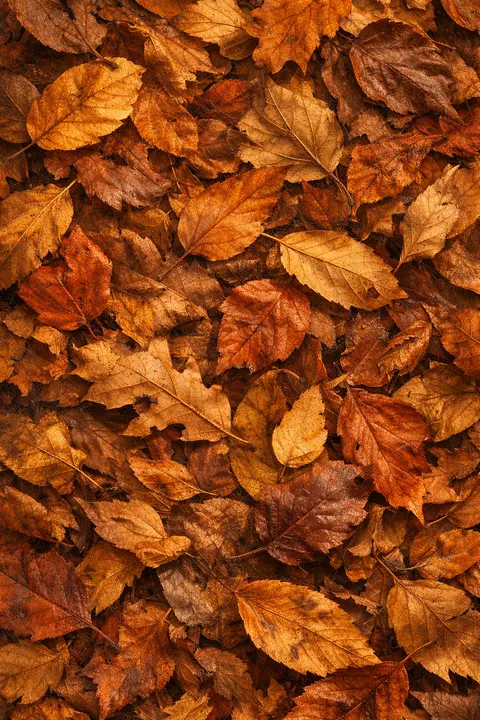
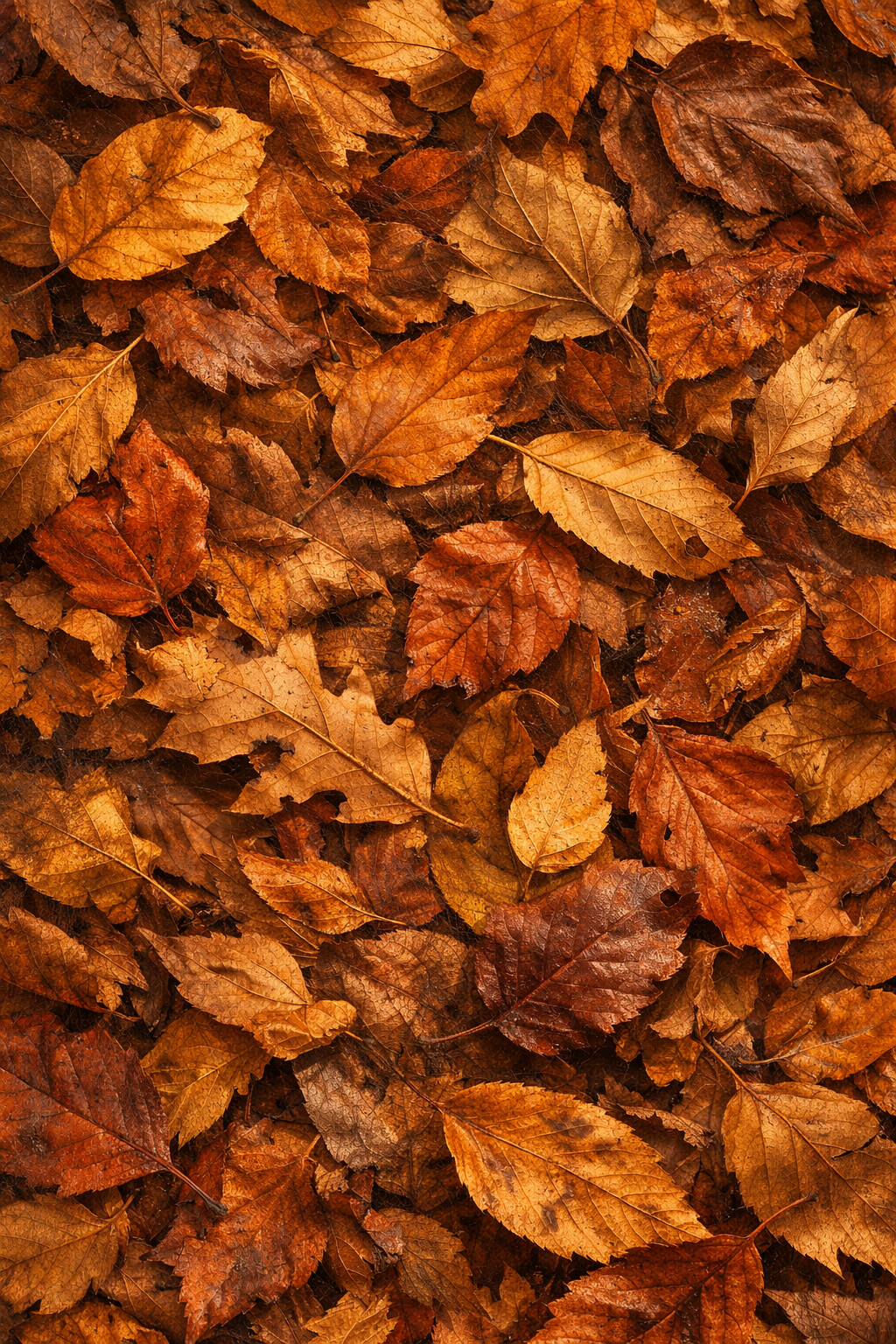
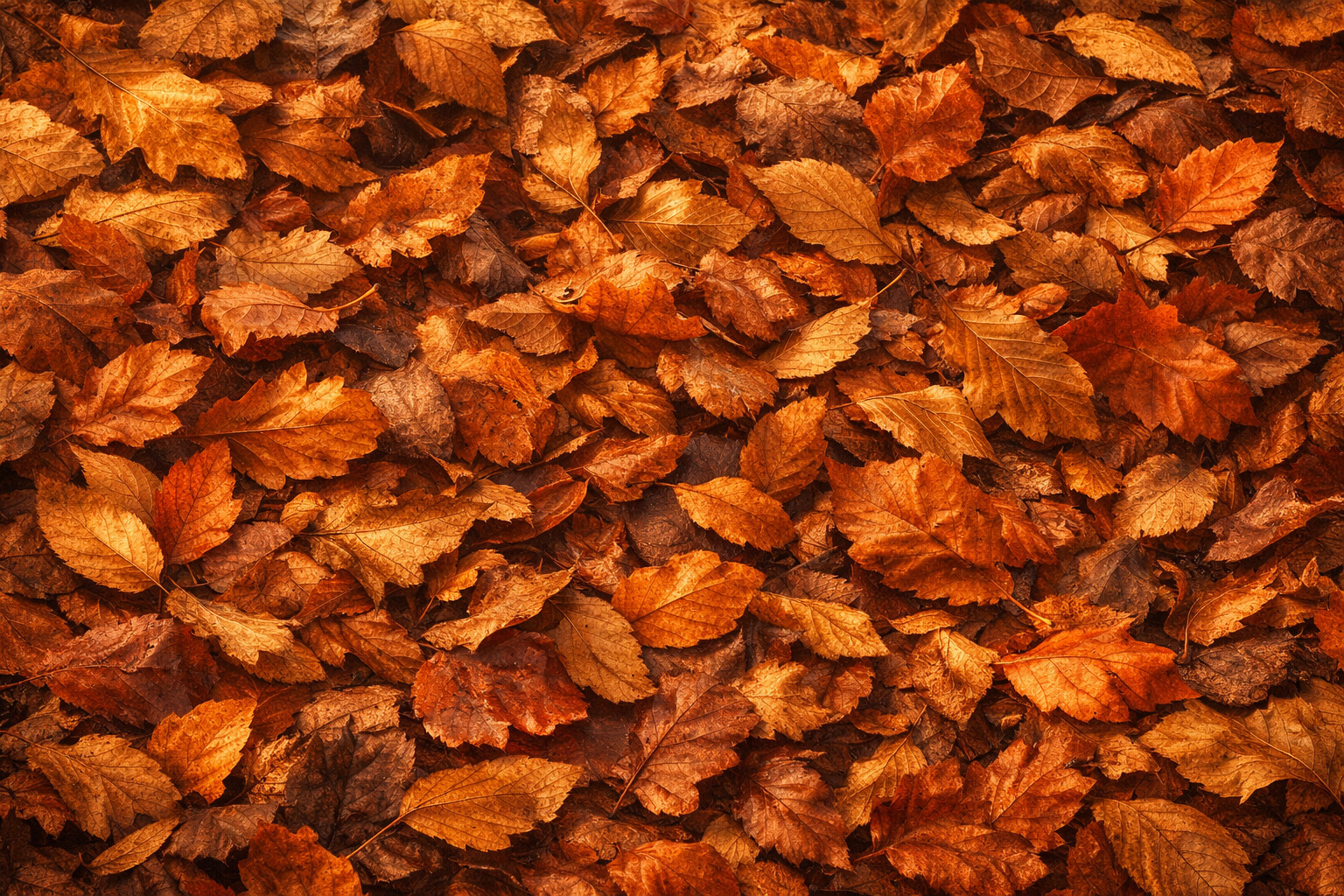
Leaf Pile
A deep pile of dry leaves photographed close, every edge curled and crisp.
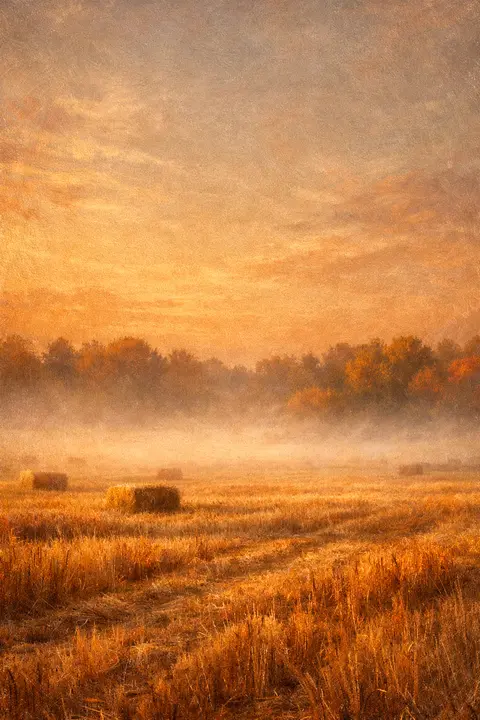
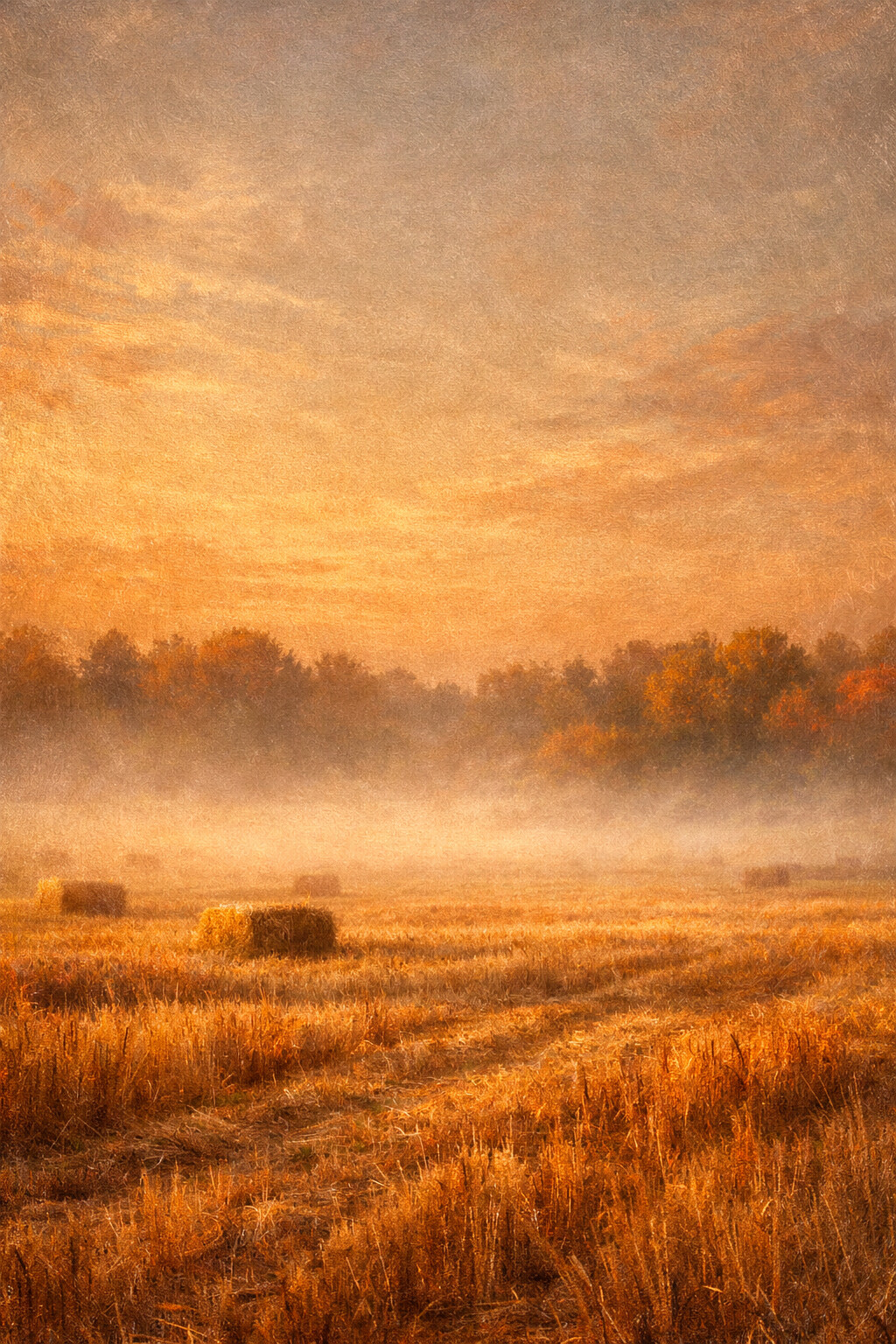
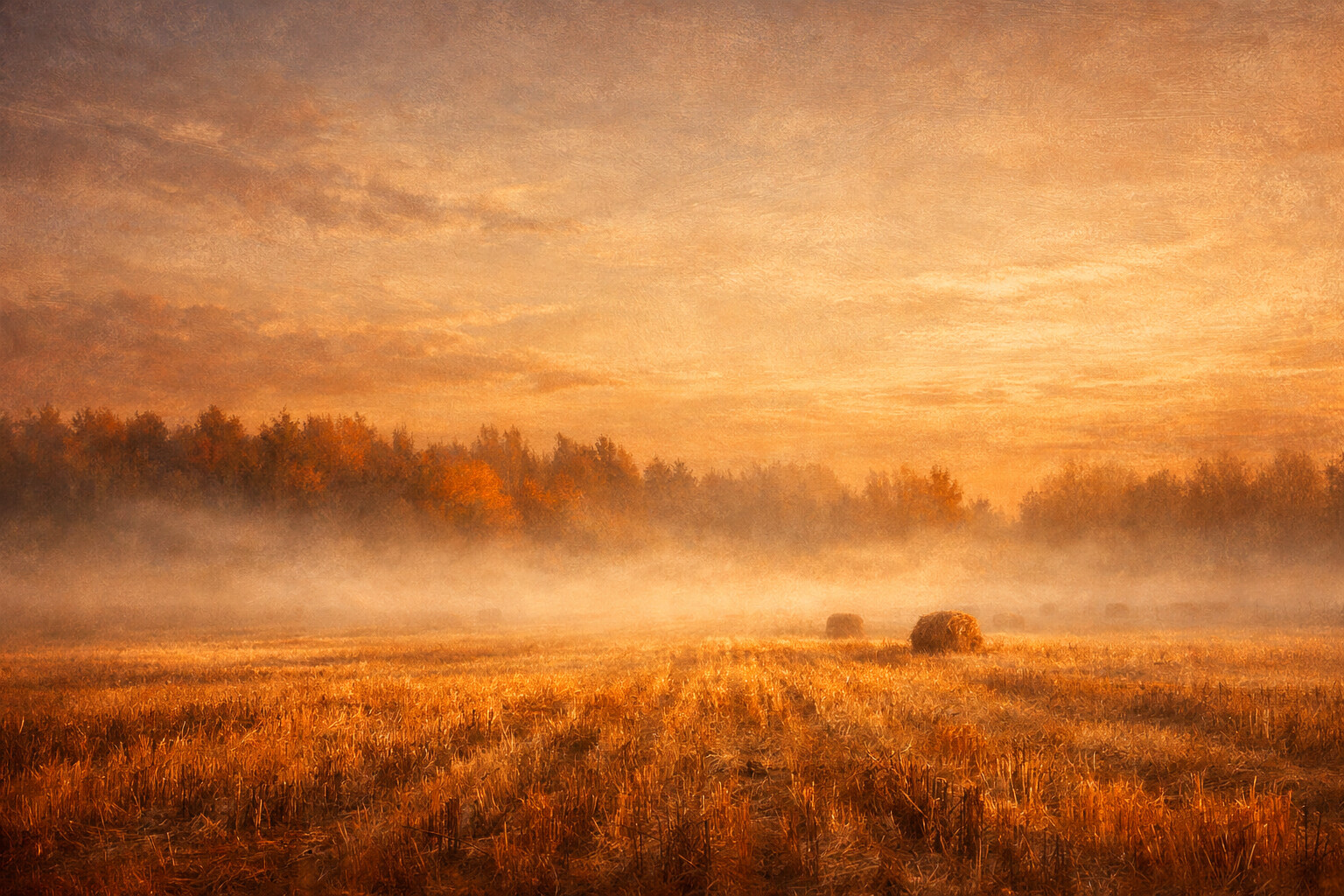
Misty Morning
Mist lying flat over cut stubble, the treeline only just coming through.
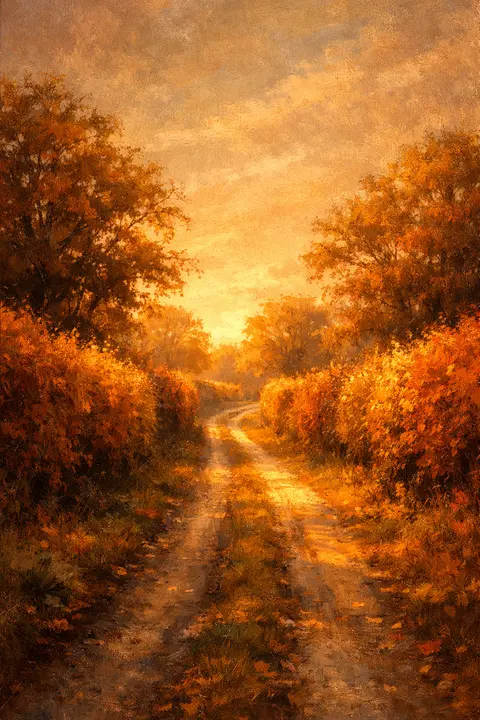
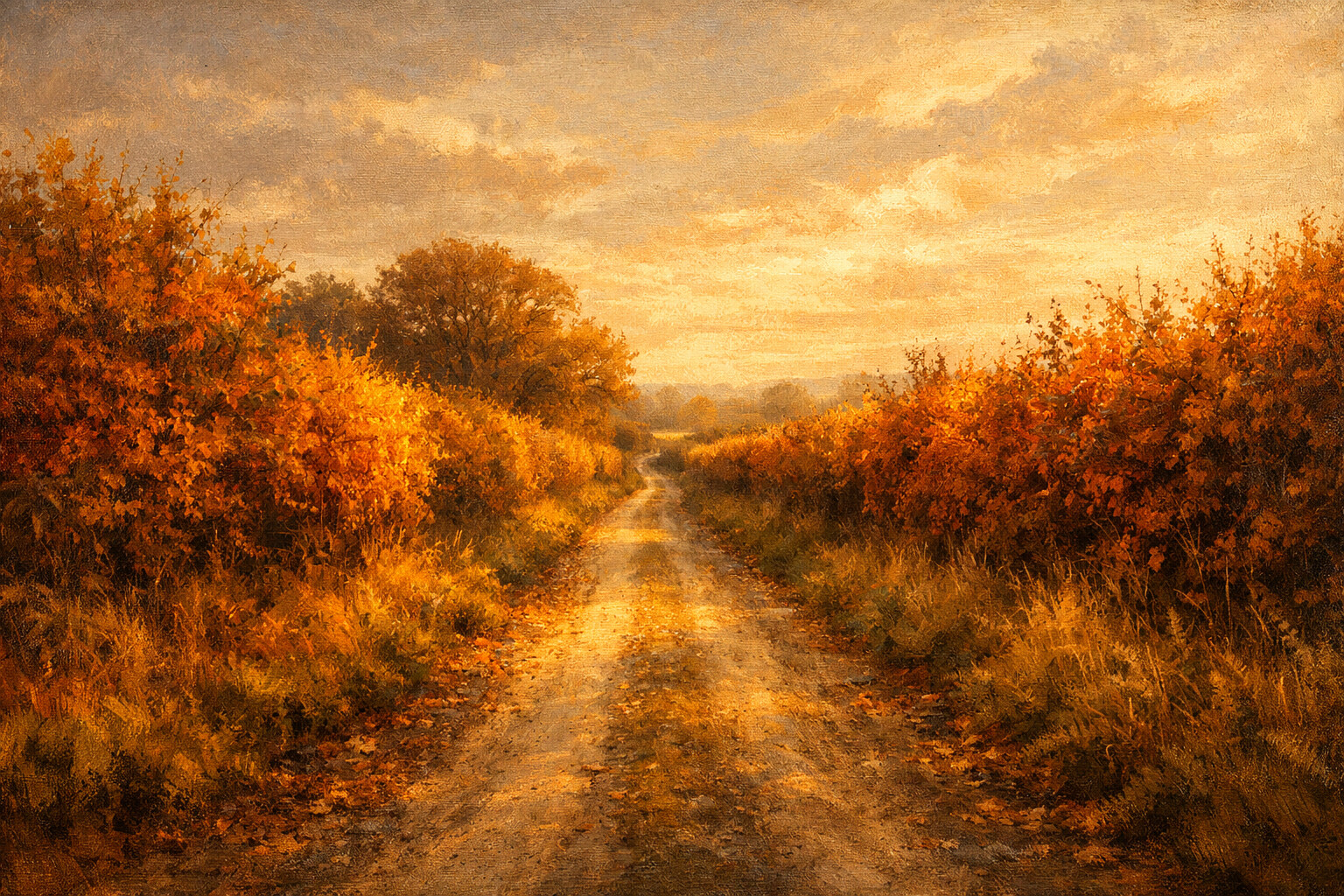
Country Lane
A lane narrowing between hedgerows that have turned rust and gold on both sides.
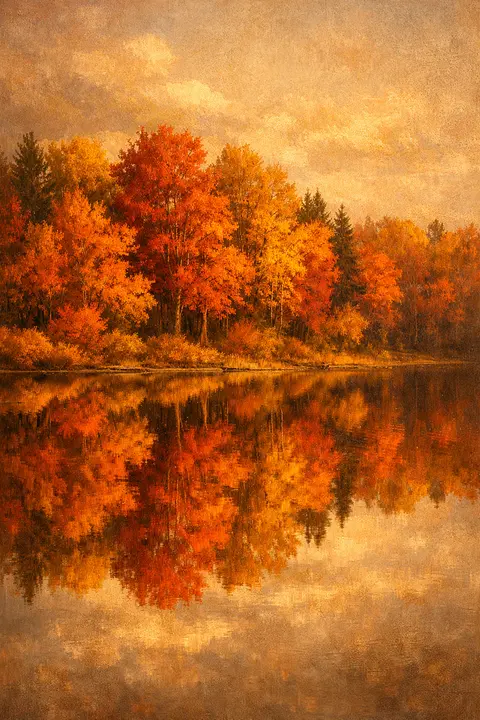
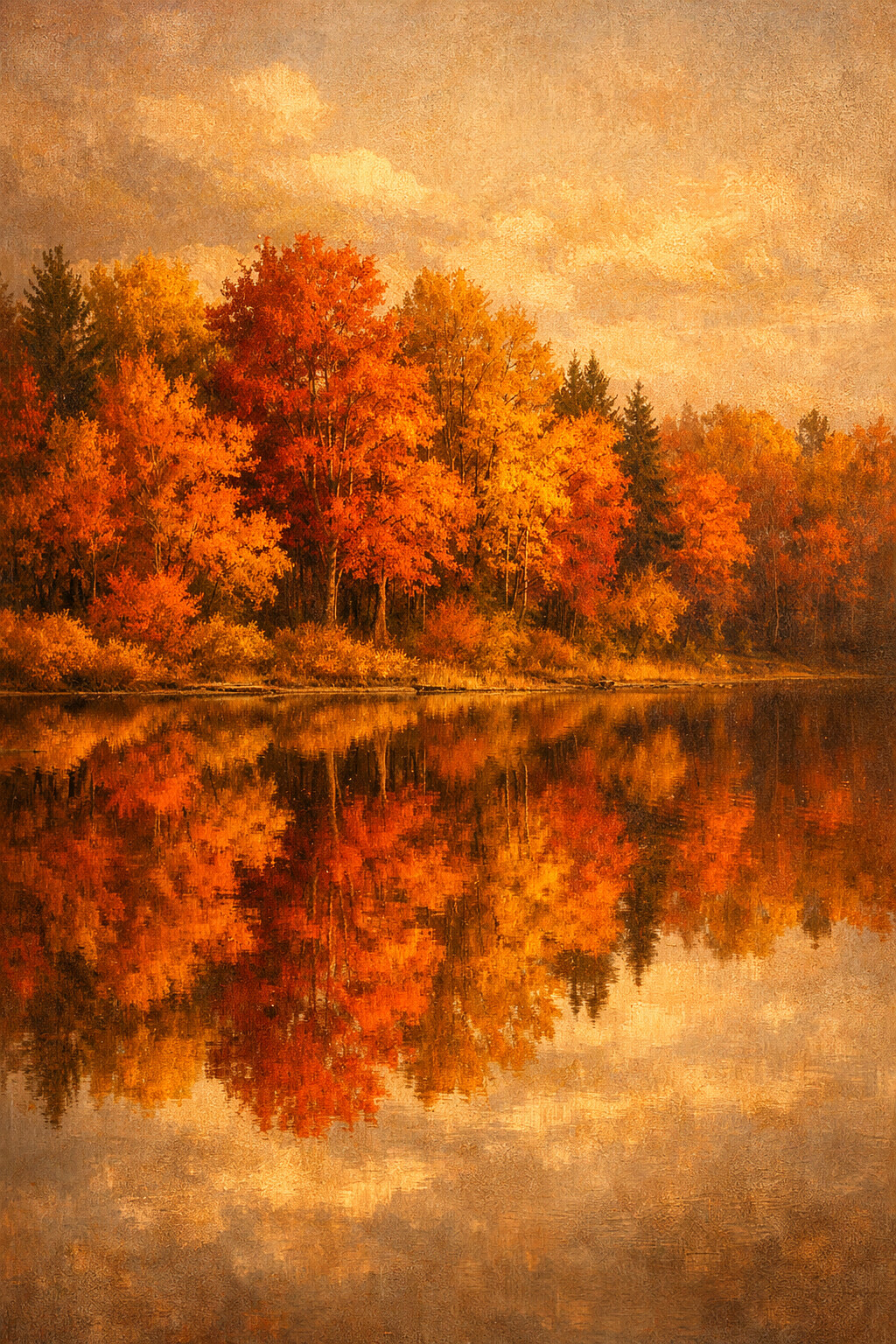
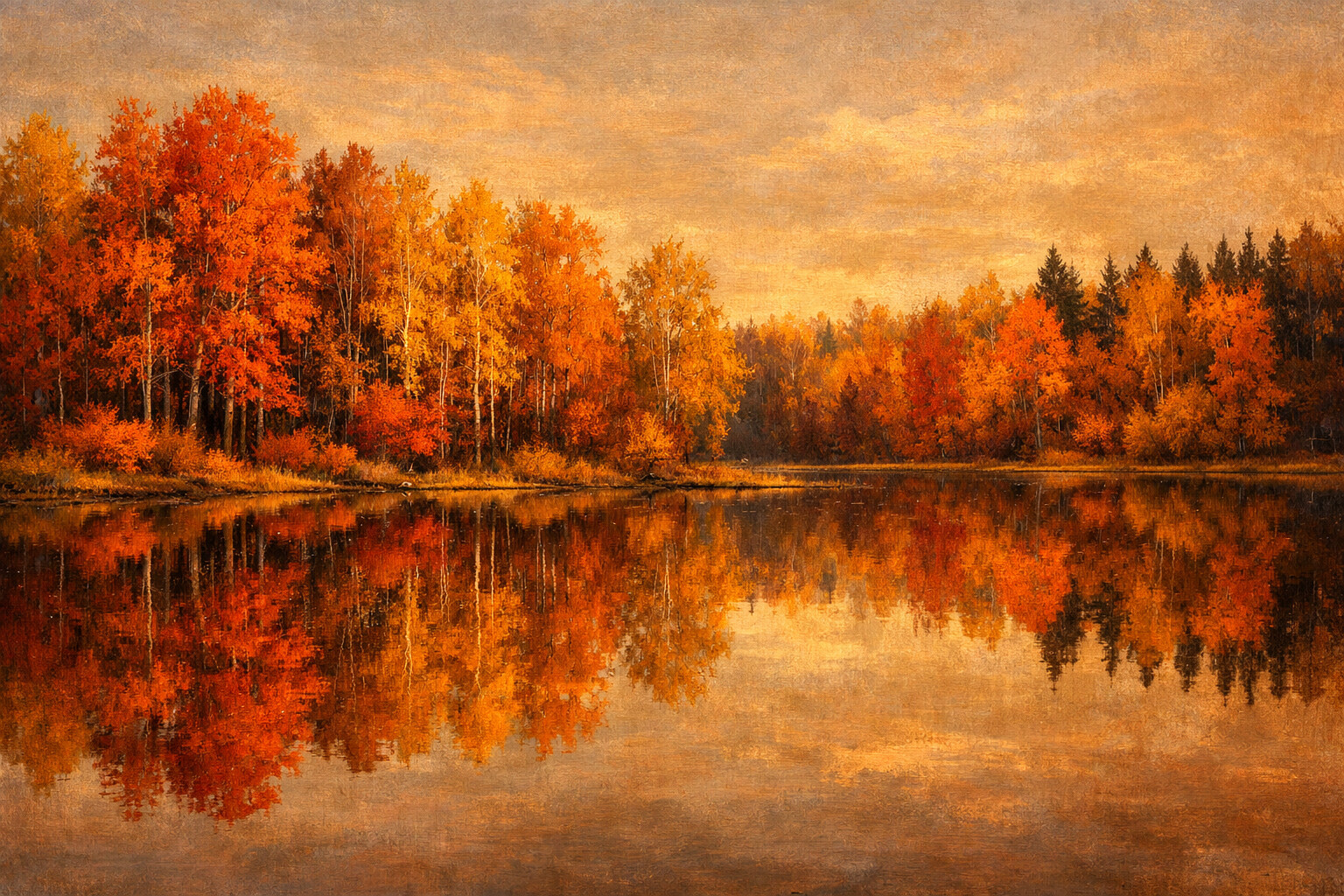
Lake Reflection
Autumn colour doubled: once on the shore, once in water that has not moved.
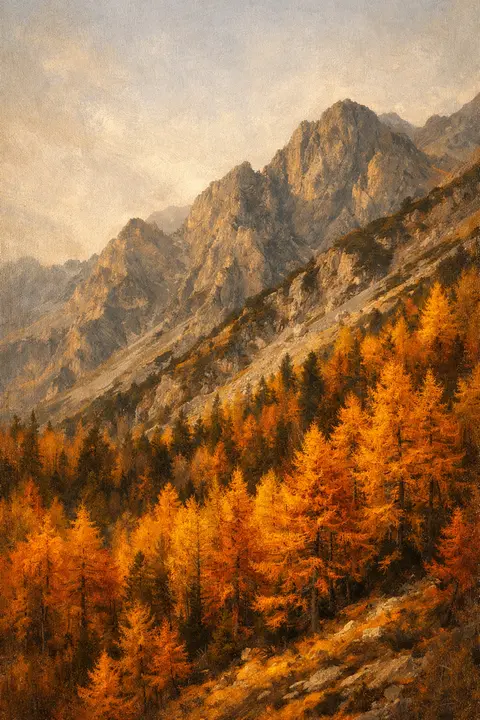
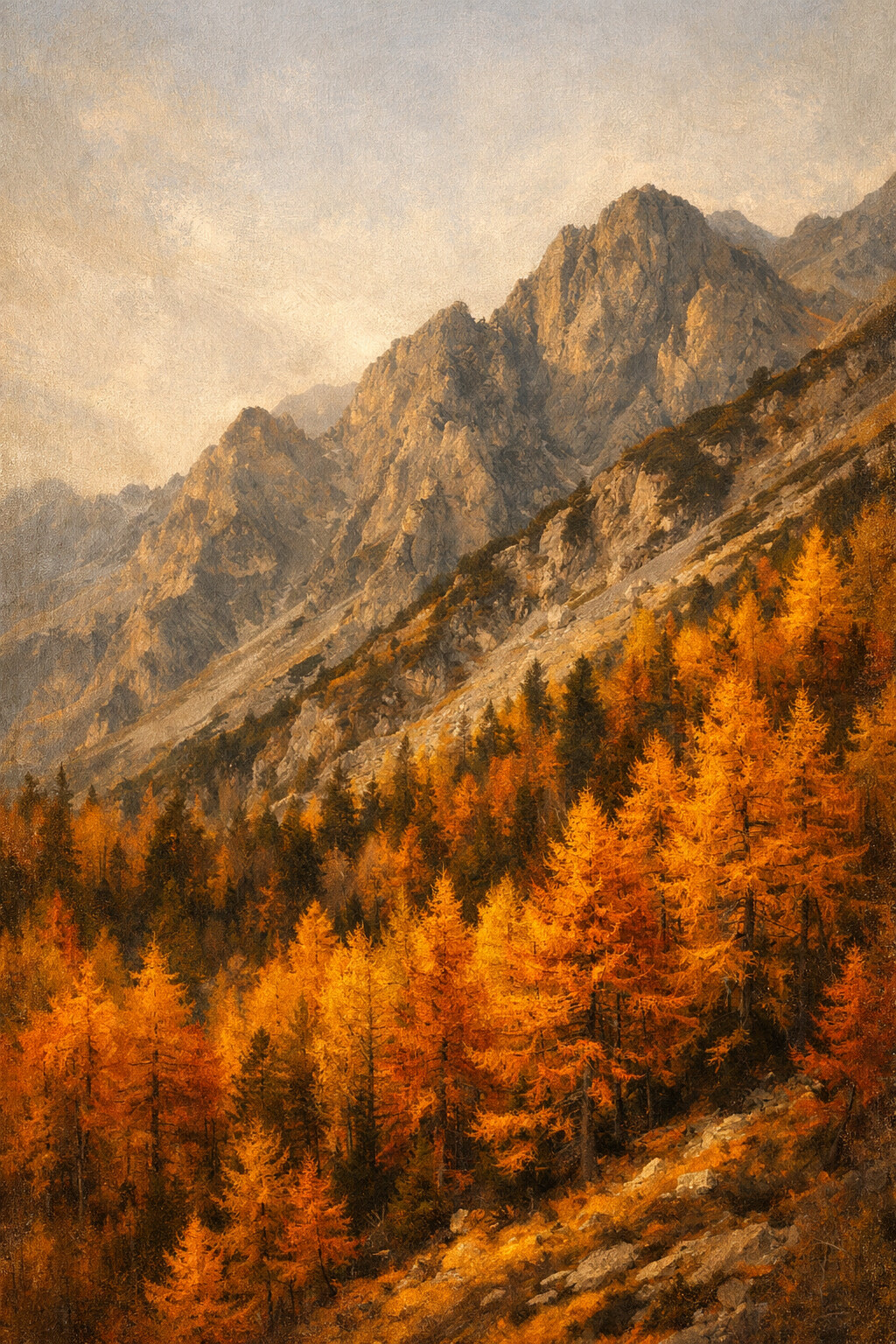
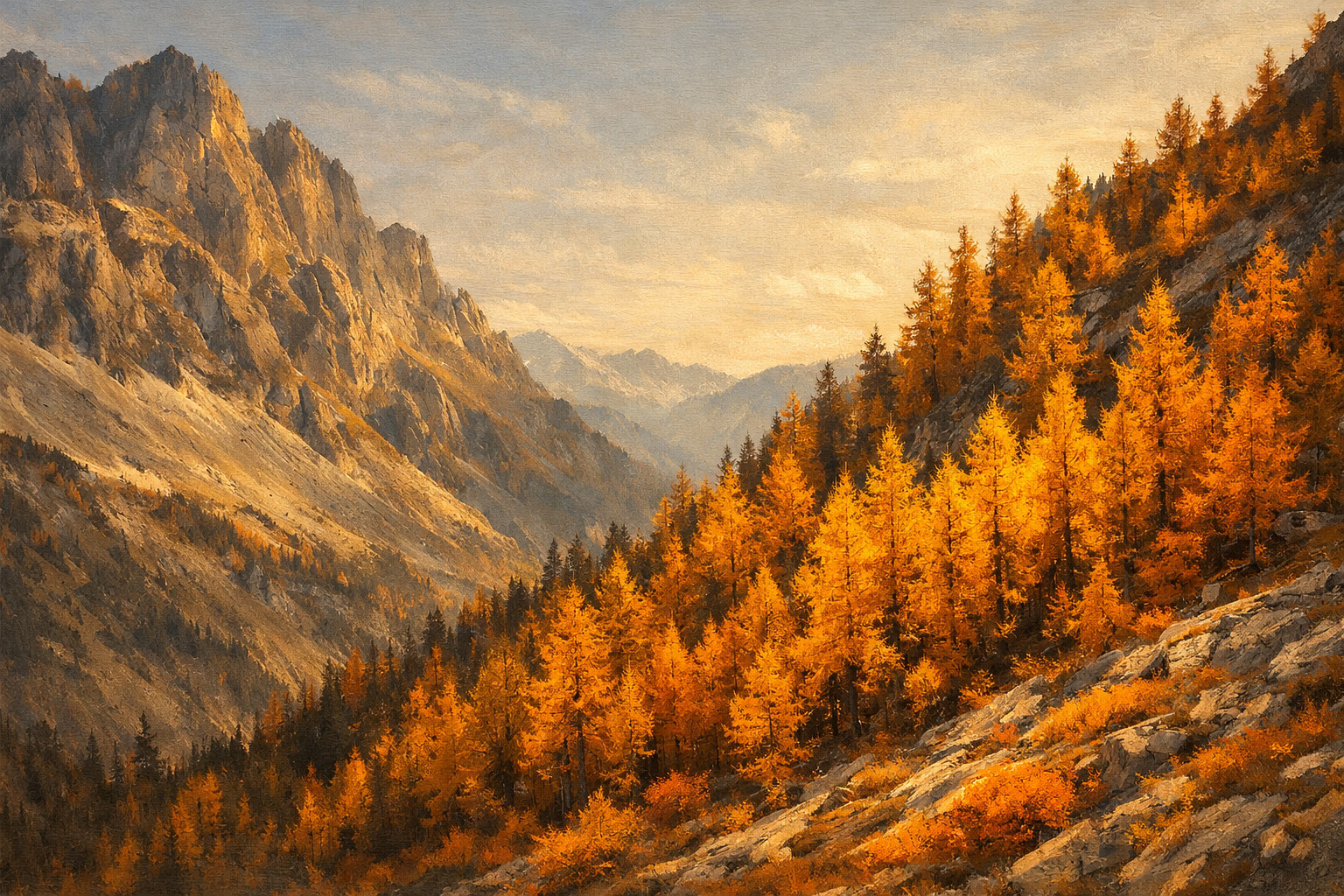
Golden Slope
A whole mountainside of larch going gold at once, against bare grey rock.
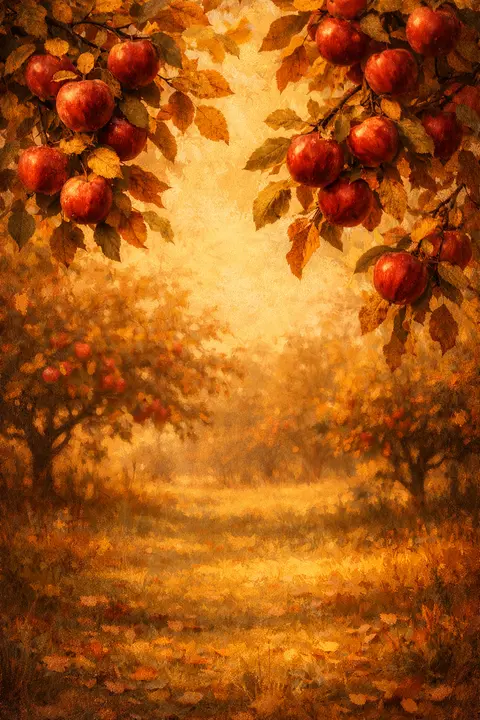
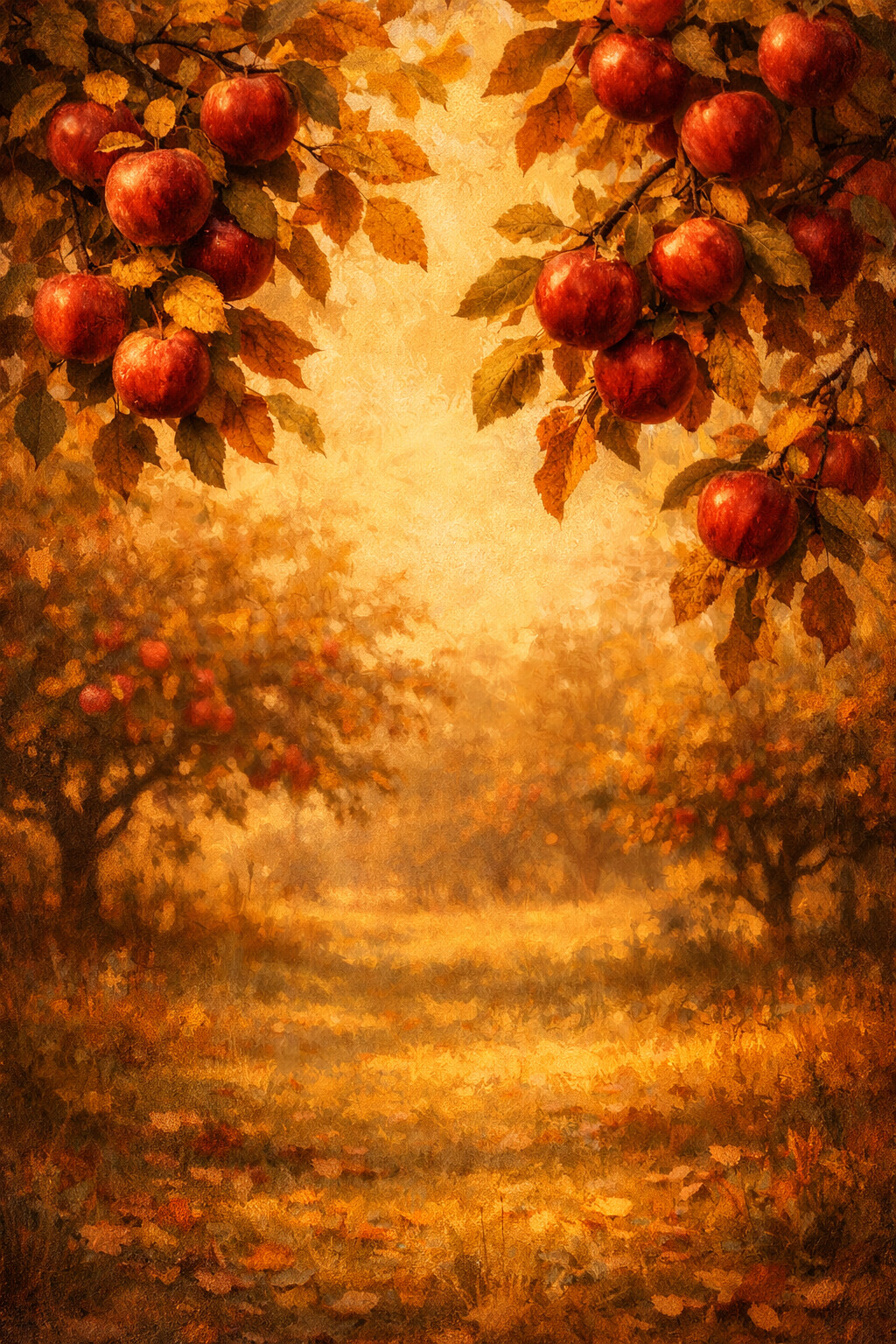
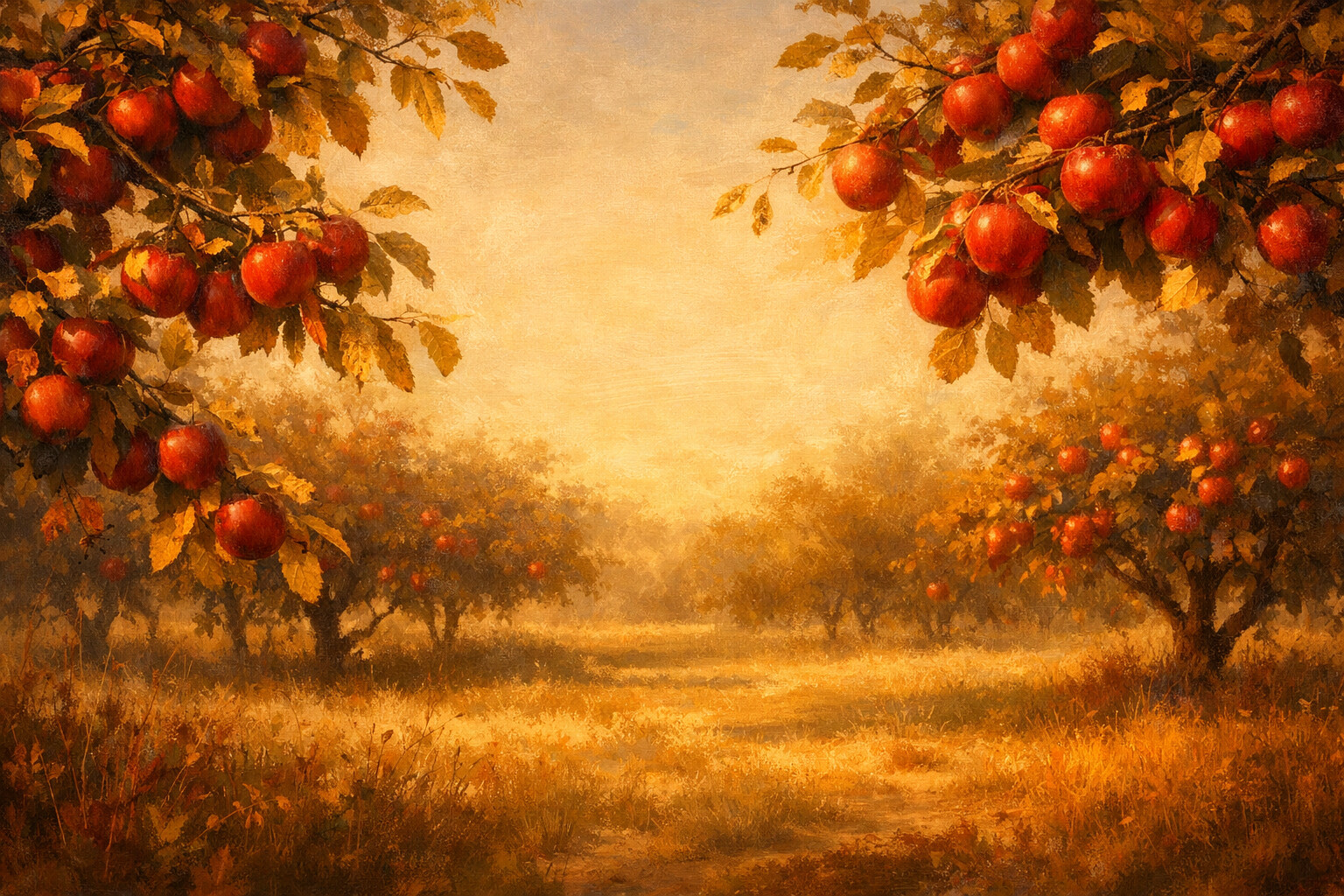
Apple Orchard
Branches bent under red apples, the leaves around them already turning.
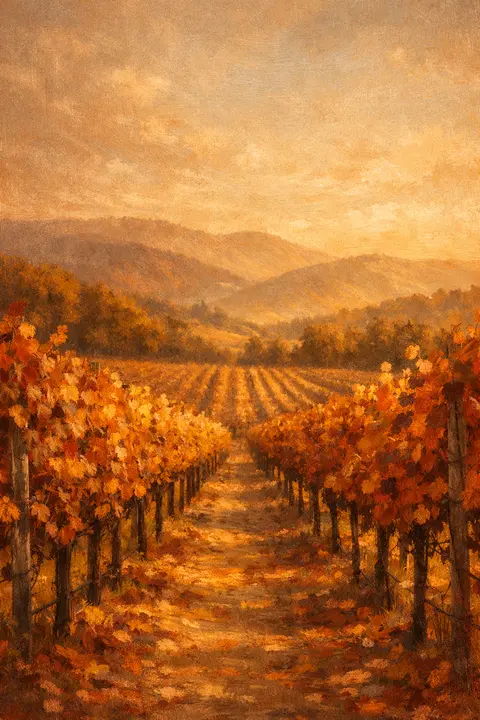
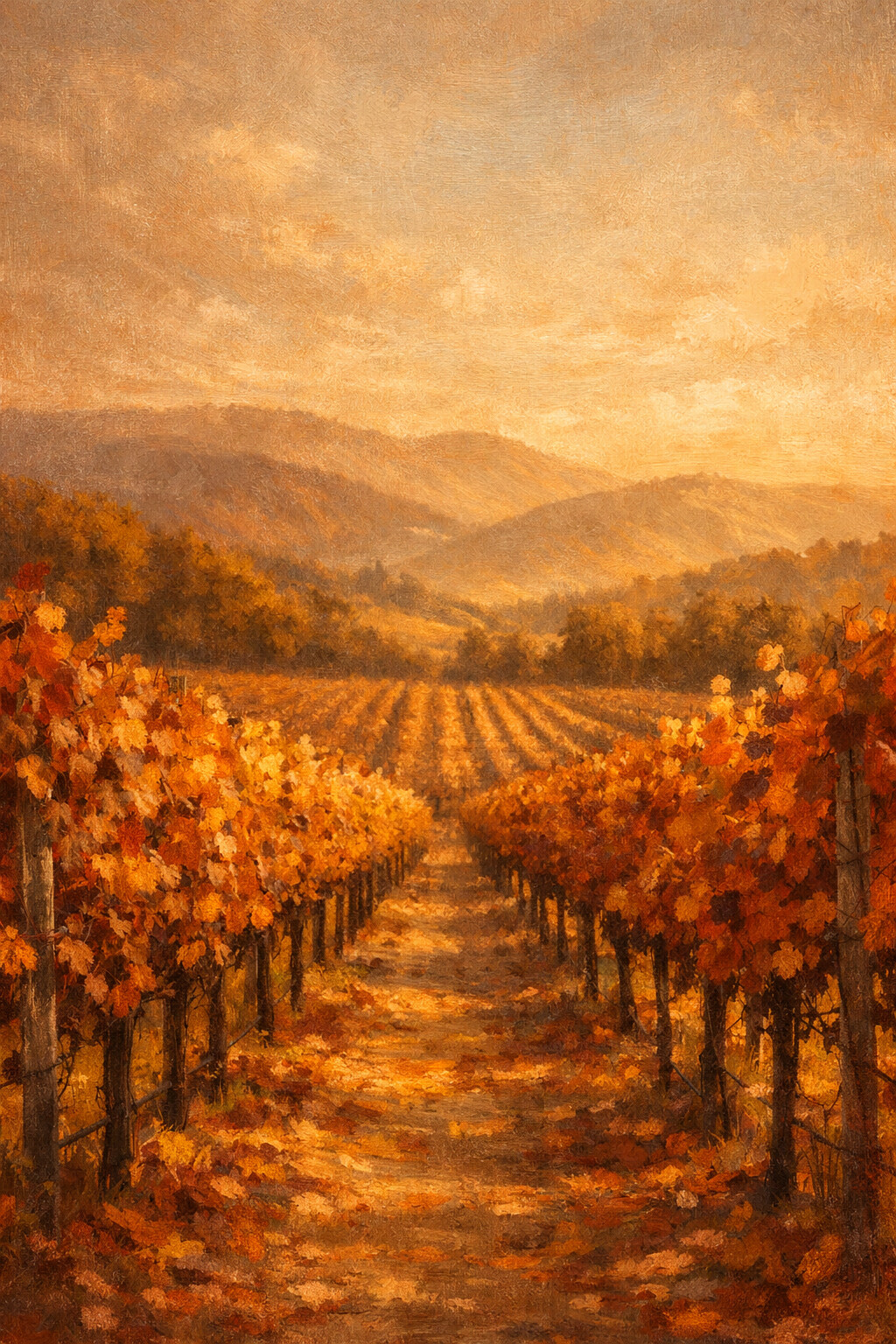
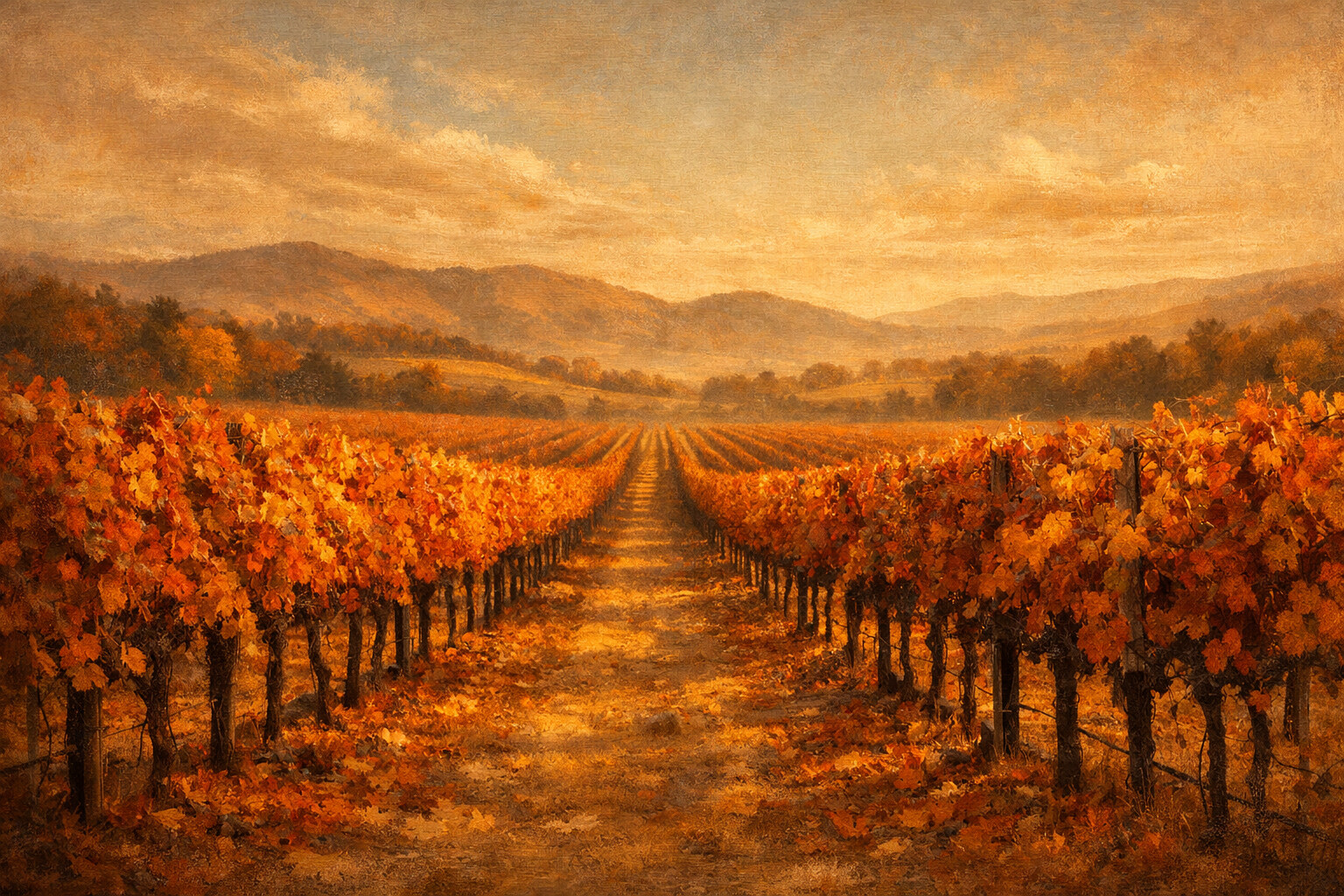
Vineyard Rows
Vineyard rows running to the hills, every leaf turned russet at the same time.
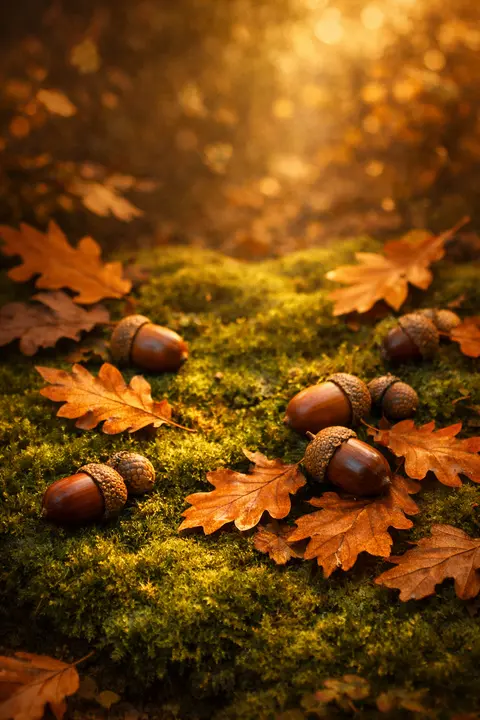
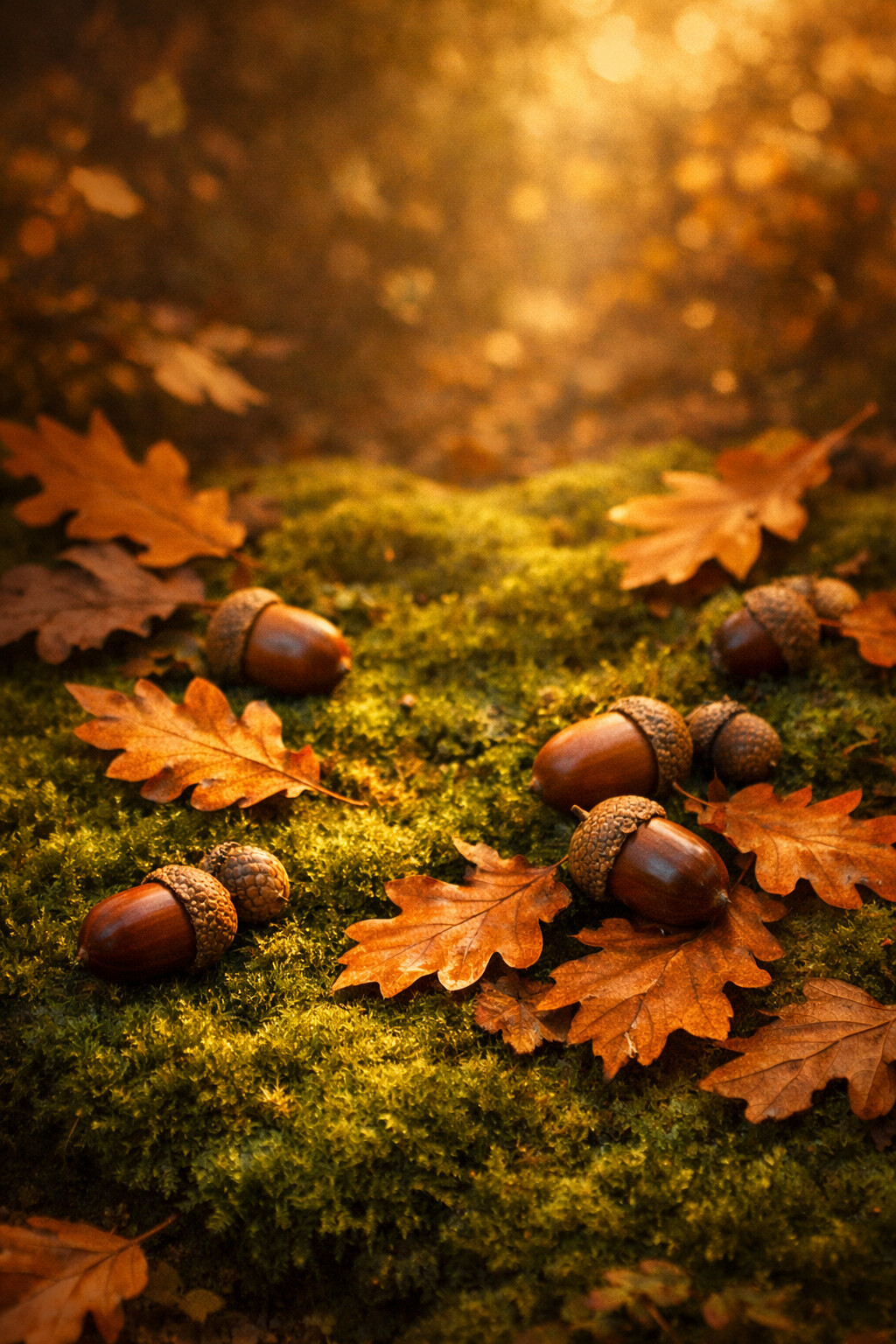
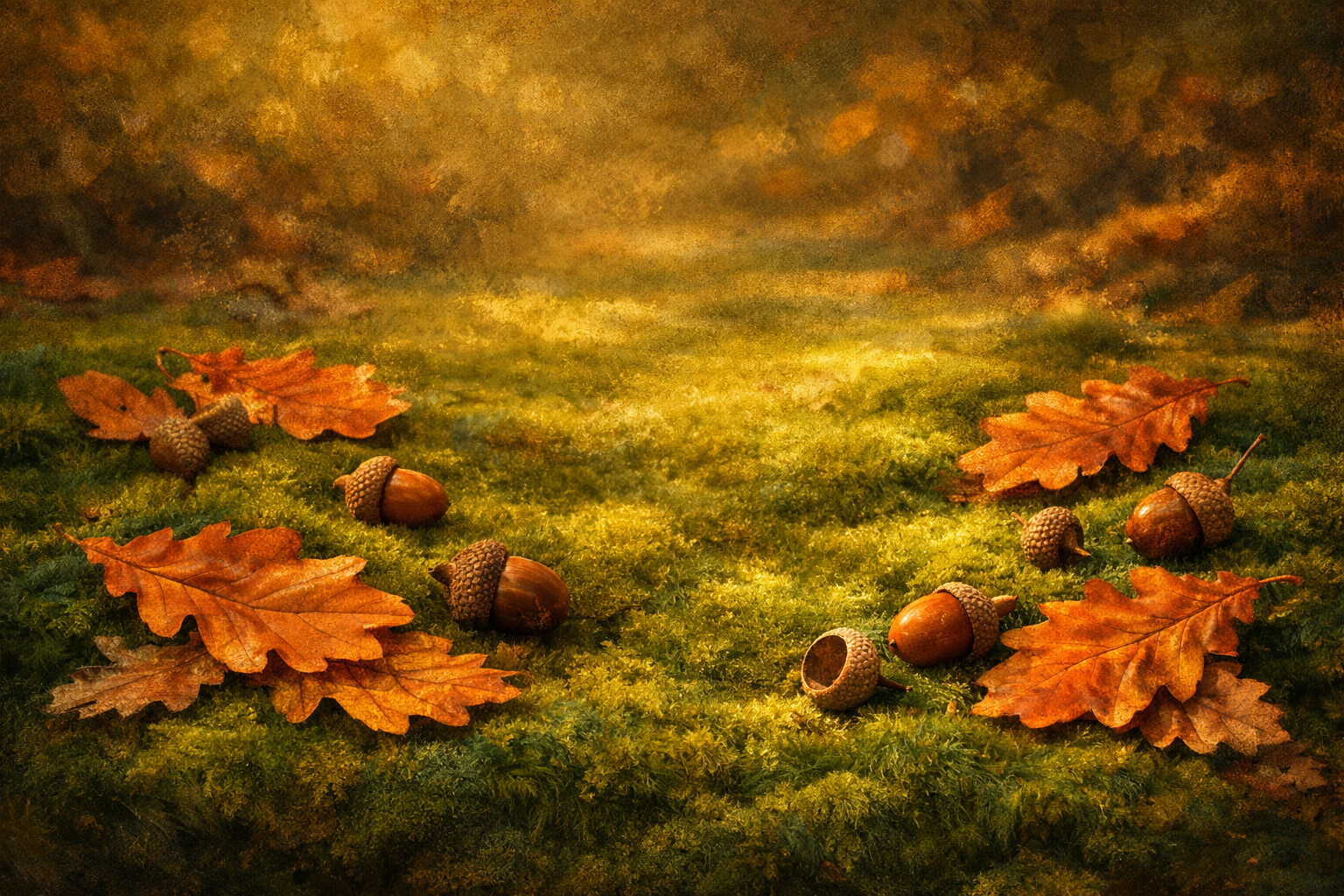
Acorns and Moss
Acorns and oak leaves dropped onto moss, lit in patches through the branches.
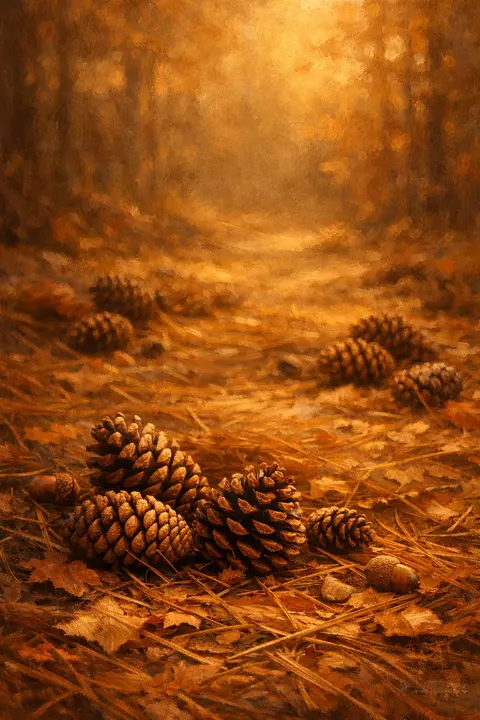
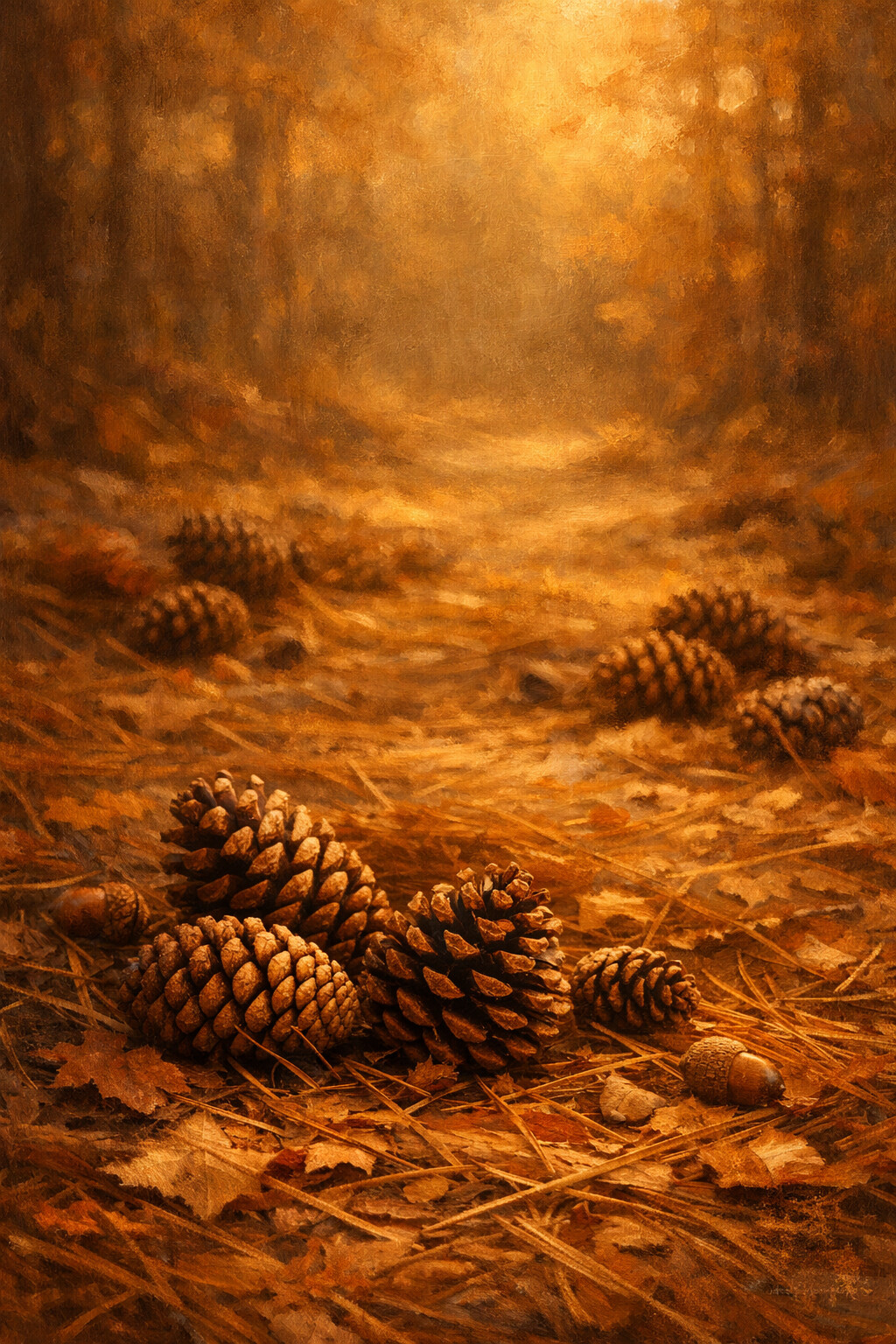
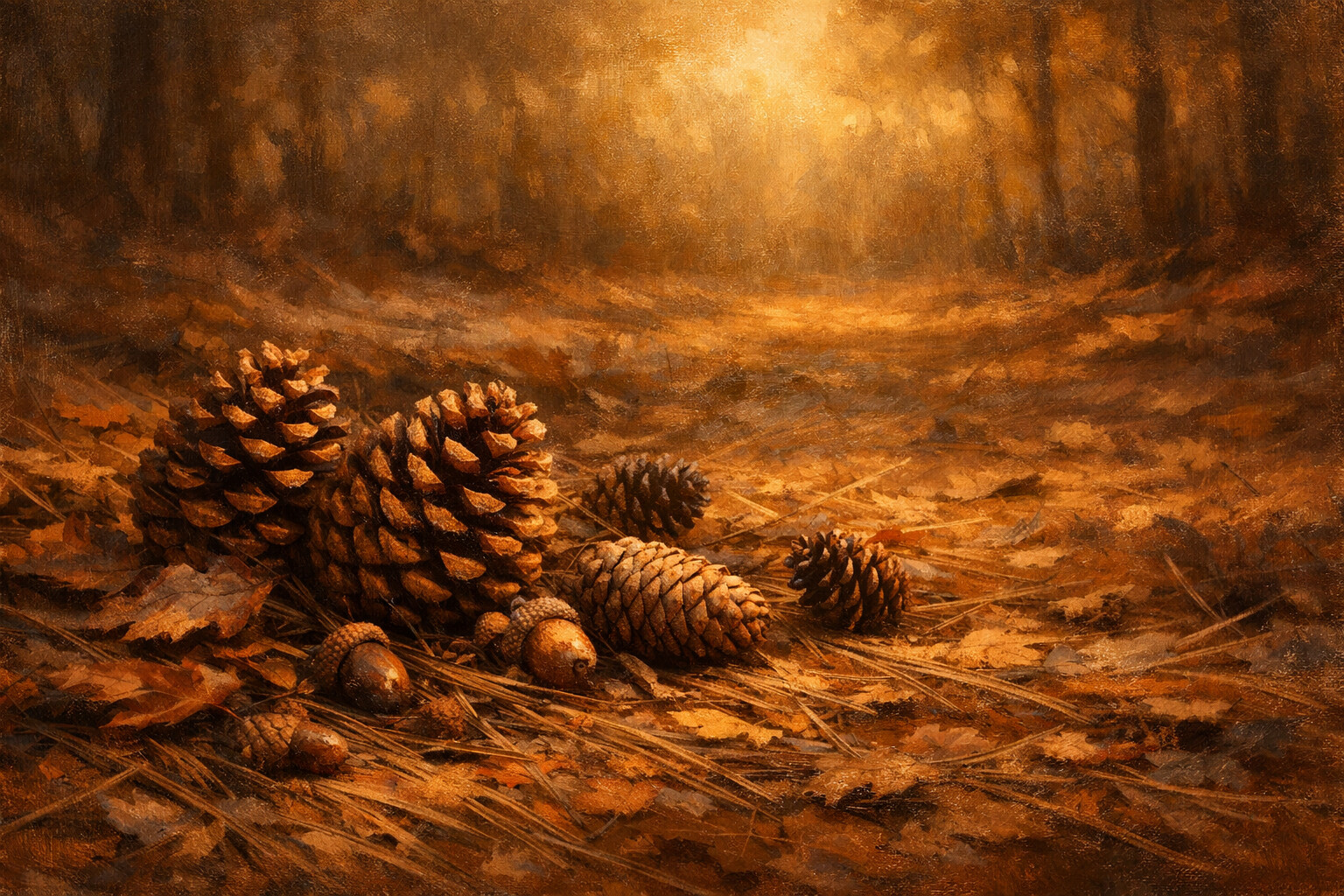
Pinecones
Pinecones half buried in fallen needles, everything the same warm brown.
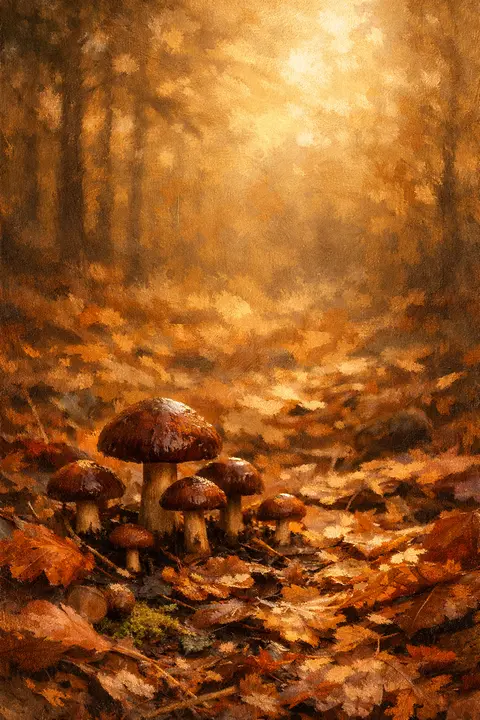
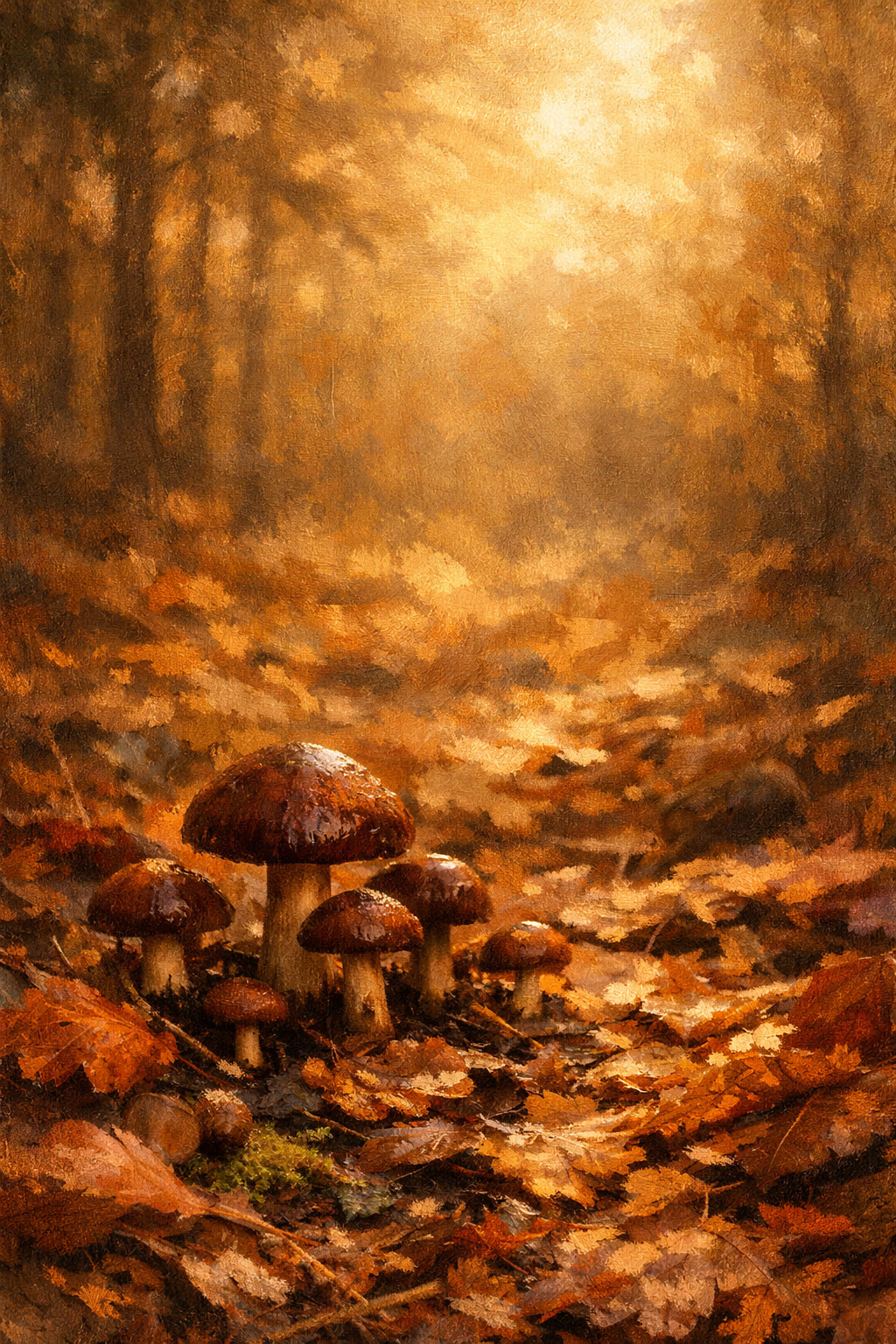
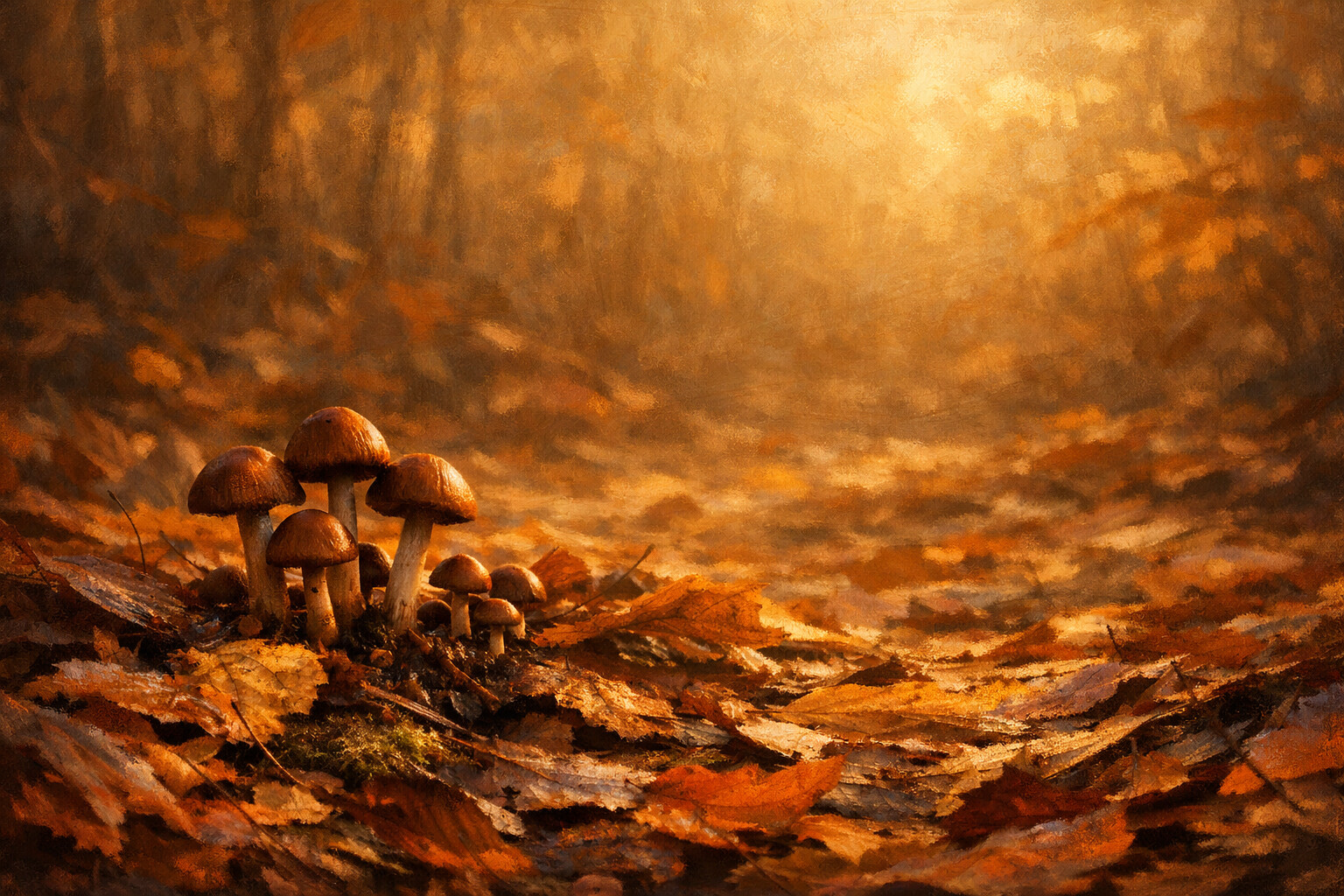
Forest Mushrooms
Small brown caps pushing up through damp leaf litter after rain.
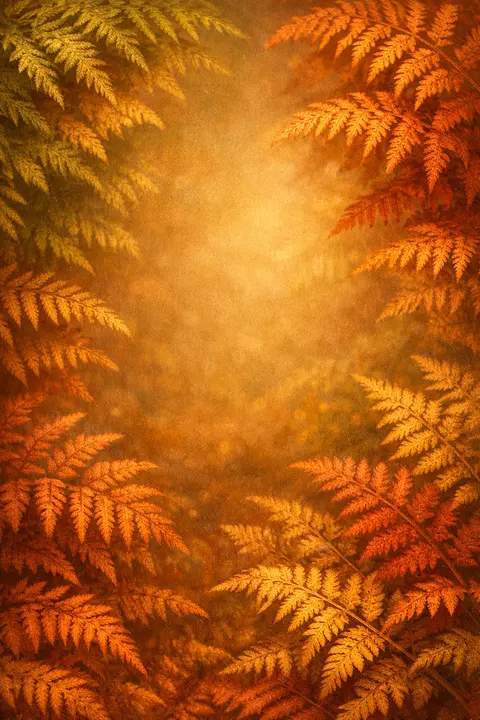
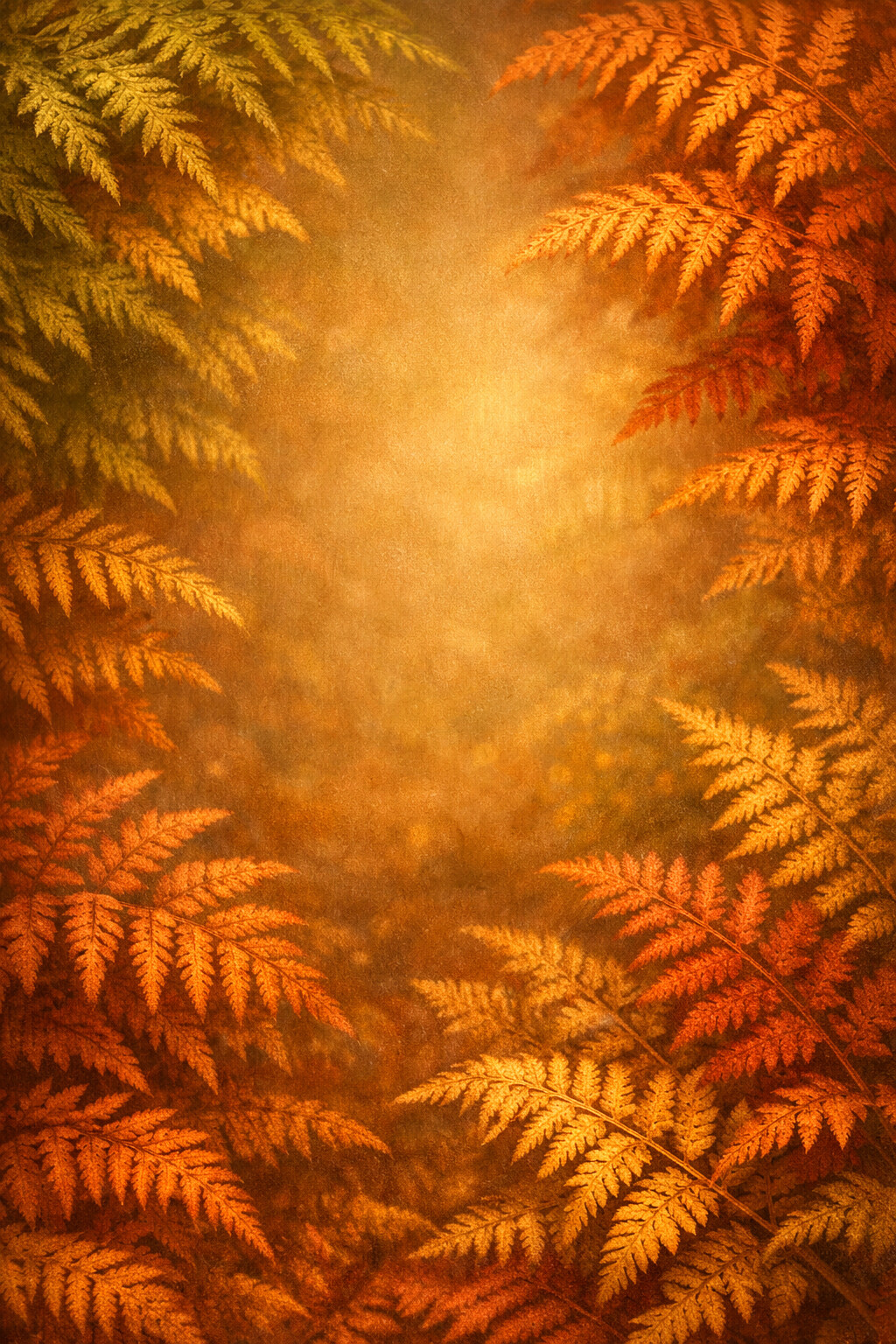
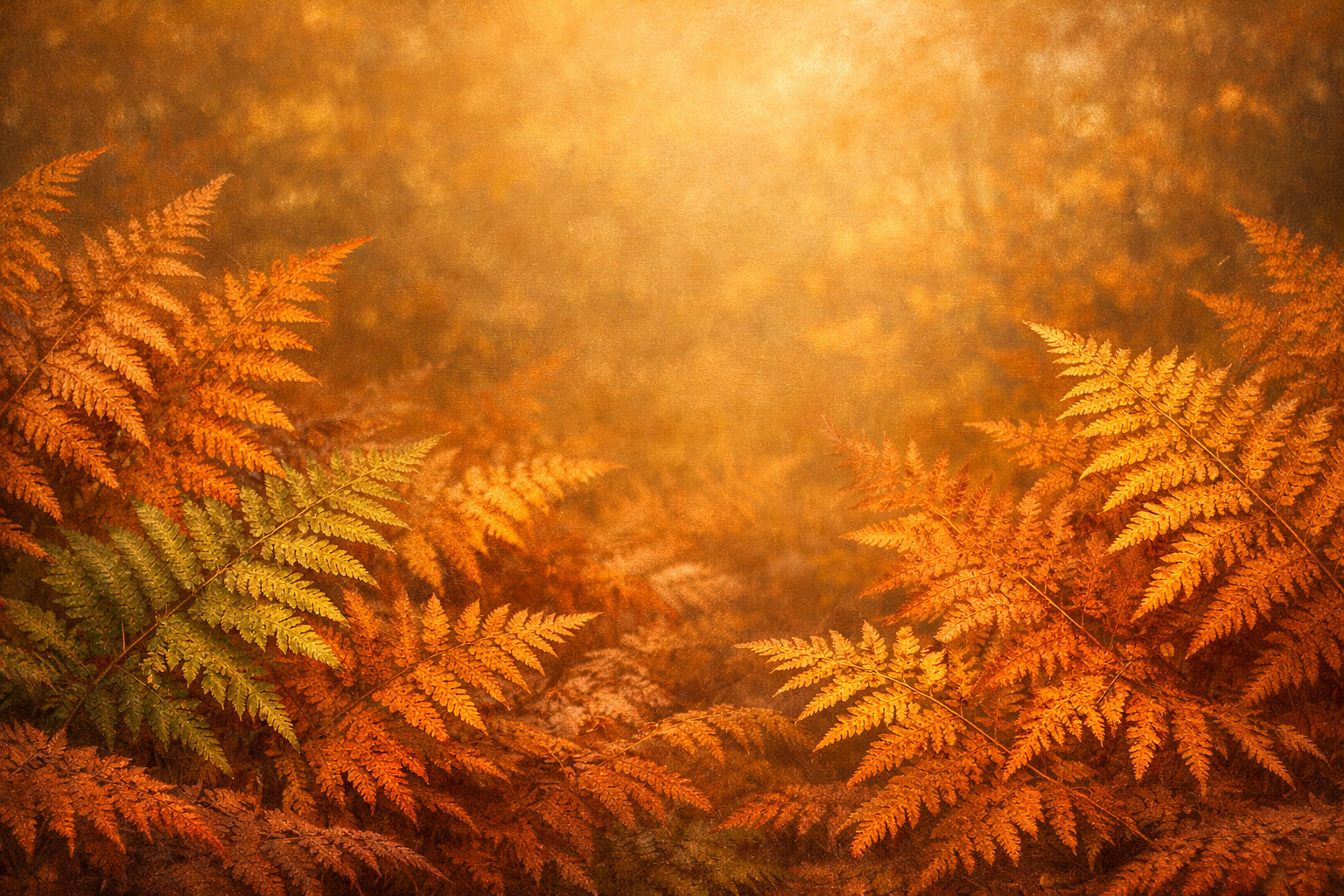
Copper Ferns
Ferns caught halfway from green to copper, fronds folded over each other.
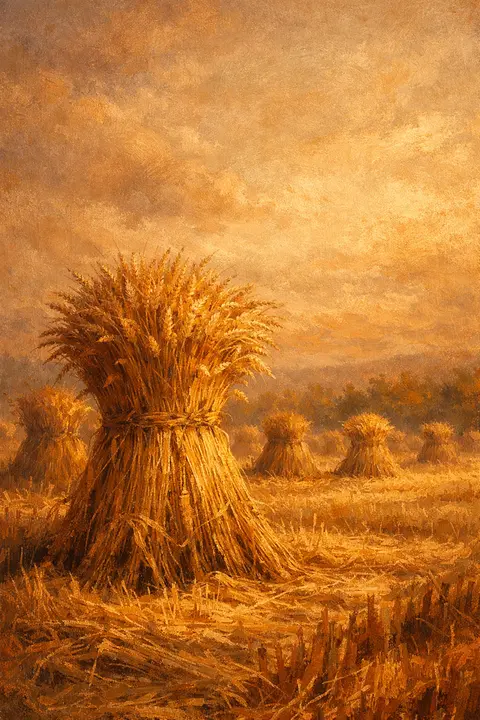
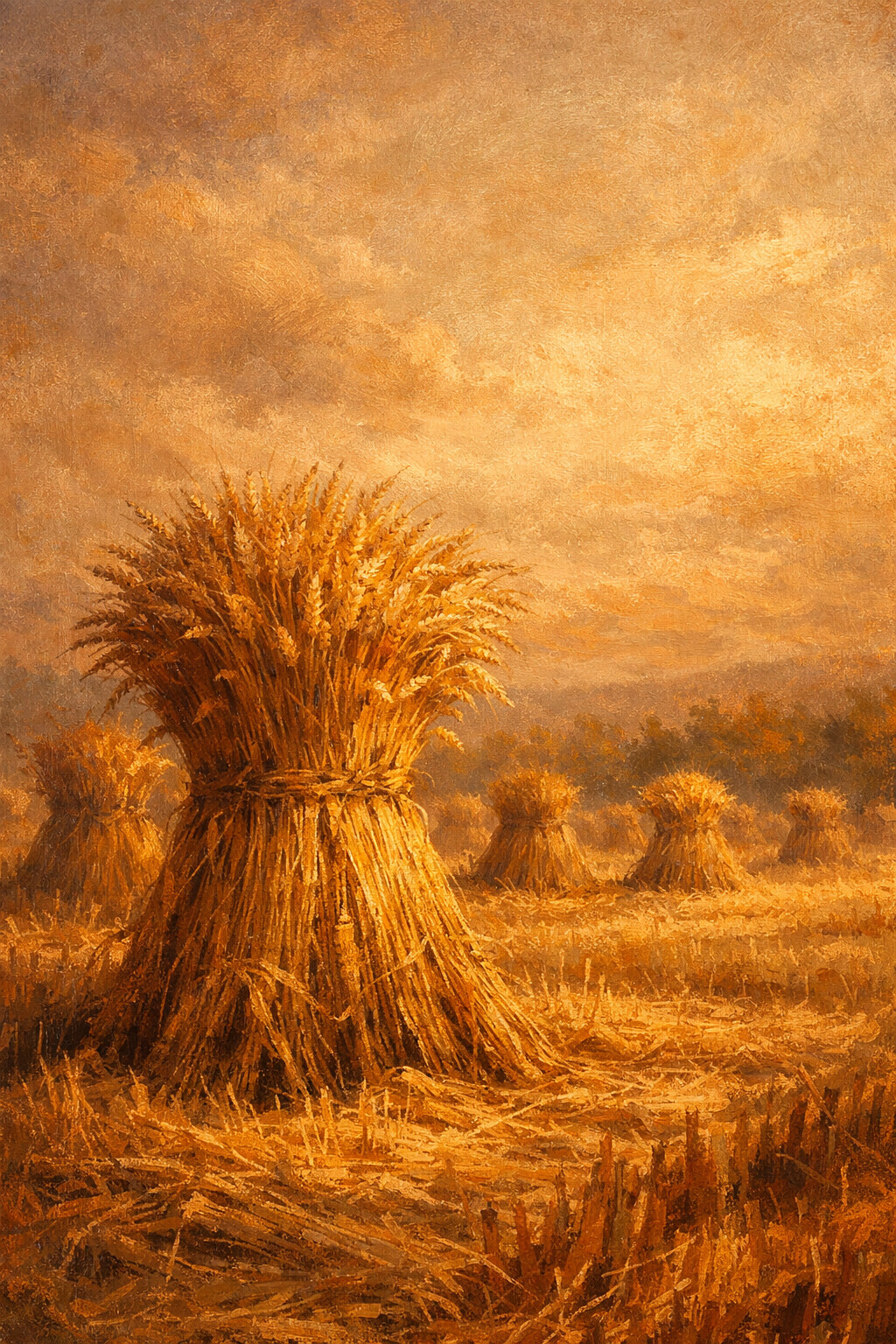
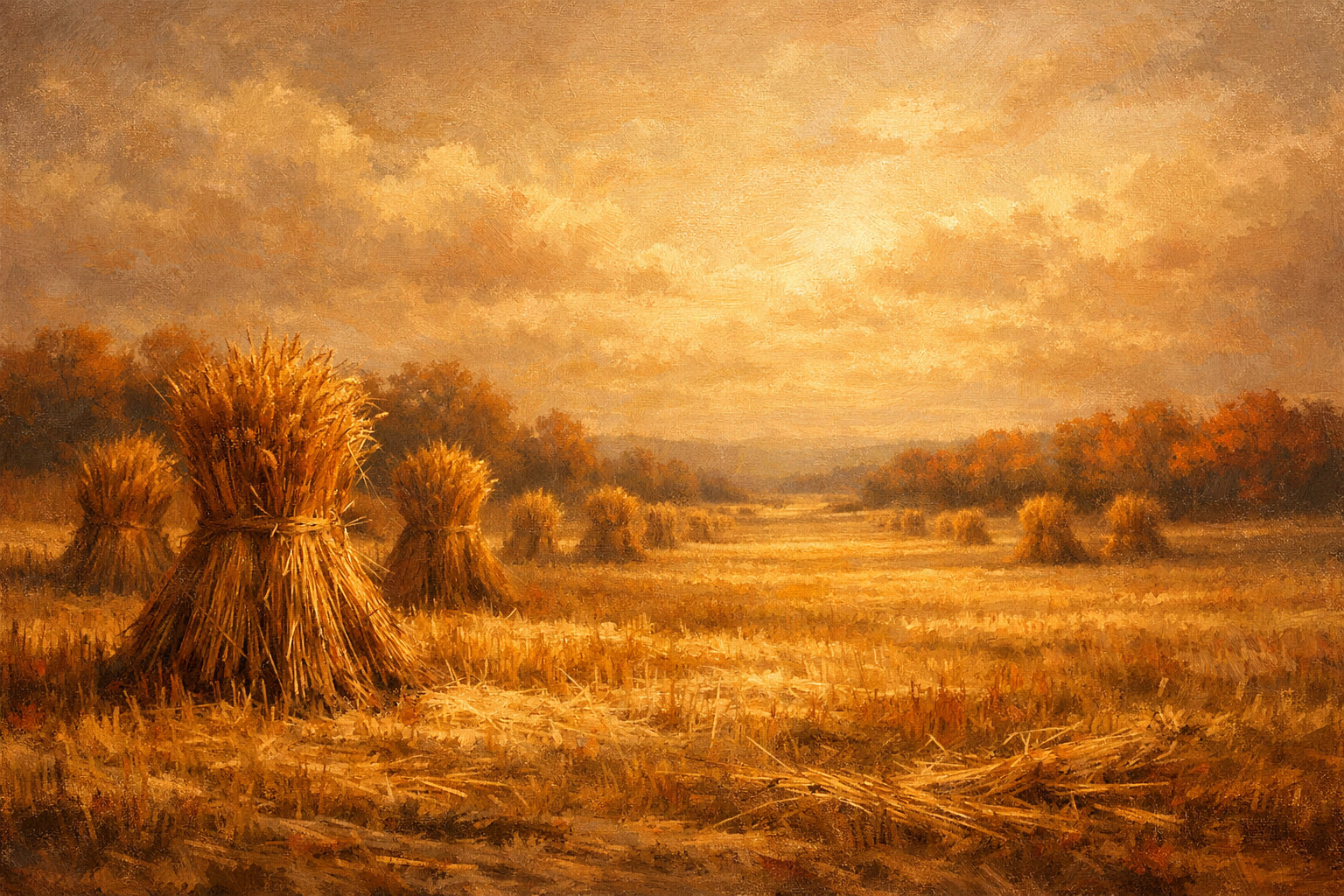
Wheat Sheaves
Wheat tied into sheaves and stood up to dry across a cut field.
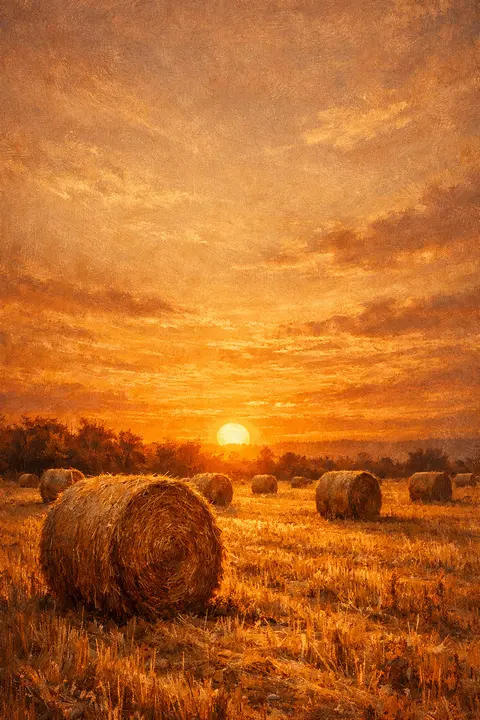
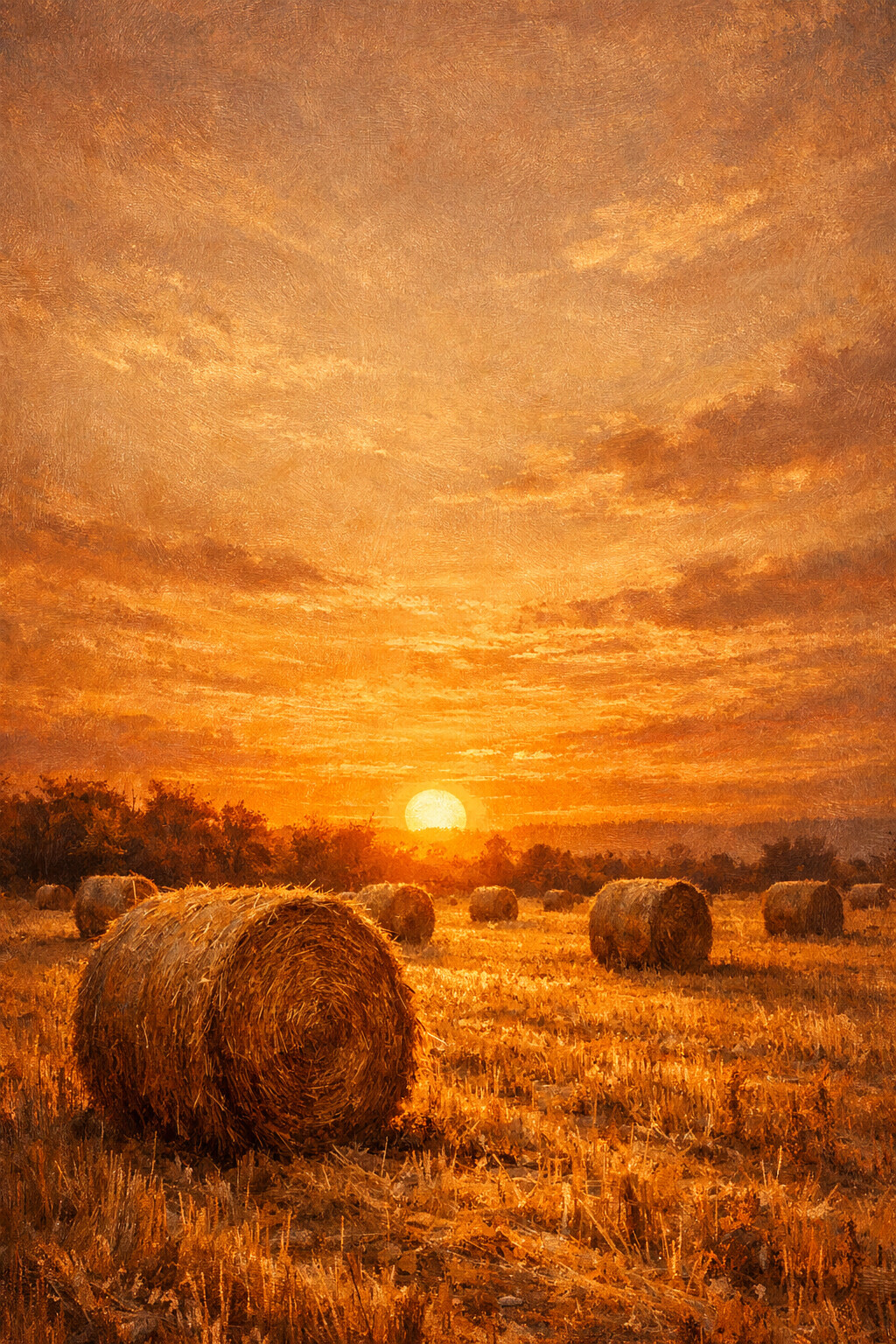
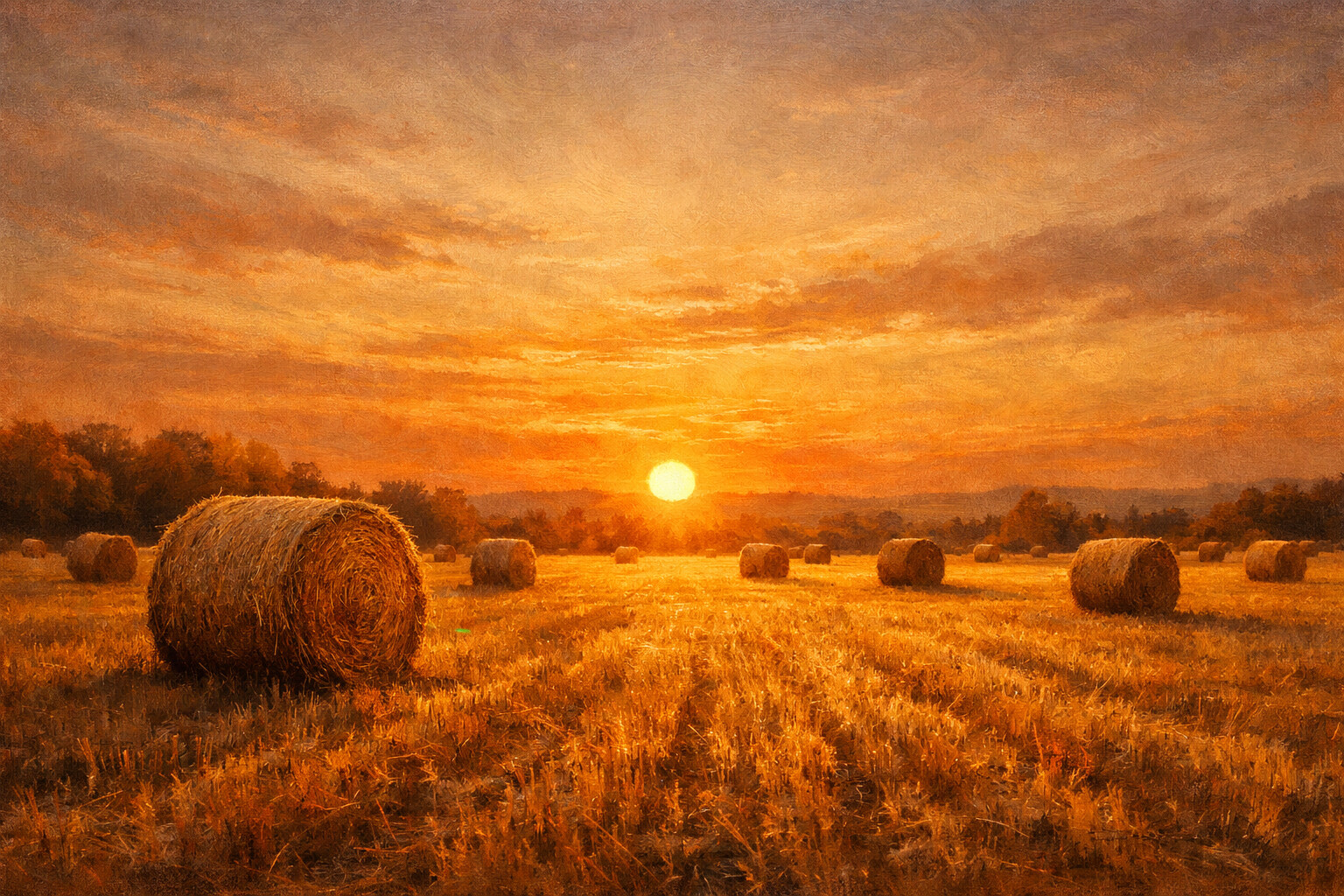
Hay Bales
Round bales left standing where the baler dropped them, sun almost down.
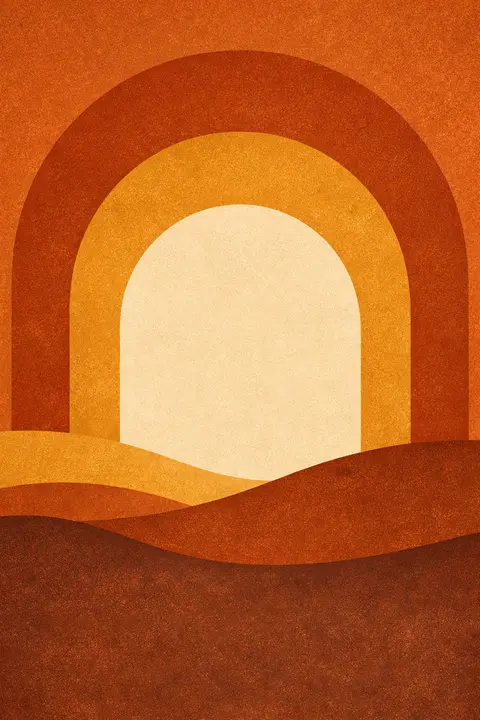
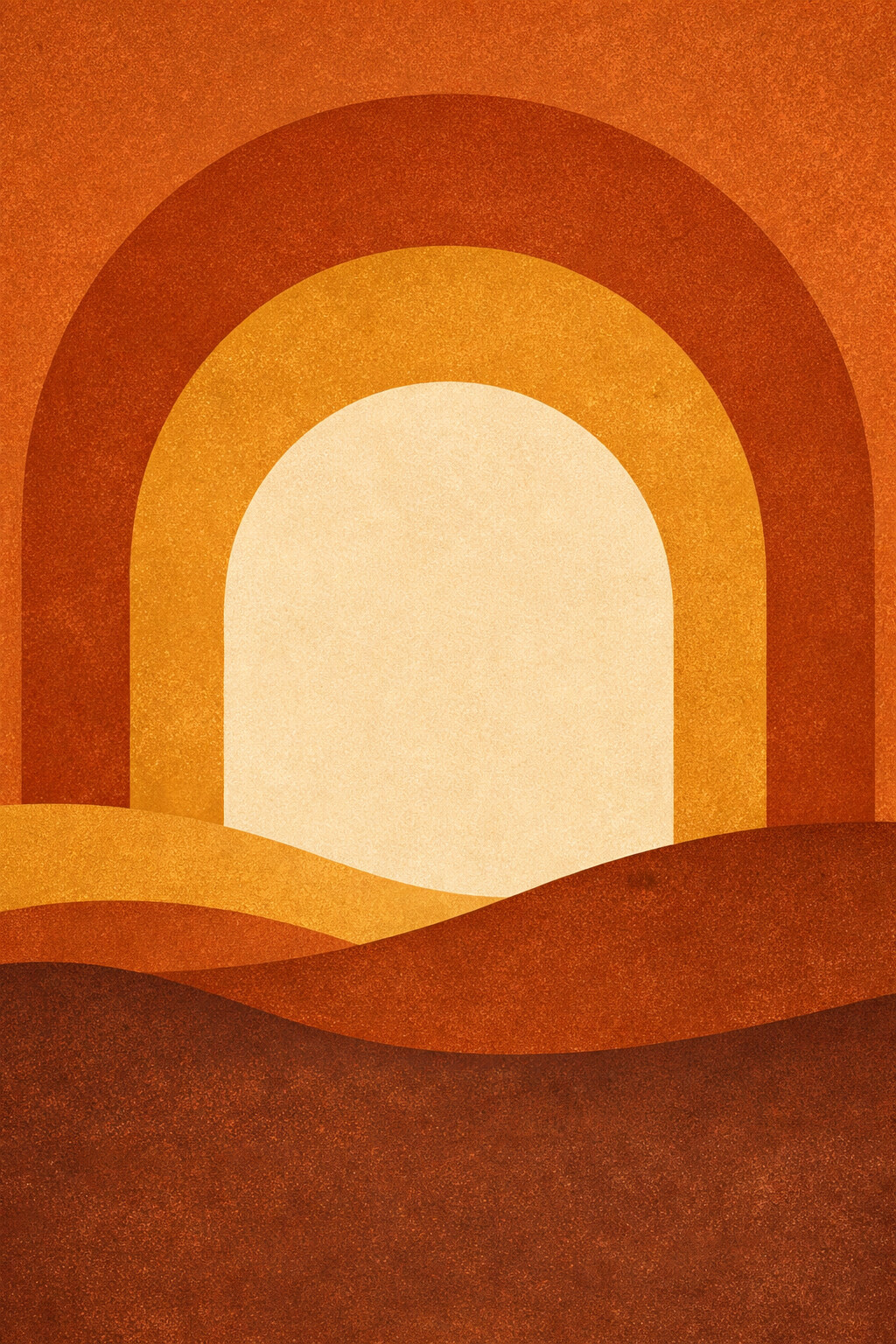
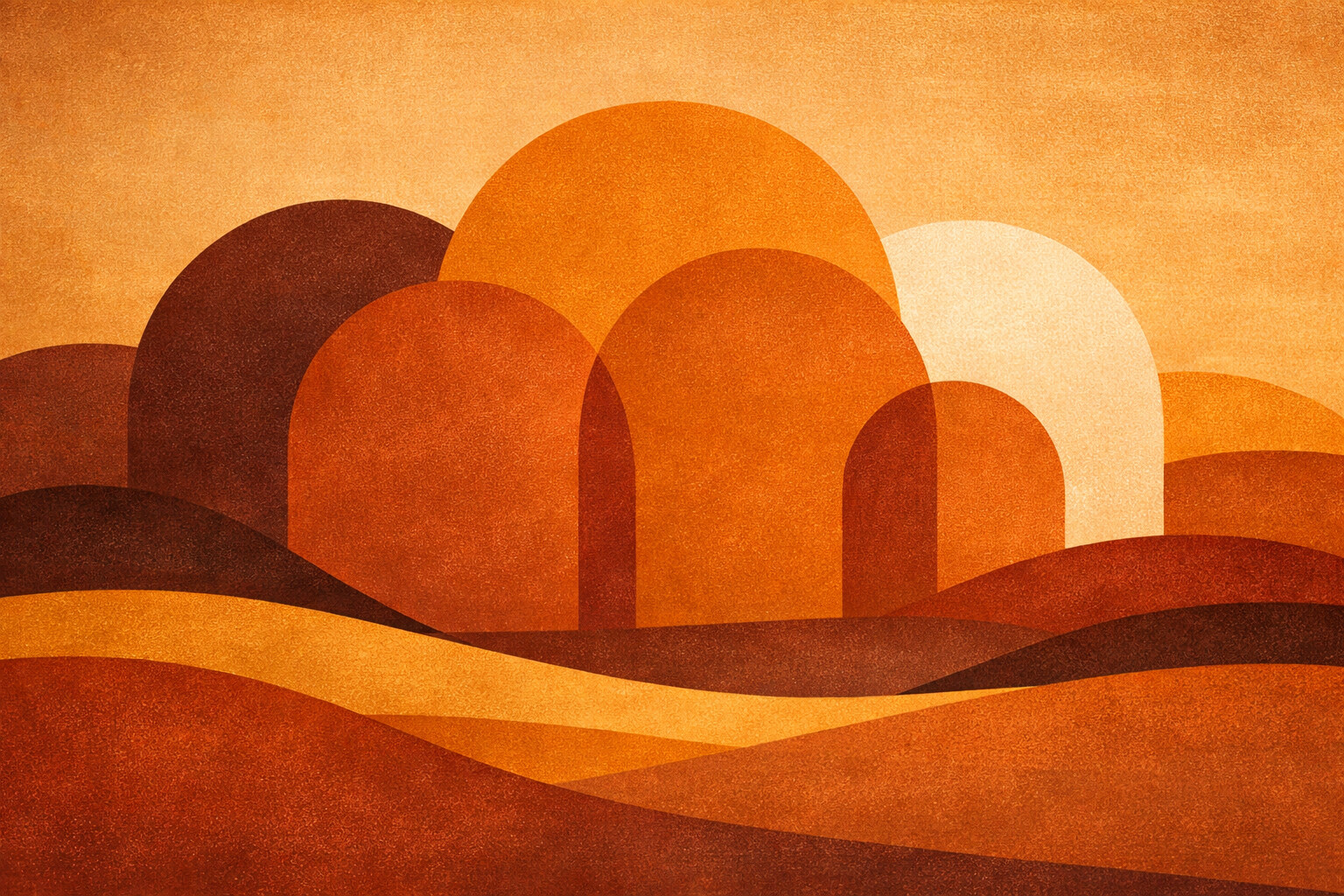
Amber Arches
Arches layered in amber and rust, flat and graphic instead of photographic.
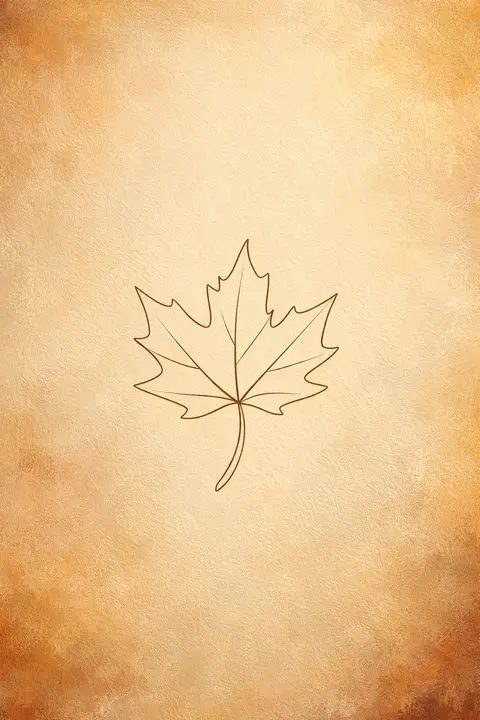
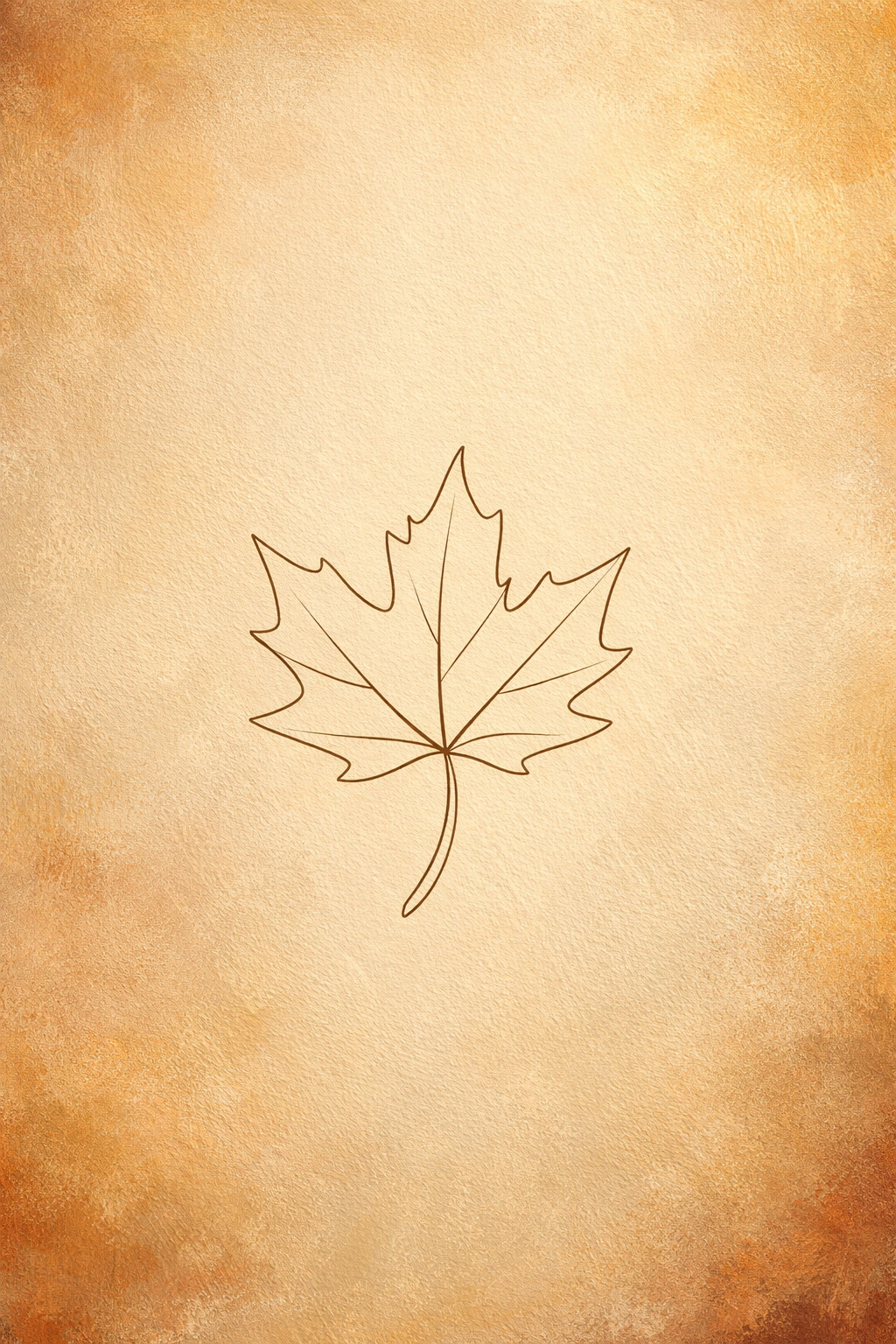
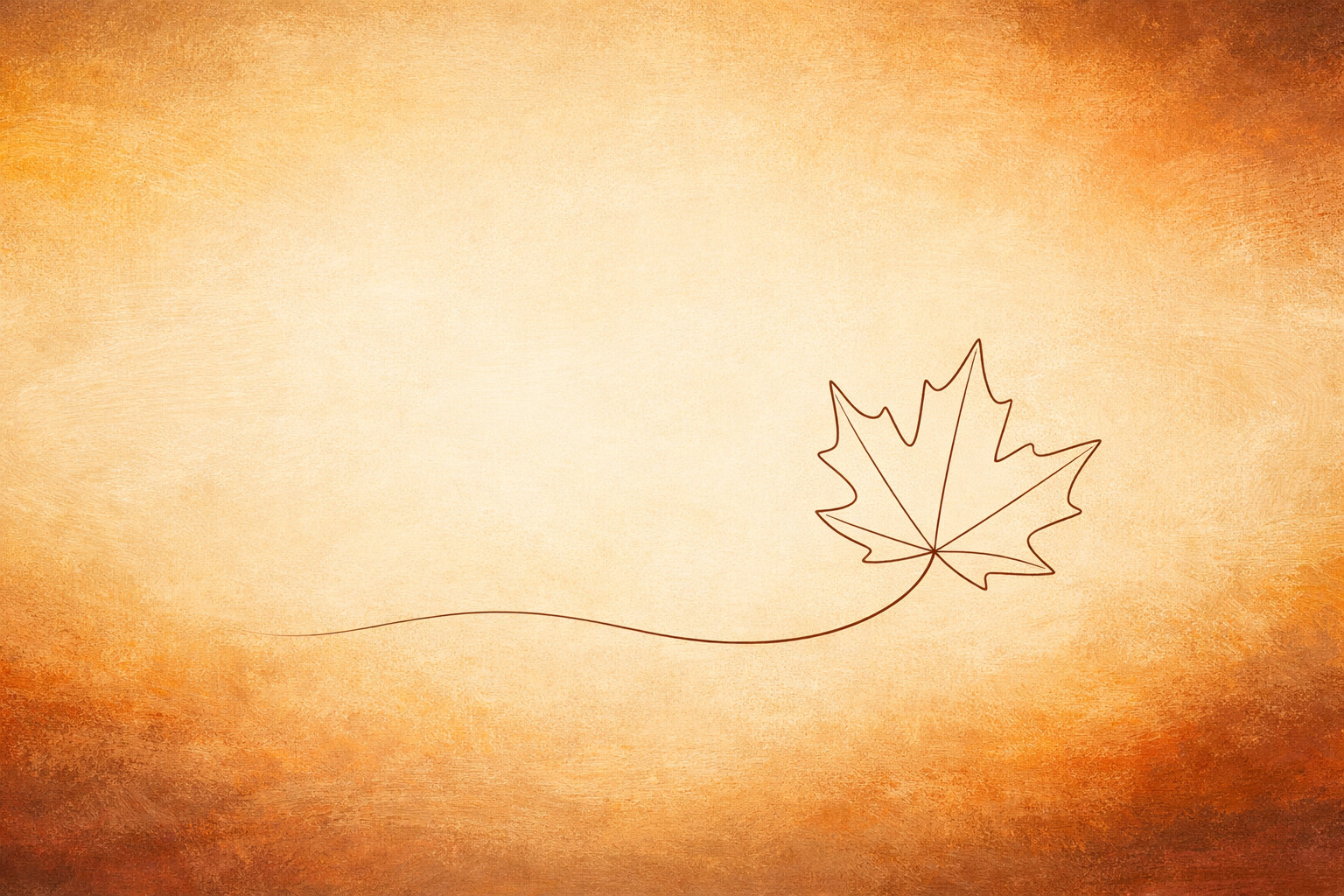
Leaf Line
One maple leaf described by a single unbroken line, nothing else on the page.
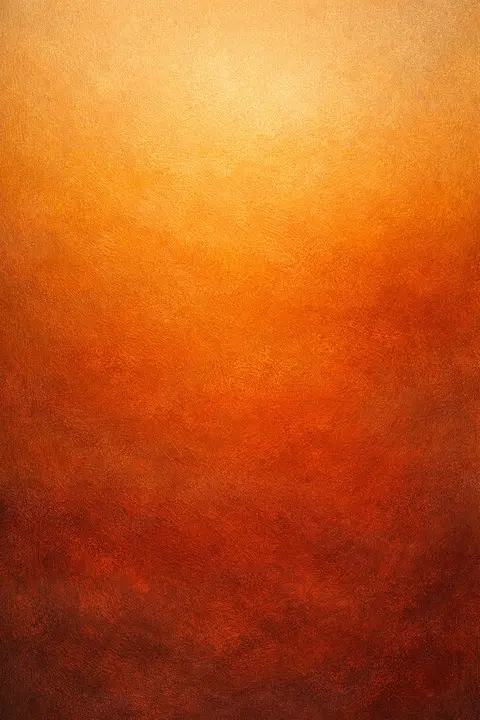
Amber Gradient
A slow gradient from pale amber down into deep rust, no detail to distract.
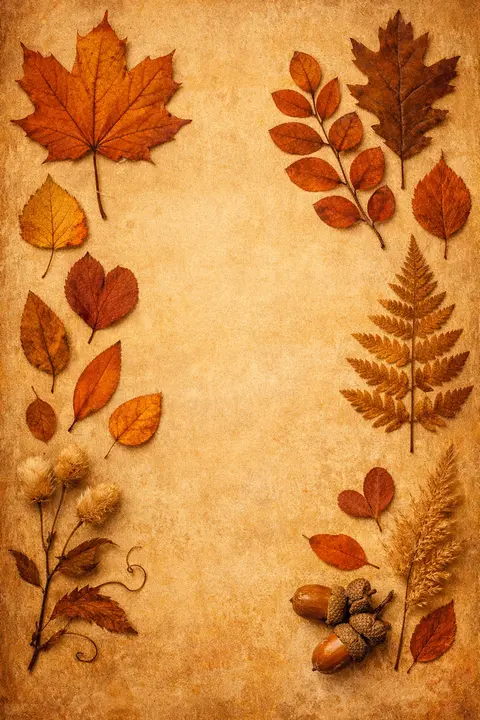
Pressed Leaves
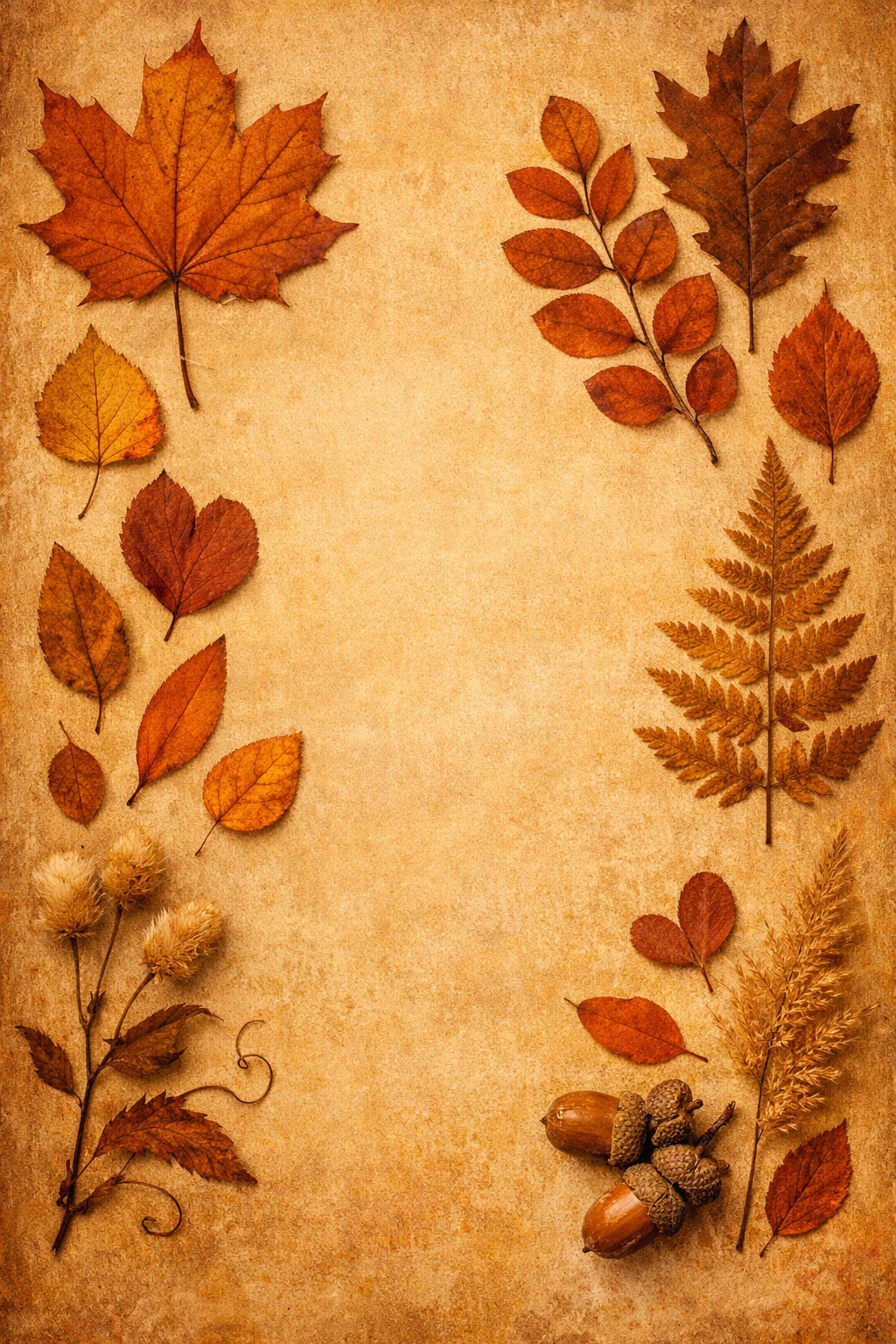
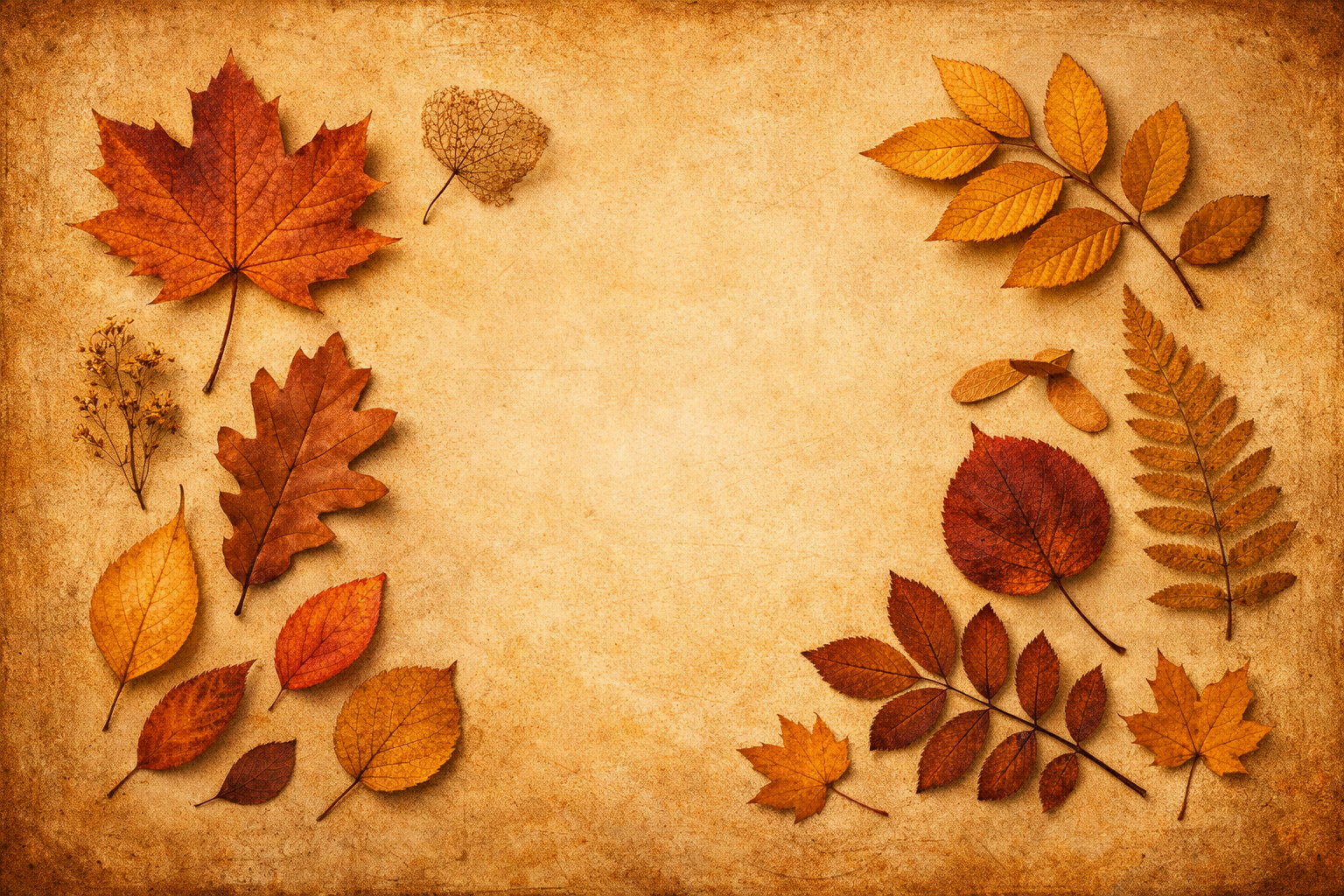
Autumn leaves pressed flat and laid out on old paper like a herbarium page.
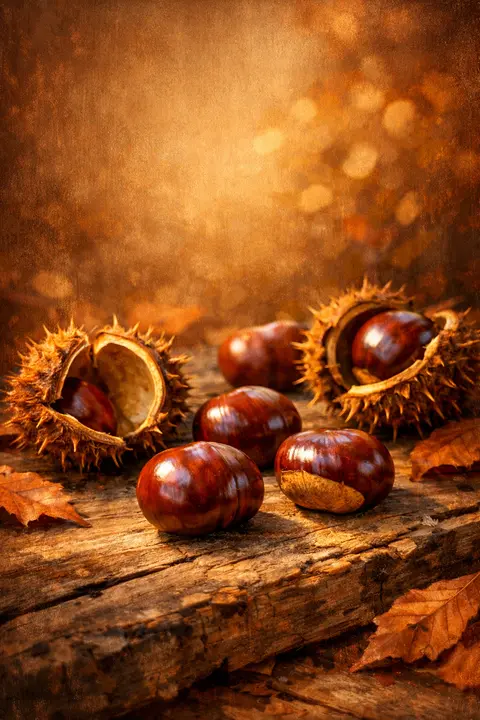
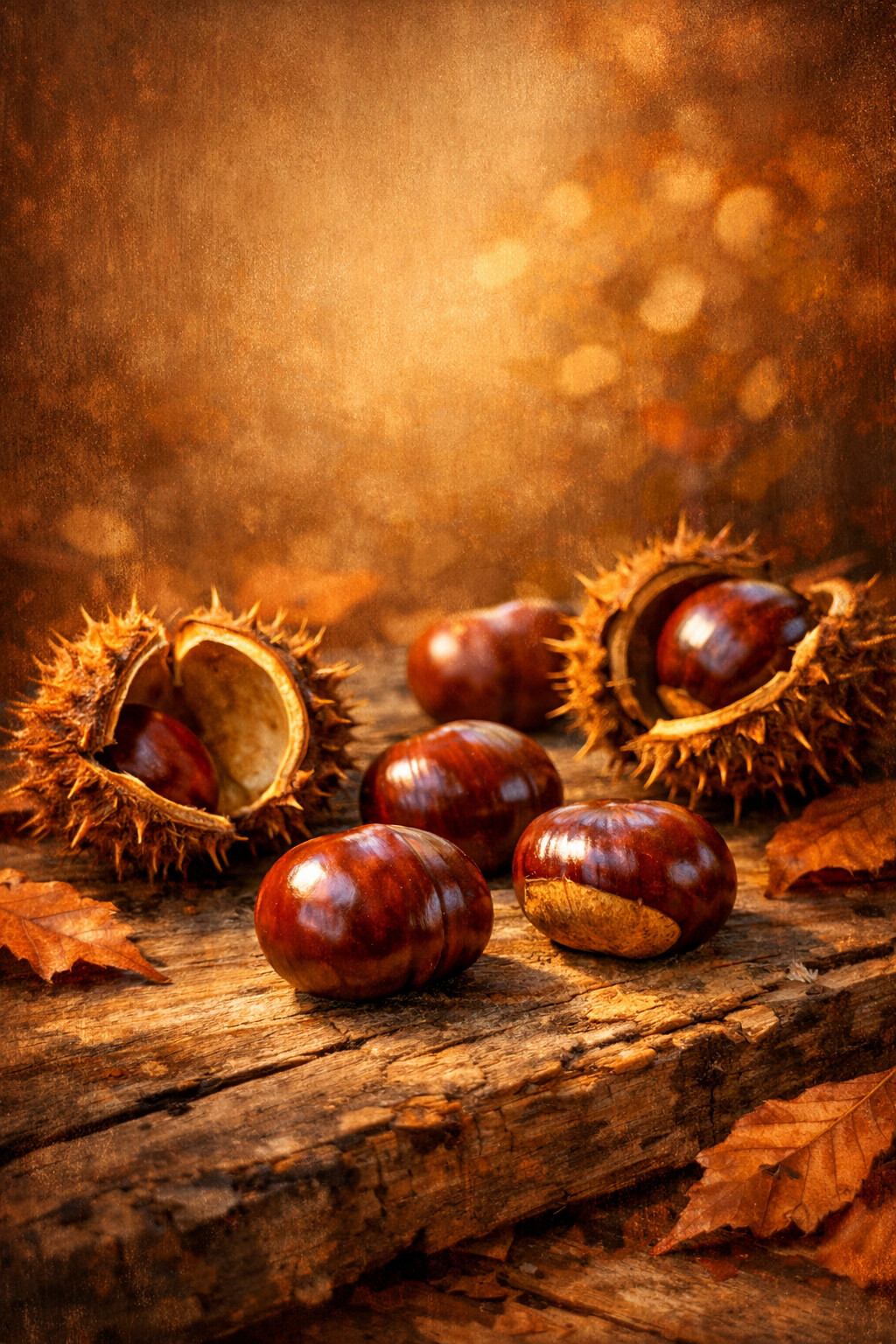
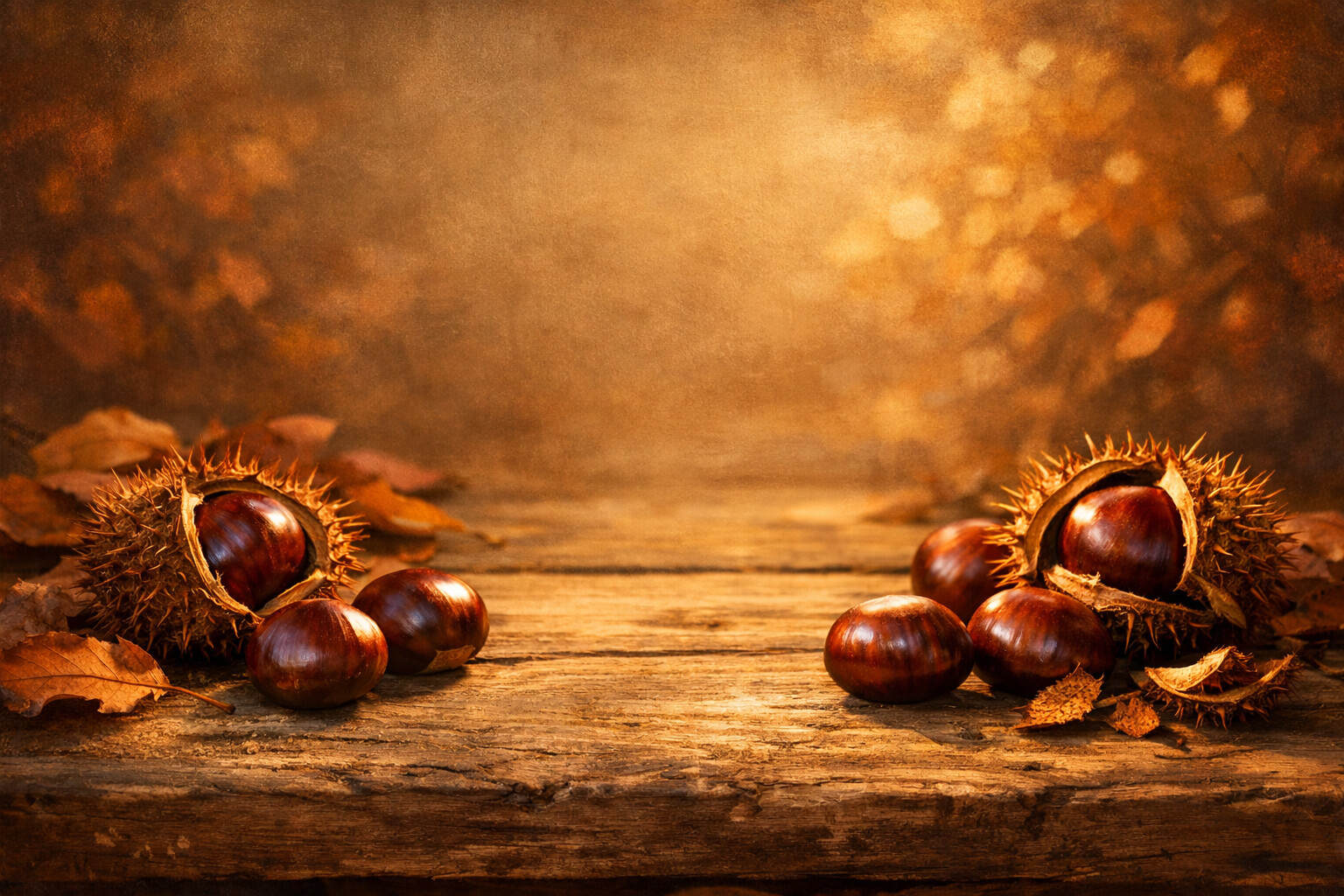
Chestnuts
Glossy chestnuts spilled from their spiky husks onto old wood.
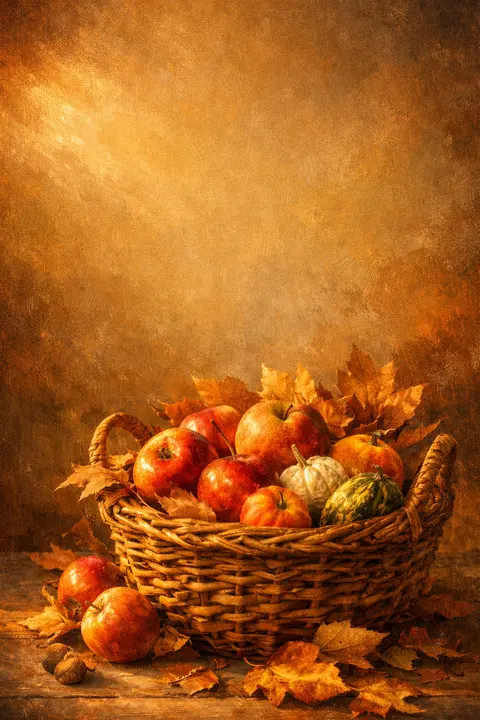
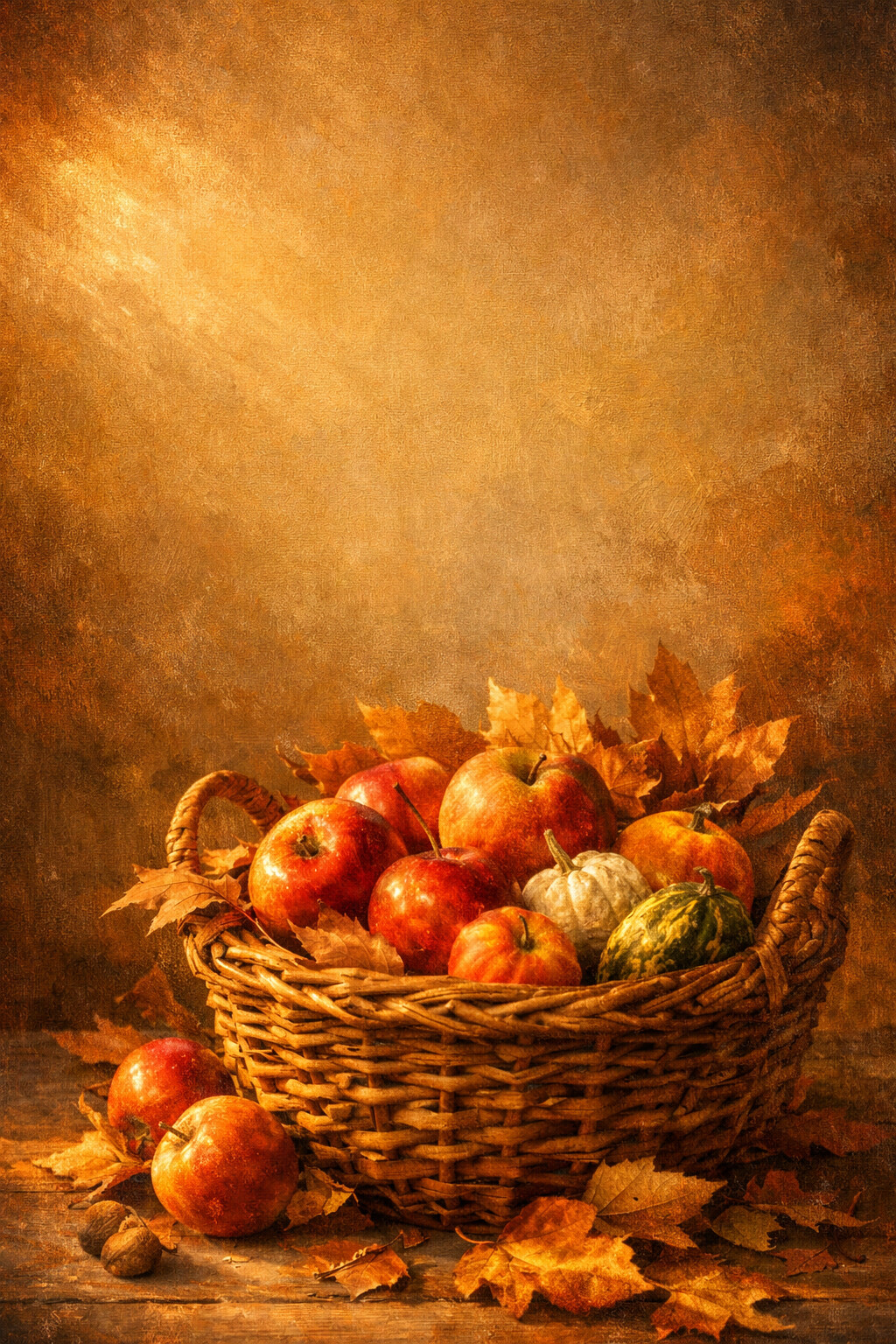
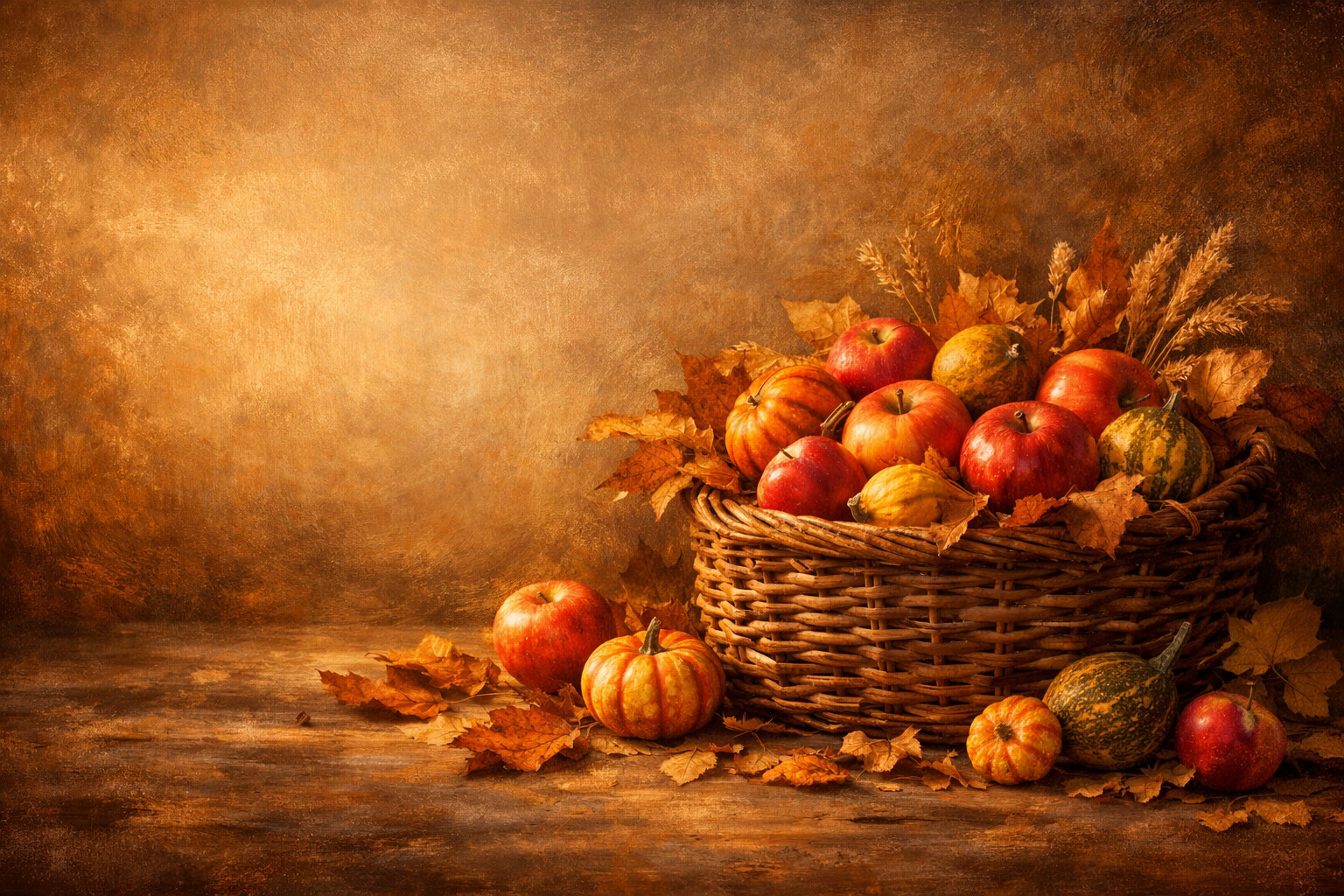
Harvest Basket
A wicker basket loaded with apples and small gourds, carried in and set down.
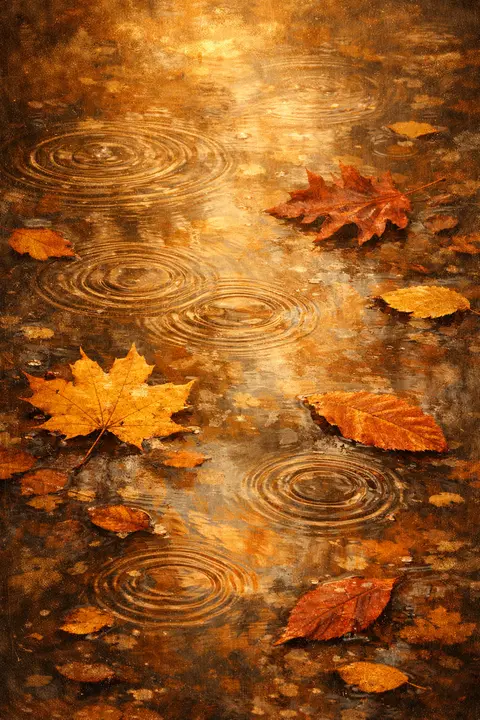
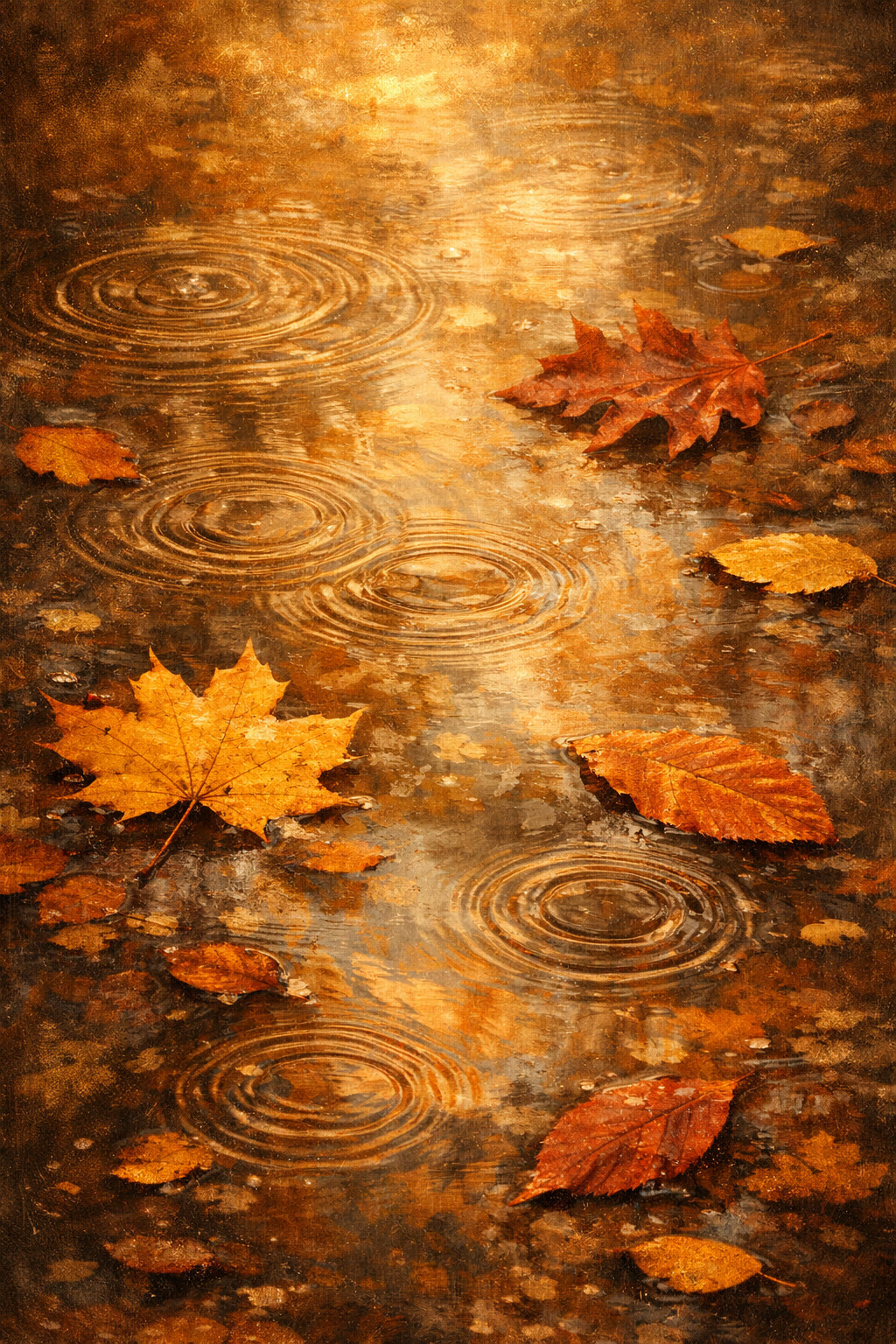
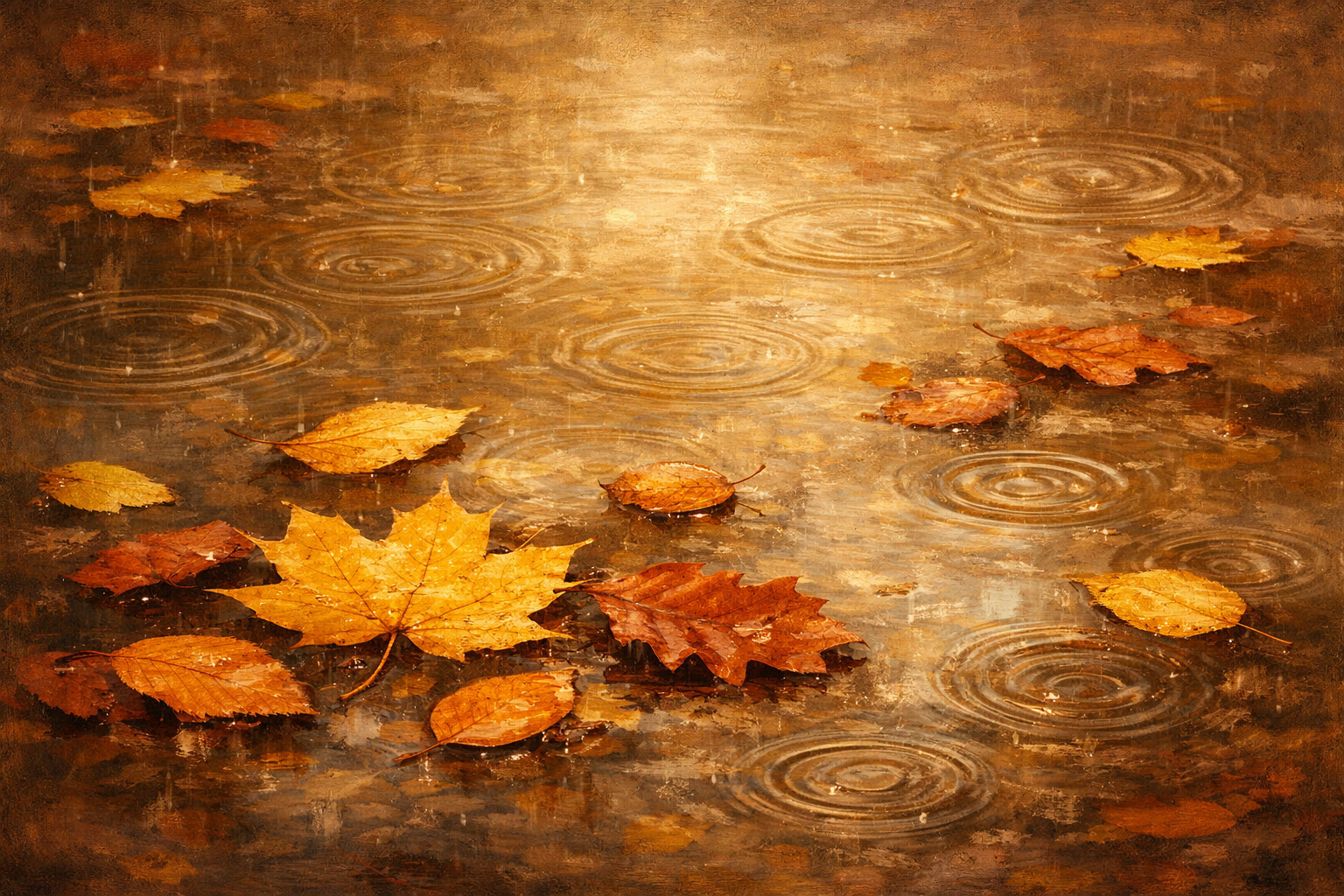
Puddle Leaves
Leaves turning slowly in a puddle while the rain keeps ringing the surface.
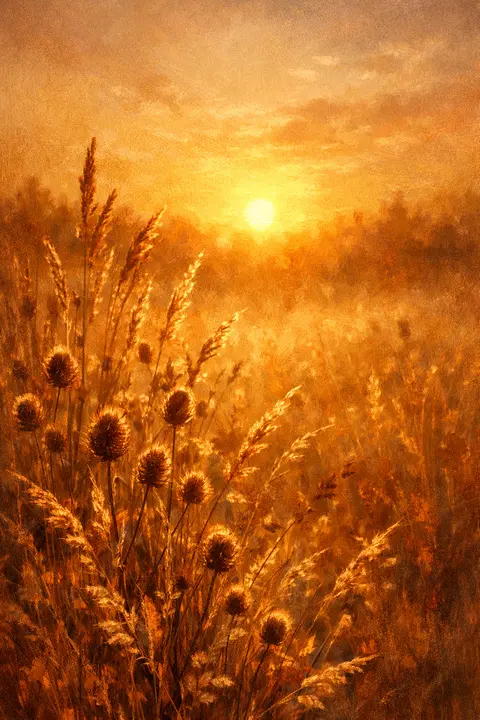
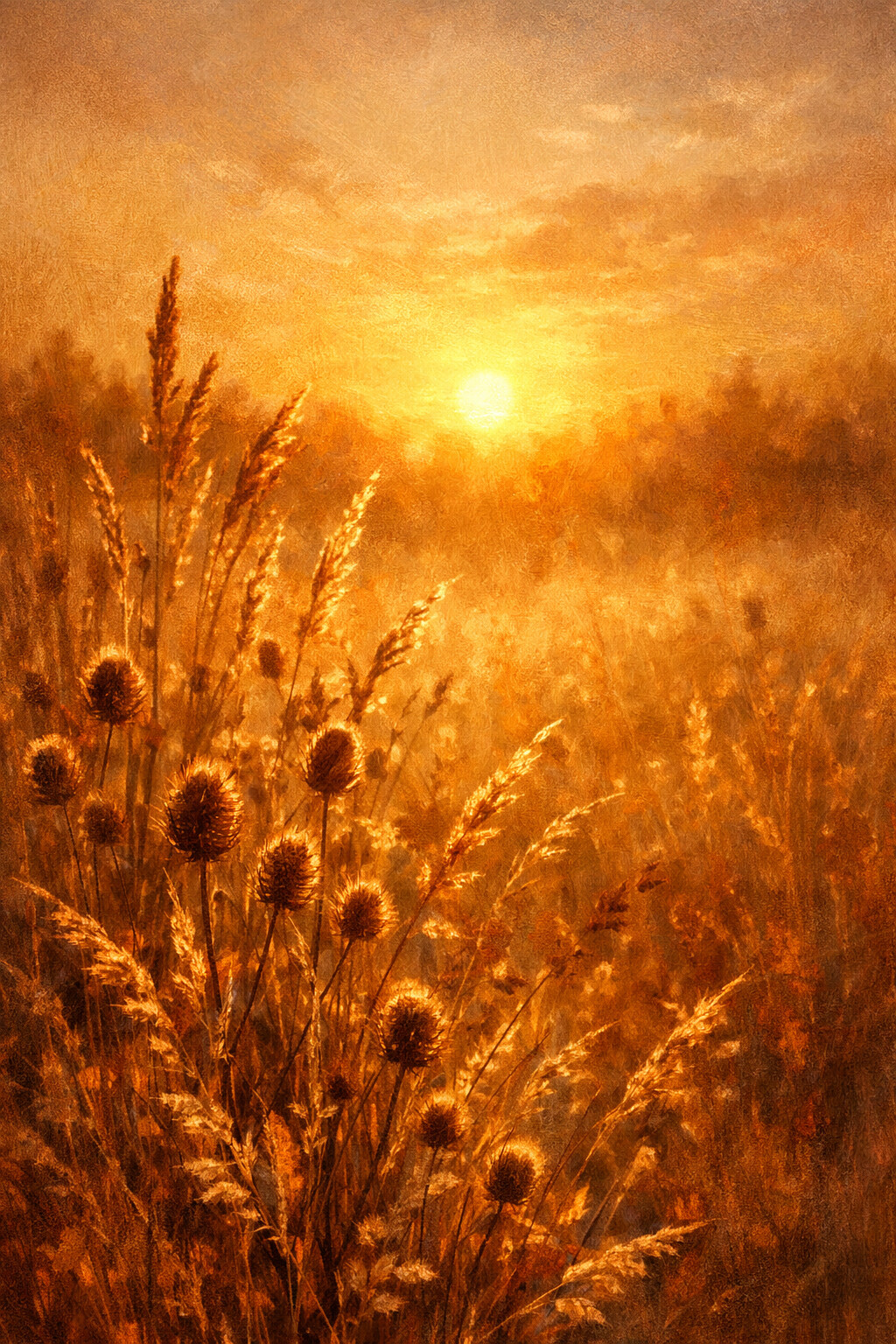
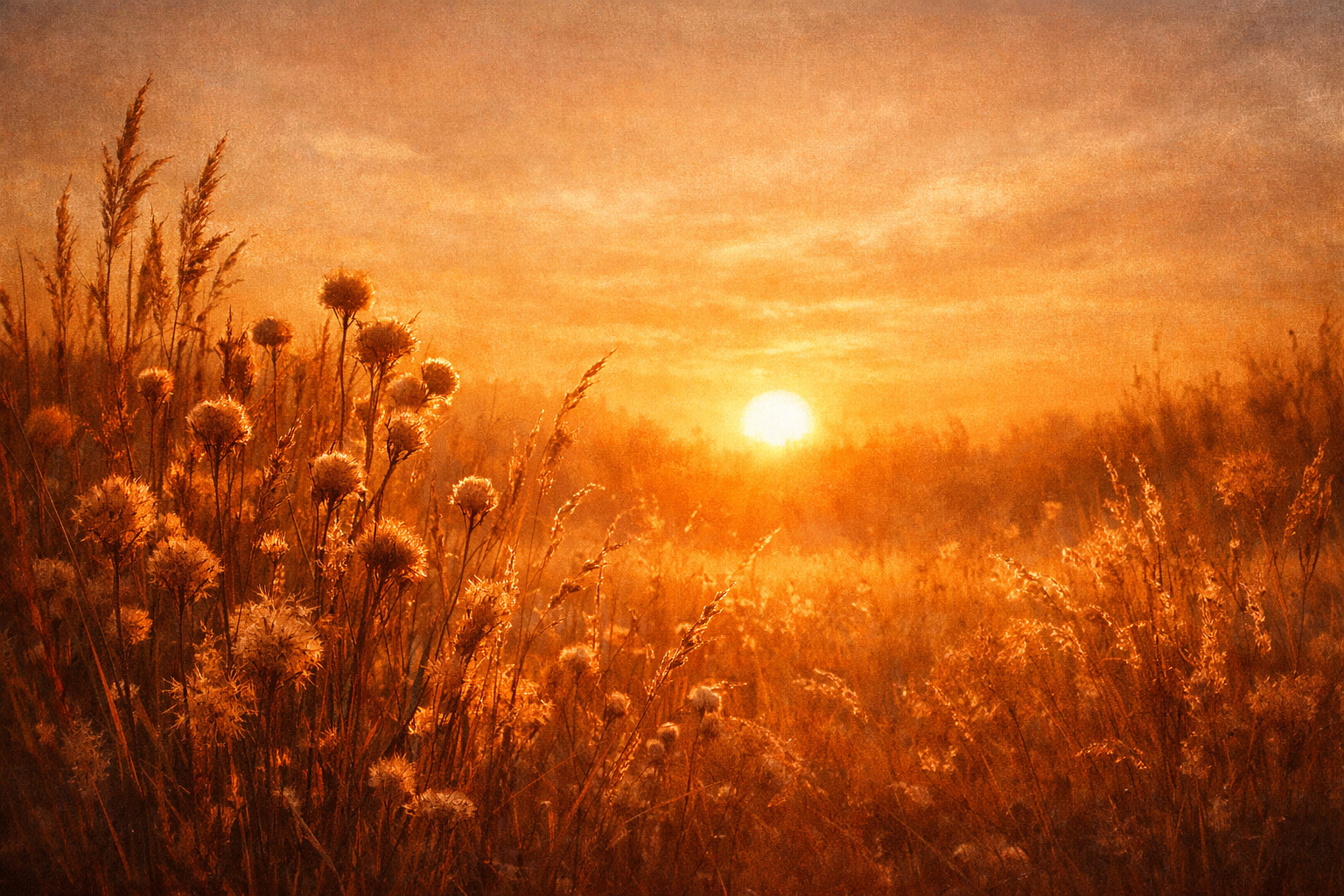
Backlit Grass
Dry grass lit from behind, every seed head holding a little of the sun.
Autumn is the one season people genuinely redecorate their phones for, and this gallery covers the whole of it: a forest path swallowed by amber light, rain on a window with a hot mug waiting on the sill, maple leaves drifting across empty cream paper, a harvest table of pumpkins, gourds and wheat, near-black woods lit by a single shaft of sun, and a rust plaid blanket with acorns resting on the knit.
Which fall wallpaper fits which screen
The designs here split roughly in two. The calm pair is Leaf Scatter and Cozy Plaid: they keep the middle of the frame open, so your clock and app icons stay readable on a phone. Golden Forest, Pumpkin Harvest and Rainy Window are detailed pictures, and they are at their best on a desktop where nothing is sitting on top of them. Moody Woods is the outlier: it is almost black, which makes it the natural pick for a dark home screen or an OLED phone.
Autumn runs long, from the first cold morning in September to the end of November, so it is worth keeping two of these: a busy one on the laptop and a quiet one on the phone. When October arrives, the halloween wallpapers take over the same palette, and the rest of the year the flower gallery keeps this painterly, natural mood going. When the sky is doing the colouring instead of the leaves, the sunset wallpapers carry the same amber and rust palette all year round.
Frequently asked questions
What size are these fall wallpapers?
Two files per design. The phone file is 1024 x 1536 pixels, a 2:3 portrait JPG, and the desktop file is 1536 x 1024, a 3:2 landscape JPG. Modern phones are closer to 9:19.5, so your phone will scale the image up slightly and trim a little from the top and bottom. Nothing important lives at those edges.
Do they work on an iPhone and on Android?
Both, and the process is the same. Download the Phone file, open it in Photos or your gallery app, and set it as wallpaper. No app, no sign-up, no watermark. If you want the same design on a laptop, download the Desktop file as well, because it is a different crop rather than a resize of the phone one.
Can I use an autumn design for a shop or a print?
No. Everything here is free for your own screens, phone, tablet, desktop, as many personal devices as you like, but you cannot re-upload the files elsewhere, sell them, print them on products or use them commercially. The licensing policy sets it out in plain language and takes a minute to read.